
badl1005 - Minecraft Skins & Skin History
Current Minecraft skin of the player badl1005, loaded from the official Mojang API. Rotate the 3D model with your mouse or finger, then download the skin as a PNG file and use it in Minecraft: Bedrock Edition or Java Edition for free. When badl1005 changes their skin, this page updates automatically and the old skin stays in the history below.
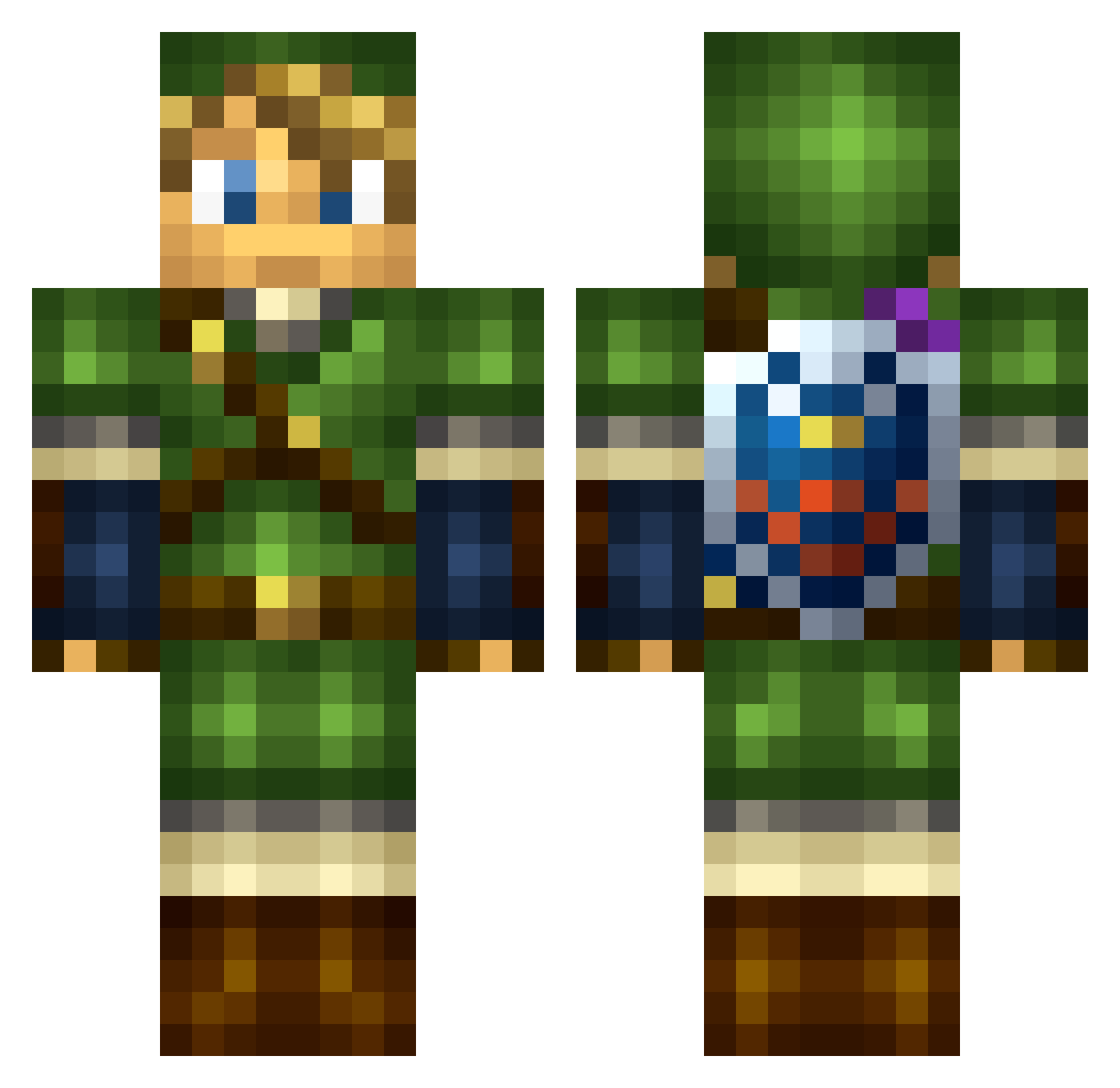
Other players with this skin (113)
badl1005 was the 42nd player we have seen with this skin, first spotted on 31.08.2026. The same skin was seen on these players. Open a nickname to see their current skin and skin history.
 Alureion satellitechild Hisoo94 sorenGu Antience _Silentus_ SesTiz Xmt2 Woyzeck1412 Pibus Freira0
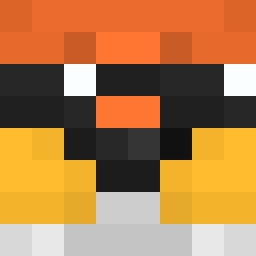 redni_ Hollos proximaBH Whiskey_Tango_F Sidearm Cmoneygetmoney spazzoidman PlayerFile copax0122 NotTooManyItems Eoop022 licx70 Arato317 Wotand Erbyl fireboats oliverr2
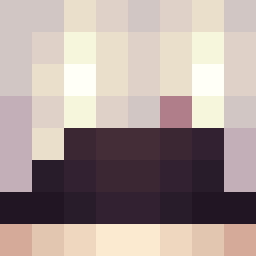 TheDemonLord1 Hades_Hades_ ALE_ULTRON2010 OliverGocaj Erysii NFi Nixll_ Lunerio SpatiumAffe Dokyy1 R3MPE Fran2003 Fl1pMoniz EpicBKAM Chidowz Anfinnes _Prins_ StrikerCJ 20Leonardo07 dark1144 CapCallahan2005 Arkantrus WasianActor
 goghitzu pierro42 mershmallo Camille666444 Loukiiiii TRexOnAMoped tuawela1700
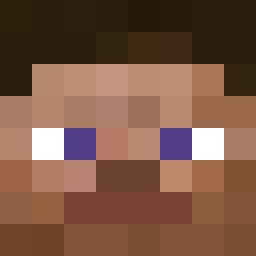 Cortnii Thavric
More Link Minecraft skins
How to install the badl1005 skin
- Press the Download button above to save the skin as a PNG file.
- Minecraft: Bedrock Edition (PE): open the Dressing Room from the main menu (or tap your character → Edit Character), go to Classic Skins → Owned, press the + (new skin) button, choose the downloaded PNG and pick the Classic (Steve) model. Works on PC and mobile; consoles cannot import custom skins.
- Minecraft: Java Edition: open the Minecraft Launcher, go to the Skins tab, click New Skin, load the PNG, pick the Classic (Steve) model and press Save & Use. You can also upload it at minecraft.net → Profile → Change Skin.
The skin does not show up after import - what should I do?
Restart Minecraft and open the Dressing Room again - imported skins sometimes appear only after a restart. Also make sure you selected the imported skin and picked the Classic (Steve) model.
Which model should I choose, Classic or Slim?
This skin is designed for the Classic (Steve) model. If you pick the wrong model, the arms of the skin will look stretched or squeezed.
Is the skin of badl1005 free to download?
Yes. Press Download, save the PNG file and use it in Minecraft: Bedrock Edition or Java Edition - no payment or registration needed. The skin also works on multiplayer servers and Realms.
More skins
Looking for more? Go back to all Minecraft skins and check the top skins of the week, month and all time, or find any player's skin by nickname.