
b37a - Minecraft Skins & Skin History
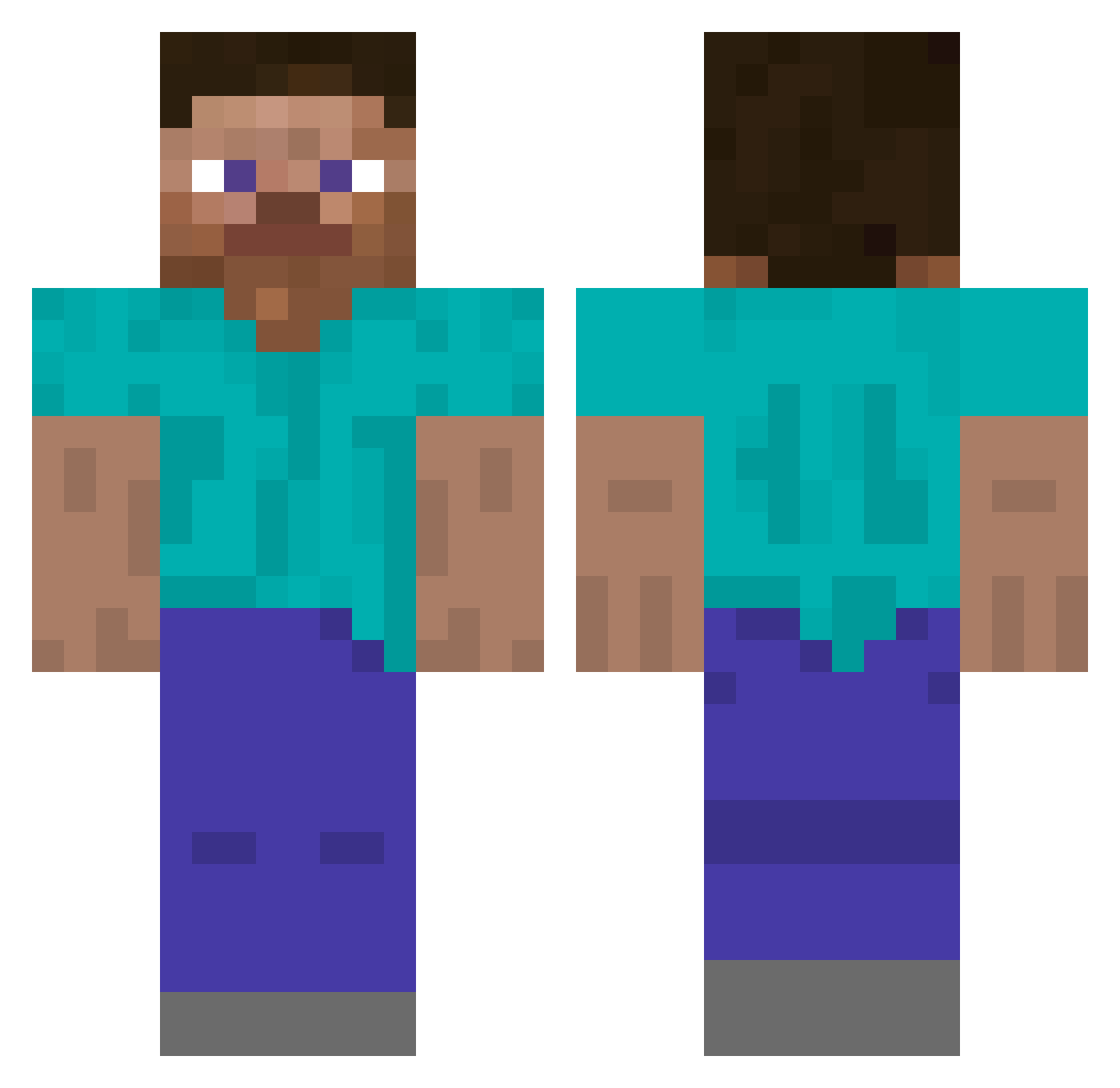
Current Minecraft skin of the player b37a, loaded from the official Mojang API. Rotate the 3D model with your mouse or finger, then download the skin as a PNG file and use it in Minecraft: Bedrock Edition or Java Edition for free. When b37a changes their skin, this page updates automatically and the old skin stays in the history below.
Other players with this skin (277)
b37a was the 89th player we have seen with this skin, first spotted on 30.08.2026. The same skin was seen on these players. Open a nickname to see their current skin and skin history.
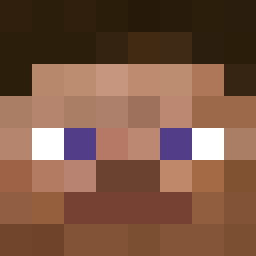 K3risgh yoonchan96 Sch1uter rescue_striker Hotab1994 nikolaosboutalas
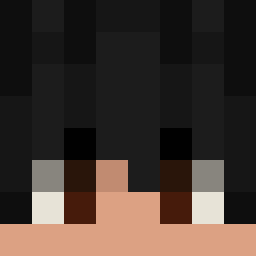 SANTINOT bogdan_RAGE Riptide9917 NotGud204 Tomar53268 prophetZ13 majorityz_ foxfloat Jaomagnifico westod44
 Sylruis Tobiko0 V1Y0TT rioto414 alsiva WizardCoyote StellarVisi0n Franz3 shiy_ uwot7298 ijfry Harumi_2010 kailoveslune ISERVETHEBASE donass StevenLiiin pXzrm NextGen6973
 liams__ 13nghin579vnd codacVI _Stockfish_ mrJabroni AtomicKris drokeen sebad2007 ssc3078 steve_jones _AEMY_ Victor669 HyperVx looksmaxing
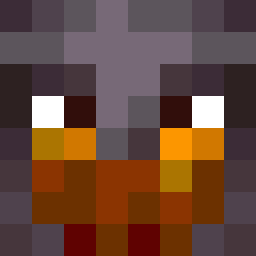 REIMIGUEL16 swlk LewSc09 PRinaldi076 peidlmatyas AnirudhSK Bluedev93 edvbnm SirAndersson G0ldenKing5 ssslala2 Yooniss
How to install the b37a skin
- Press the Download button above to save the skin as a PNG file.
- Minecraft: Bedrock Edition (PE): open the Dressing Room from the main menu (or tap your character → Edit Character), go to Classic Skins → Owned, press the + (new skin) button, choose the downloaded PNG and pick the Classic (Steve) model. Works on PC and mobile; consoles cannot import custom skins.
- Minecraft: Java Edition: open the Minecraft Launcher, go to the Skins tab, click New Skin, load the PNG, pick the Classic (Steve) model and press Save & Use. You can also upload it at minecraft.net → Profile → Change Skin.
The skin does not show up after import - what should I do?
Restart Minecraft and open the Dressing Room again - imported skins sometimes appear only after a restart. Also make sure you selected the imported skin and picked the Classic (Steve) model.
Which model should I choose, Classic or Slim?
This skin is designed for the Classic (Steve) model. If you pick the wrong model, the arms of the skin will look stretched or squeezed.
Is the skin of b37a free to download?
Yes. Press Download, save the PNG file and use it in Minecraft: Bedrock Edition or Java Edition - no payment or registration needed. The skin also works on multiplayer servers and Realms.
More skins
Looking for more? Go back to all Minecraft skins and check the top skins of the week, month and all time, or find any player's skin by nickname.