
ayporos - Minecraft Skins & Skin History
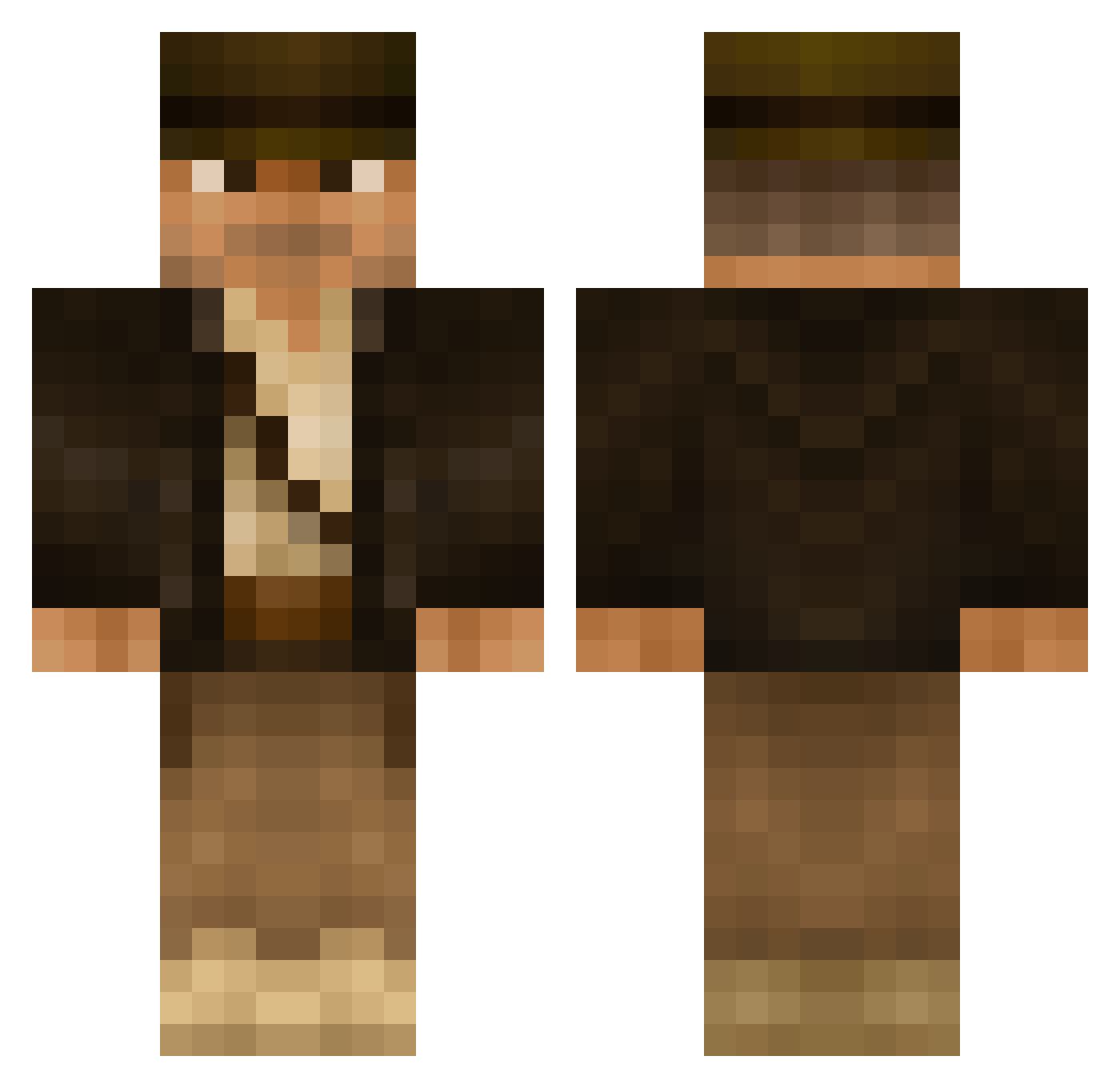
Current Minecraft skin of the player ayporos, loaded from the official Mojang API. Rotate the 3D model with your mouse or finger, then download the skin as a PNG file and use it in Minecraft: Bedrock Edition or Java Edition for free. When ayporos changes their skin, this page updates automatically and the old skin stays in the history below.
Other players with this skin (506)
ayporos was the 139th player we have seen with this skin, first spotted on 24.08.2026. The same skin was seen on these players. Open a nickname to see their current skin and skin history.
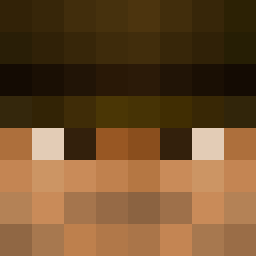 Jise guyths Scruffners Fr0zenPenguin justin1141 Begeaux AndyZimmerman SpencerChampion phizz166 Kajus1990 Koshamin Wsm75 WareHouseGnome Cursa sublake jman199909 Swifty25 Mazatec thirdful BlaccNicce _SJR_ cookiedude223 TuttiFrutti101 Munich01 kingpingxing Indiana_Bronez jsmithMC Jasper_Beardly Zygaenar heroichotdog NetoBrioschi Sgt_Silver Richy290 Galucia Slade820 NoxiousMuffin Dahwad SiggiSigmann Waterboyeee subdiver45 Epicmonkey_gamer mimik330 Aksu86 AxlFoxx microminer YourTeamName JoeRobins _Kruzifix_ captainkayak Tomster_R NoSkill_McThrill GrandOldMan UpcomingChris Grism1138 RachelTruman Rneck26 jshuford AndreasOfSweden MrMBD SaxyThing
More Indiana Jones Minecraft skins
See all 80 Indiana Jones skins
How to install the ayporos skin
- Press the Download button above to save the skin as a PNG file.
- Minecraft: Bedrock Edition (PE): open the Dressing Room from the main menu (or tap your character → Edit Character), go to Classic Skins → Owned, press the + (new skin) button, choose the downloaded PNG and pick the Classic (Steve) model. Works on PC and mobile; consoles cannot import custom skins.
- Minecraft: Java Edition: open the Minecraft Launcher, go to the Skins tab, click New Skin, load the PNG, pick the Classic (Steve) model and press Save & Use. You can also upload it at minecraft.net → Profile → Change Skin.
The skin does not show up after import - what should I do?
Restart Minecraft and open the Dressing Room again - imported skins sometimes appear only after a restart. Also make sure you selected the imported skin and picked the Classic (Steve) model.
Which model should I choose, Classic or Slim?
This skin is designed for the Classic (Steve) model. If you pick the wrong model, the arms of the skin will look stretched or squeezed.
Is the skin of ayporos free to download?
Yes. Press Download, save the PNG file and use it in Minecraft: Bedrock Edition or Java Edition - no payment or registration needed. The skin also works on multiplayer servers and Realms.
More skins
Looking for more? Go back to all Minecraft skins and check the top skins of the week, month and all time, or find any player's skin by nickname.