
ayhem_07 - Minecraft Skins & Skin History
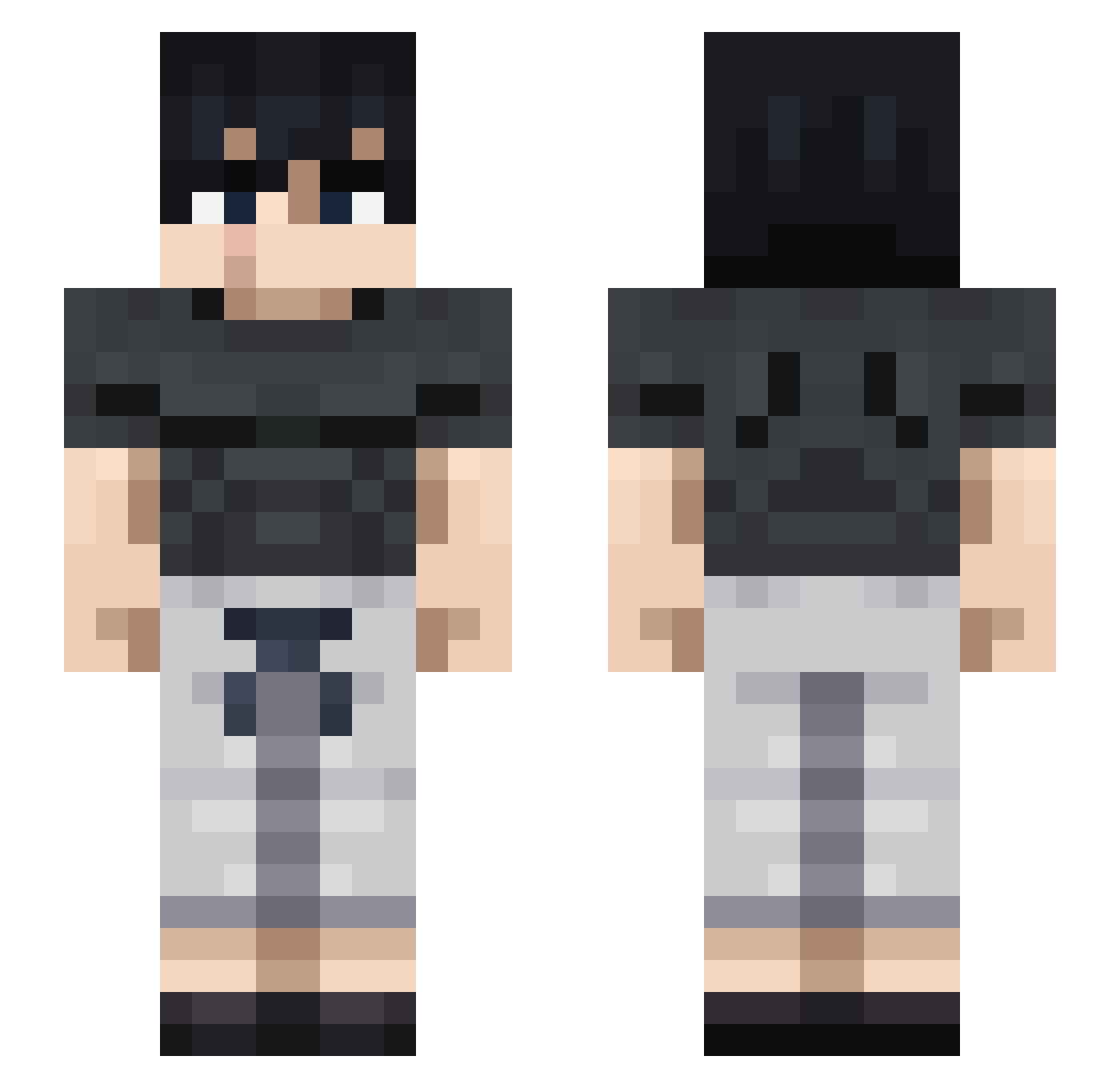
Current Minecraft skin of the player ayhem_07, loaded from the official Mojang API. Rotate the 3D model with your mouse or finger, then download the skin as a PNG file and use it in Minecraft: Bedrock Edition or Java Edition for free. When ayhem_07 changes their skin, this page updates automatically and the old skin stays in the history below.
Other players with this skin (712)
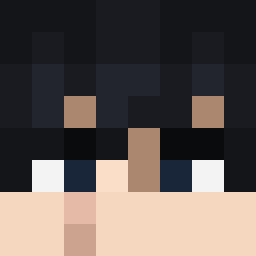
ayhem_07 was the 469th player we have seen with this skin, first spotted on 24.09.2026. The same skin was seen on these players. Open a nickname to see their current skin and skin history.
 yearsi zeripo5 Philex070 chuckinator30k IanJacob jaur2 Merrex Lutrax_S Roxel13 CasualHans GerraraHe _1mp Ardinyo721 Miki96 Monek_UwU hassanidasani Jr00752 joecodina EliezerG CreepyHawk99129 _Blue_Viper_ MarkStulz AlexMC5666 Minos_prime132 Tutillo_08 LIL_STEZZ01 Yessir2014 Kokosak007cz axelslaw101 Carpioo wsuguru Euanique Thorsan7 vithu94 LAZERGAMER900 skyluke2809 baltu_d10s Abosin Sxmuelvz LovePotionz lalojeje Barcy_noob Hexilon taamatsu FI12STBL00D KingOSwords Scannerwire McFappyMeal Pechugos King5upah SWIFTY_024 destroyer4878 Devoine epicmonkey11 groaningbunny Tommy9631 dripz7 AkioIV TheIbarrex o0Mentix0o
More Casual Minecraft skins
How to install the ayhem_07 skin
- Press the Download button above to save the skin as a PNG file.
- Minecraft: Bedrock Edition (PE): open the Dressing Room from the main menu (or tap your character → Edit Character), go to Classic Skins → Owned, press the + (new skin) button, choose the downloaded PNG and pick the Slim (Alex) model. Works on PC and mobile; consoles cannot import custom skins.
- Minecraft: Java Edition: open the Minecraft Launcher, go to the Skins tab, click New Skin, load the PNG, pick the Slim (Alex) model and press Save & Use. You can also upload it at minecraft.net → Profile → Change Skin.
The skin does not show up after import - what should I do?
Restart Minecraft and open the Dressing Room again - imported skins sometimes appear only after a restart. Also make sure you selected the imported skin and picked the Slim (Alex) model.
Which model should I choose, Classic or Slim?
This skin is designed for the Slim (Alex) model. If you pick the wrong model, the arms of the skin will look stretched or squeezed.
Is the skin of ayhem_07 free to download?
Yes. Press Download, save the PNG file and use it in Minecraft: Bedrock Edition or Java Edition - no payment or registration needed. The skin also works on multiplayer servers and Realms.
More skins
Looking for more? Go back to all Minecraft skins and check the top skins of the week, month and all time, or find any player's skin by nickname.