
axel_666 - Minecraft Skins & Skin History
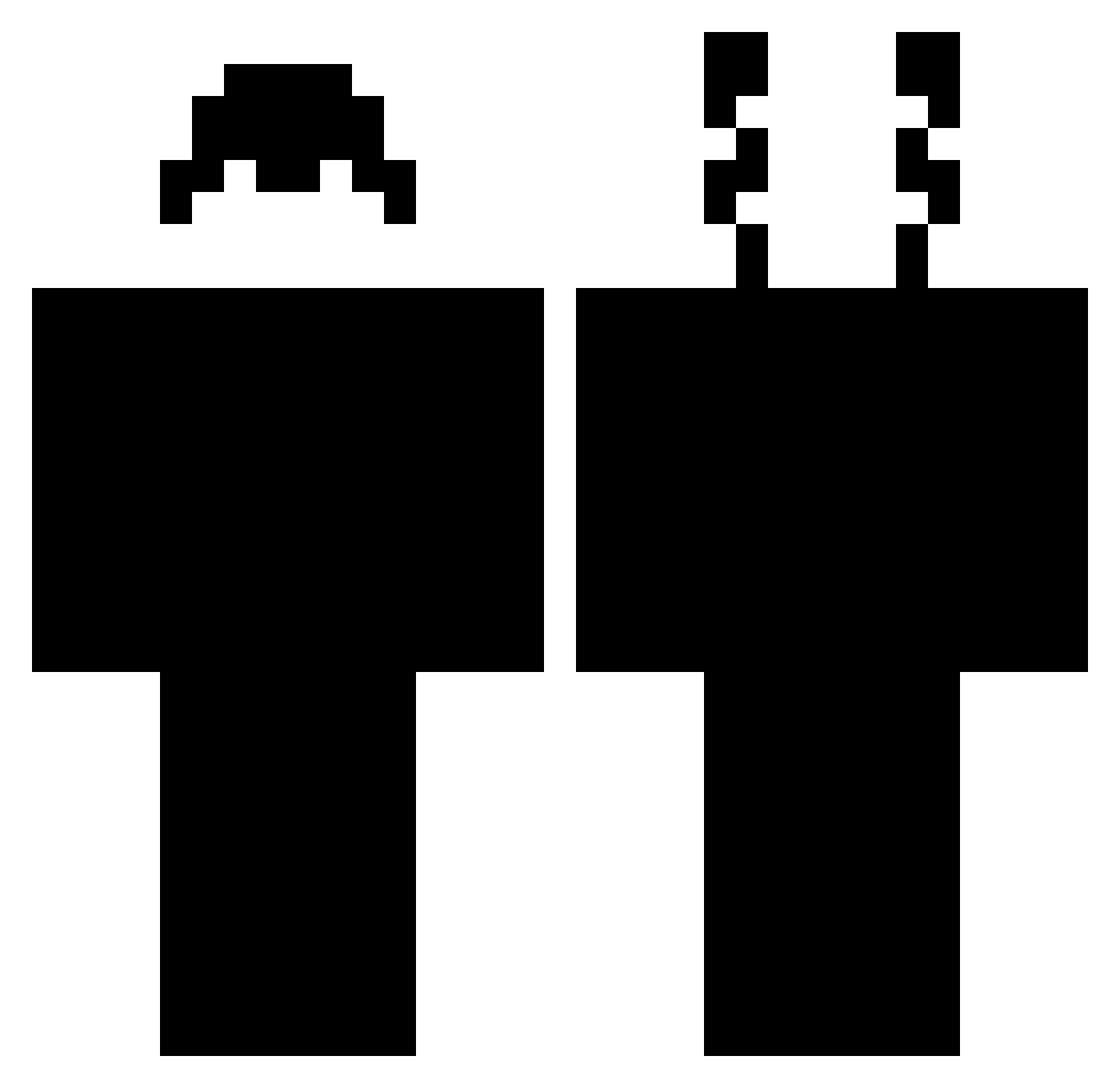
Current Minecraft skin of the player axel_666, loaded from the official Mojang API. Rotate the 3D model with your mouse or finger, then download the skin as a PNG file and use it in Minecraft: Bedrock Edition or Java Edition for free. When axel_666 changes their skin, this page updates automatically and the old skin stays in the history below.
Other players with this skin (317)
axel_666 was the 20th player we have seen with this skin, first spotted on 31.07.2026. The same skin was seen on these players. Open a nickname to see their current skin and skin history.
 Vegetablue37 Iilbaby N4yro Toxic_Jakob brobloxian _NormalClick_ RDSTONEMASTR09 lionuwu826 DeneksYT DeclanPlayz_XOXO vImpulse_ civilry moomoo2961 GeorgeWwW Larsy07 Hacer_223 littleni bouqet goxtes Rahchi GABER950 Saf1rus tigerhobbs
 MetalTick Mr_Zeynel Fran_Legit DEFGOOD TremSTN loshkasa OVNER_KILLER_ cantipro Lukoooo AbsoluteAutism Arxtic pablomog69 eliijxh Bladsmickey Irxtr0 FREEQEPAII alizonegamer XDark_PhantomX DerWxxer xWaveey RudytoKox ubitquitous NorlingTopG
 ItzyaboiCTF Tacorici voidedmender4
 BigManMao1 TBLFrosch CrYptoBogdanoff KEW__KEW _stompr_ Fatty_Rat Tartarus_24 peoova Lefoudubaby ltzwoven PCPFx
How to install the axel_666 skin
- Press the Download button above to save the skin as a PNG file.
- Minecraft: Bedrock Edition (PE): open the Dressing Room from the main menu (or tap your character → Edit Character), go to Classic Skins → Owned, press the + (new skin) button, choose the downloaded PNG and pick the Classic (Steve) model. Works on PC and mobile; consoles cannot import custom skins.
- Minecraft: Java Edition: open the Minecraft Launcher, go to the Skins tab, click New Skin, load the PNG, pick the Classic (Steve) model and press Save & Use. You can also upload it at minecraft.net → Profile → Change Skin.
The skin does not show up after import - what should I do?
Restart Minecraft and open the Dressing Room again - imported skins sometimes appear only after a restart. Also make sure you selected the imported skin and picked the Classic (Steve) model.
Which model should I choose, Classic or Slim?
This skin is designed for the Classic (Steve) model. If you pick the wrong model, the arms of the skin will look stretched or squeezed.
Is the skin of axel_666 free to download?
Yes. Press Download, save the PNG file and use it in Minecraft: Bedrock Edition or Java Edition - no payment or registration needed. The skin also works on multiplayer servers and Realms.
More skins
Looking for more? Go back to all Minecraft skins and check the top skins of the week, month and all time, or find any player's skin by nickname.