
avilesinho - Minecraft Skins & Skin History
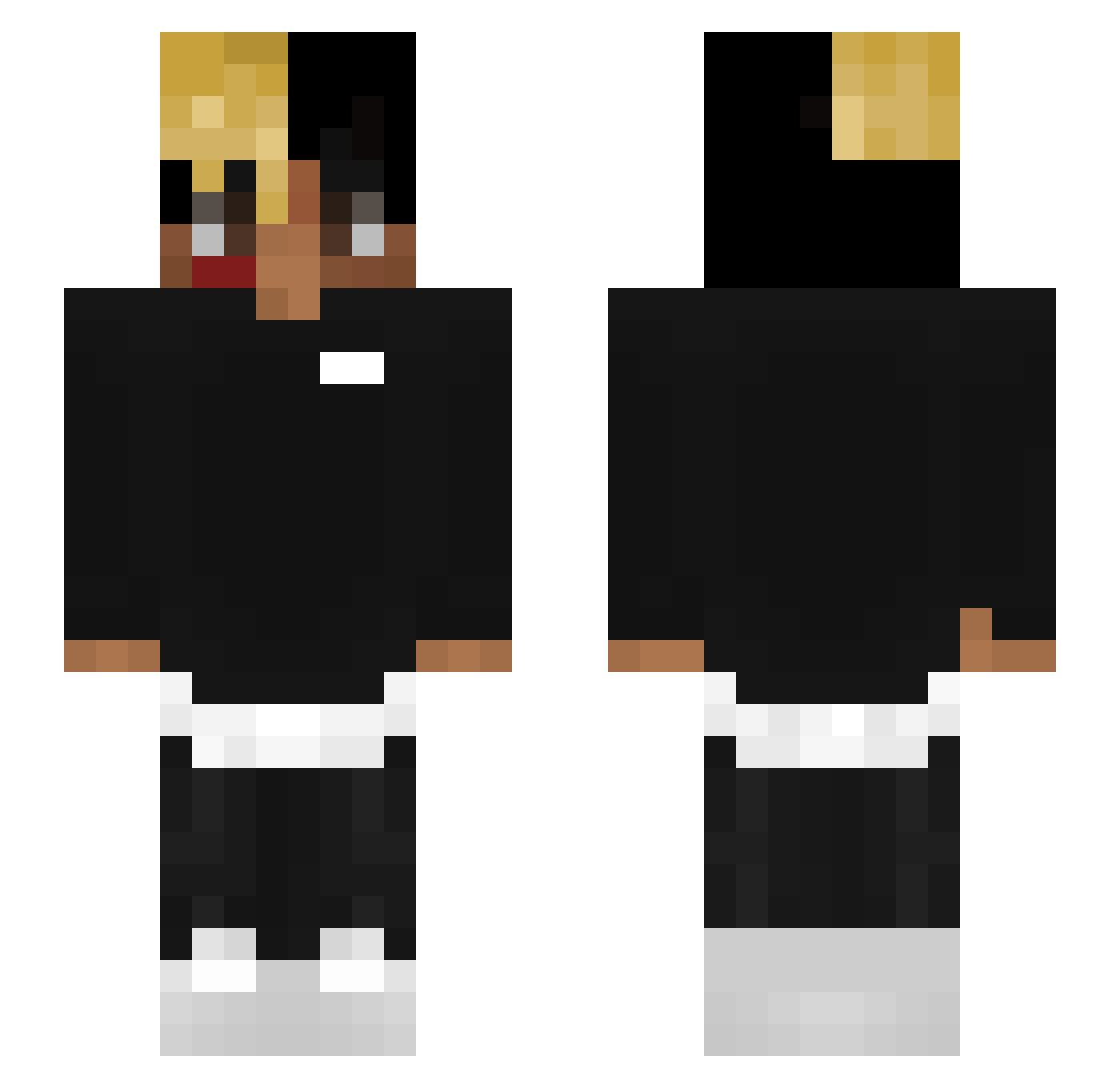
Current Minecraft skin of the player avilesinho, loaded from the official Mojang API. Rotate the 3D model with your mouse or finger, then download the skin as a PNG file and use it in Minecraft: Bedrock Edition or Java Edition for free. When avilesinho changes their skin, this page updates automatically and the old skin stays in the history below.
Other players with this skin (161)
avilesinho was the 84th player we have seen with this skin, first spotted on 11.09.2026. The same skin was seen on these players. Open a nickname to see their current skin and skin history.
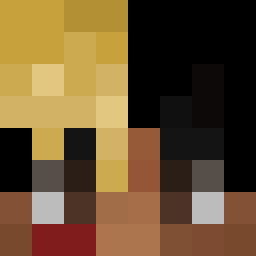 SwindlerOP kkengill samuelTowen Flu7cen MongDB adriannagytag Blaancxx callmelisekk de_BIGCHEESE peperondaa SzefitoKapi Kuzmich2k Han_of_the_Ro mogolicoensilla _MoonRock_ TripplexTV Flibustier666 AminaOssurim olafxox Anasaziii SmoothAsPeanut xM2Kx MatoSef xxMoonLightxx10 Musthave Mootjear mattxne CrackinNBrackin BC92020 69EZZ 4Pre NotherNote986 henpixel F15T samkastelijns bittejungsbett moursten Dufl spicymemelord420 casanova__ kinkedpit dianadobleerre ockserpentine614 IGUzIN7 AnaGottnSkm MapleKyle LilParenThesis buh_moment SecretBoy15 xxtentioncord noo0by Pogto04 PoreXWok Wiipi __Onfroy__ Chandler_L The_Unknown_1997 dragontoaster15 _PurpleHaze 5neakyGuy
More Xxxtentacion Minecraft skins
See all 364 Xxxtentacion skins
How to install the avilesinho skin
- Press the Download button above to save the skin as a PNG file.
- Minecraft: Bedrock Edition (PE): open the Dressing Room from the main menu (or tap your character → Edit Character), go to Classic Skins → Owned, press the + (new skin) button, choose the downloaded PNG and pick the Slim (Alex) model. Works on PC and mobile; consoles cannot import custom skins.
- Minecraft: Java Edition: open the Minecraft Launcher, go to the Skins tab, click New Skin, load the PNG, pick the Slim (Alex) model and press Save & Use. You can also upload it at minecraft.net → Profile → Change Skin.
The skin does not show up after import - what should I do?
Restart Minecraft and open the Dressing Room again - imported skins sometimes appear only after a restart. Also make sure you selected the imported skin and picked the Slim (Alex) model.
Which model should I choose, Classic or Slim?
This skin is designed for the Slim (Alex) model. If you pick the wrong model, the arms of the skin will look stretched or squeezed.
Is the skin of avilesinho free to download?
Yes. Press Download, save the PNG file and use it in Minecraft: Bedrock Edition or Java Edition - no payment or registration needed. The skin also works on multiplayer servers and Realms.
More skins
Looking for more? Go back to all Minecraft skins and check the top skins of the week, month and all time, or find any player's skin by nickname.