
aucoboom - Minecraft Skins & Skin History
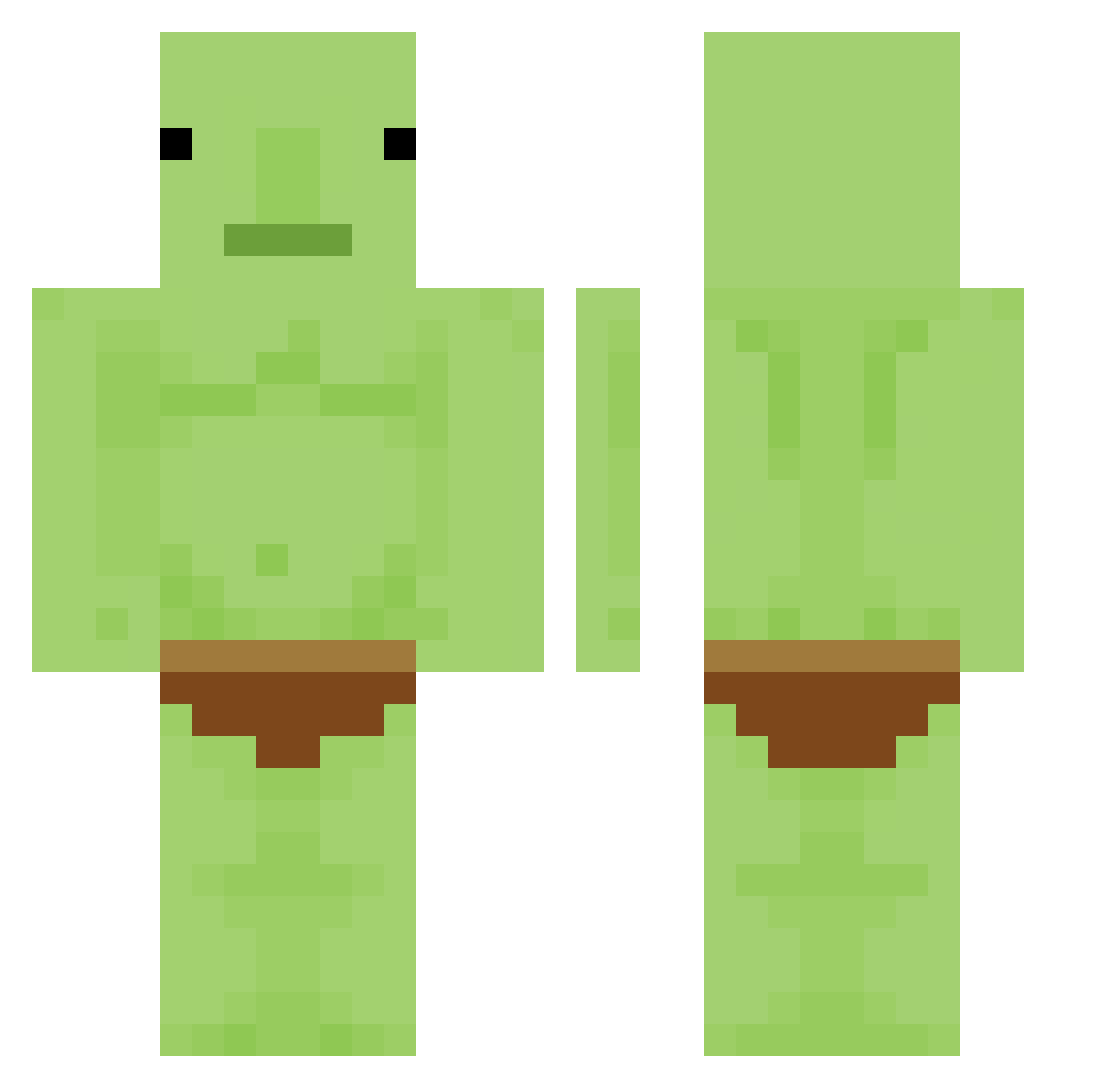
Current Minecraft skin of the player aucoboom, loaded from the official Mojang API. Rotate the 3D model with your mouse or finger, then download the skin as a PNG file and use it in Minecraft: Bedrock Edition or Java Edition for free. When aucoboom changes their skin, this page updates automatically and the old skin stays in the history below.
Other players with this skin (336)
aucoboom was the 130th player we have seen with this skin, first spotted on 08.09.2026. The same skin was seen on these players. Open a nickname to see their current skin and skin history.
 ertwoefe Carmenlista JuicyStreet ABarankovich gingerbreadzack TakkerSkabPVP hanis911 elsinhueso Narfoxxx Strafely MemeNDream DIF_ Bin_zix 83hrs SparkyCowboy SisyphusGoblinus SpicyChickenSub jaycompnay smircks MmmmmmmmmmmK Aron123istcool EierBaumler69 theresaziegel Tappinsnurtle Letska helokasra Ithias24 Sohge Abradalo_Andrea lilpyr STRANGE_MANN yassassin_0252 IanisVaFtMamele TheSnowyGhost cbseay yOURMO0THER nimanoma mrhardman MOFUGoblin Mammotho7881 bbnana11 adamam3 DoritoAddiction Gangbina GoatPilot911 f3l1x01991 wooryeol12 Tro_ll MilkyPotatos STRONGPUMPKIN201 leeked1 BoyYumYum _Ginky baccicrumbs _______Socks Cooky12 BURRITOBOY3 MainBish_Patrish mmaagic jiromoto
More Blobfish Minecraft skins
How to install the aucoboom skin
- Press the Download button above to save the skin as a PNG file.
- Minecraft: Bedrock Edition (PE): open the Dressing Room from the main menu (or tap your character → Edit Character), go to Classic Skins → Owned, press the + (new skin) button, choose the downloaded PNG and pick the Classic (Steve) model. Works on PC and mobile; consoles cannot import custom skins.
- Minecraft: Java Edition: open the Minecraft Launcher, go to the Skins tab, click New Skin, load the PNG, pick the Classic (Steve) model and press Save & Use. You can also upload it at minecraft.net → Profile → Change Skin.
The skin does not show up after import - what should I do?
Restart Minecraft and open the Dressing Room again - imported skins sometimes appear only after a restart. Also make sure you selected the imported skin and picked the Classic (Steve) model.
Which model should I choose, Classic or Slim?
This skin is designed for the Classic (Steve) model. If you pick the wrong model, the arms of the skin will look stretched or squeezed.
Is the skin of aucoboom free to download?
Yes. Press Download, save the PNG file and use it in Minecraft: Bedrock Edition or Java Edition - no payment or registration needed. The skin also works on multiplayer servers and Realms.
More skins
Looking for more? Go back to all Minecraft skins and check the top skins of the week, month and all time, or find any player's skin by nickname.