
ashythebug - Minecraft Skins & Skin History
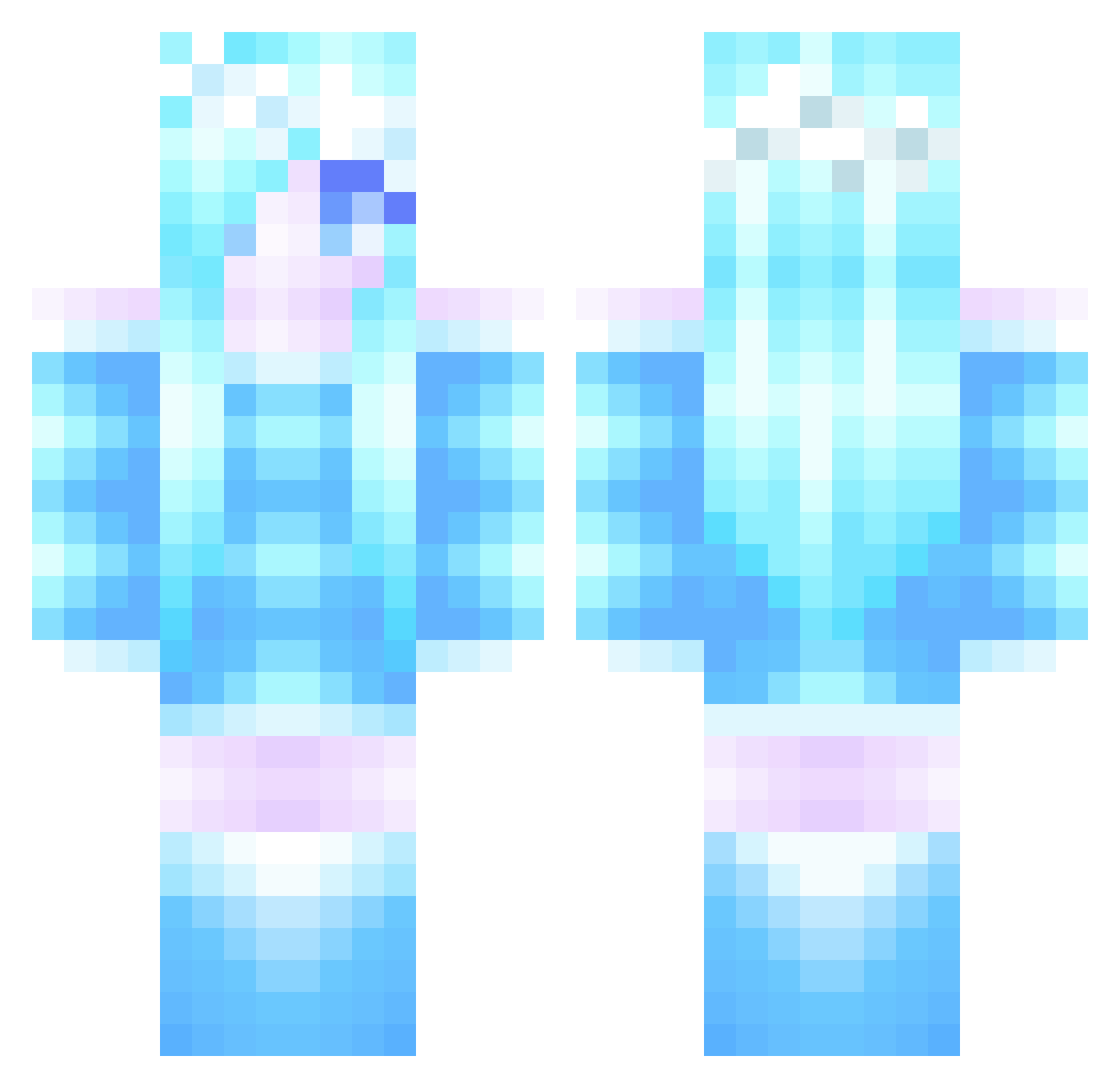
Current Minecraft skin of the player ashythebug, loaded from the official Mojang API. Rotate the 3D model with your mouse or finger, then download the skin as a PNG file and use it in Minecraft: Bedrock Edition or Java Edition for free. When ashythebug changes their skin, this page updates automatically and the old skin stays in the history below.
Other players with this skin (285)
ashythebug was the 40th player we have seen with this skin, first spotted on 06.08.2026. The same skin was seen on these players. Open a nickname to see their current skin and skin history.
 diamondheat1 brittanygia1234 ArtisticChick98 DotDotSmile7 _Auait_ princessaves PikaKraftKingdom Cocoacatness onlinegamer111 LordlierPlane61 potterisawesome NonaPiggy1234 LazyPanda12345 Stueart drixitupAL Pinky44262 _Sweet_Tea_ Rainbow_paper 12sarah12 Foxyblackout tom116458 amandasalem EnderBrineXD Firefly_05 Boninilaura01 DawnofJigglypuff trisprior203 sparkle10999 nutt3rbutt DeepBookPrincess UnspokenEvil Mitthrawnuruodo_ NpQuOqN Rigbbyy KateCrake merkaba01 PrincessRiikka Lushberry Hellstorm258 ngochang H_Dusse TalliTV Meowmix0505 snowflake705 ClarkKids3 Subz3r0mkt Zerqua Kraia yuki_onna EbisuGarden GalaxyGamer160 Gator30574 HoboGlory miggydaboss ILJR21 Stevie12538 luna18 Scary220 lilimei CKGT123
More Ice Queen Minecraft skins
How to install the ashythebug skin
- Press the Download button above to save the skin as a PNG file.
- Minecraft: Bedrock Edition (PE): open the Dressing Room from the main menu (or tap your character → Edit Character), go to Classic Skins → Owned, press the + (new skin) button, choose the downloaded PNG and pick the Classic (Steve) model. Works on PC and mobile; consoles cannot import custom skins.
- Minecraft: Java Edition: open the Minecraft Launcher, go to the Skins tab, click New Skin, load the PNG, pick the Classic (Steve) model and press Save & Use. You can also upload it at minecraft.net → Profile → Change Skin.
The skin does not show up after import - what should I do?
Restart Minecraft and open the Dressing Room again - imported skins sometimes appear only after a restart. Also make sure you selected the imported skin and picked the Classic (Steve) model.
Which model should I choose, Classic or Slim?
This skin is designed for the Classic (Steve) model. If you pick the wrong model, the arms of the skin will look stretched or squeezed.
Is the skin of ashythebug free to download?
Yes. Press Download, save the PNG file and use it in Minecraft: Bedrock Edition or Java Edition - no payment or registration needed. The skin also works on multiplayer servers and Realms.
More skins
Looking for more? Go back to all Minecraft skins and check the top skins of the week, month and all time, or find any player's skin by nickname.