
ares4321 - Minecraft Skins & Skin History
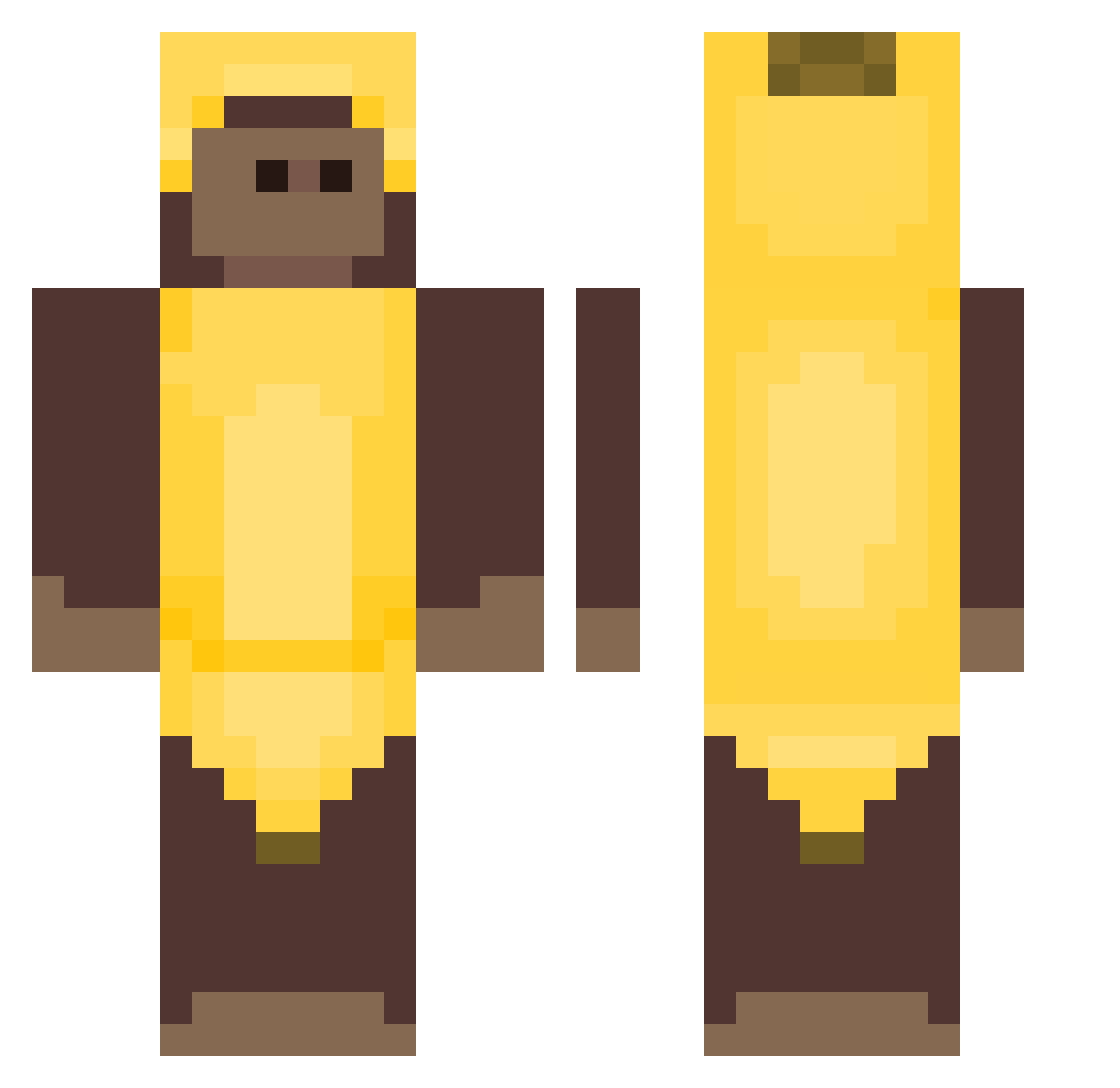
Current Minecraft skin of the player ares4321, loaded from the official Mojang API. Rotate the 3D model with your mouse or finger, then download the skin as a PNG file and use it in Minecraft: Bedrock Edition or Java Edition for free. When ares4321 changes their skin, this page updates automatically and the old skin stays in the history below.
Other players with this skin (515)
ares4321 was the 406th player we have seen with this skin, first spotted on 31.10.2026. The same skin was seen on these players. Open a nickname to see their current skin and skin history.
 MozzarElla564 TAKIBI53 OBLOCKPVP123 ch0ps_ ViejoPipe casb3bab33 lordmilkston xShadowkk TEKEE_ LinkeyJoe Noshirod KuaII t_akashi Srotak MilkyDayz1 Monkiekdd Makatav vizzio2167 Madekoqp A__ing heymenz ninaaaae buzkamistrz PHdaSerra_VEMDE4 Olprac23 nmax22 zoe_chenuwu Moises1606 Yembam uhhshayna Dupenshmirtz No0b1 YokEdiciKarizma G3Jet deanonsangs Miguel_4 69ProBoszcz69 opdied T1ANC Mo1p DiFaell DanishaGG _KayFlock3571238 5eokju doddod00 kittycatnavykk Xngelinx The_Choral iz39975 skurkaodbanana_ talannb virgtuasity DeezelElite Son0fHud MonkeyNoCramp HmmSe Neisel8859 TheGromson guilherme_veras Loyal39
More Banana Costume Minecraft skins
See all 59 Banana Costume skins
How to install the ares4321 skin
- Press the Download button above to save the skin as a PNG file.
- Minecraft: Bedrock Edition (PE): open the Dressing Room from the main menu (or tap your character → Edit Character), go to Classic Skins → Owned, press the + (new skin) button, choose the downloaded PNG and pick the Classic (Steve) model. Works on PC and mobile; consoles cannot import custom skins.
- Minecraft: Java Edition: open the Minecraft Launcher, go to the Skins tab, click New Skin, load the PNG, pick the Classic (Steve) model and press Save & Use. You can also upload it at minecraft.net → Profile → Change Skin.
The skin does not show up after import - what should I do?
Restart Minecraft and open the Dressing Room again - imported skins sometimes appear only after a restart. Also make sure you selected the imported skin and picked the Classic (Steve) model.
Which model should I choose, Classic or Slim?
This skin is designed for the Classic (Steve) model. If you pick the wrong model, the arms of the skin will look stretched or squeezed.
Is the skin of ares4321 free to download?
Yes. Press Download, save the PNG file and use it in Minecraft: Bedrock Edition or Java Edition - no payment or registration needed. The skin also works on multiplayer servers and Realms.
More skins
Looking for more? Go back to all Minecraft skins and check the top skins of the week, month and all time, or find any player's skin by nickname.