
apple2171 - Minecraft Skins & Skin History
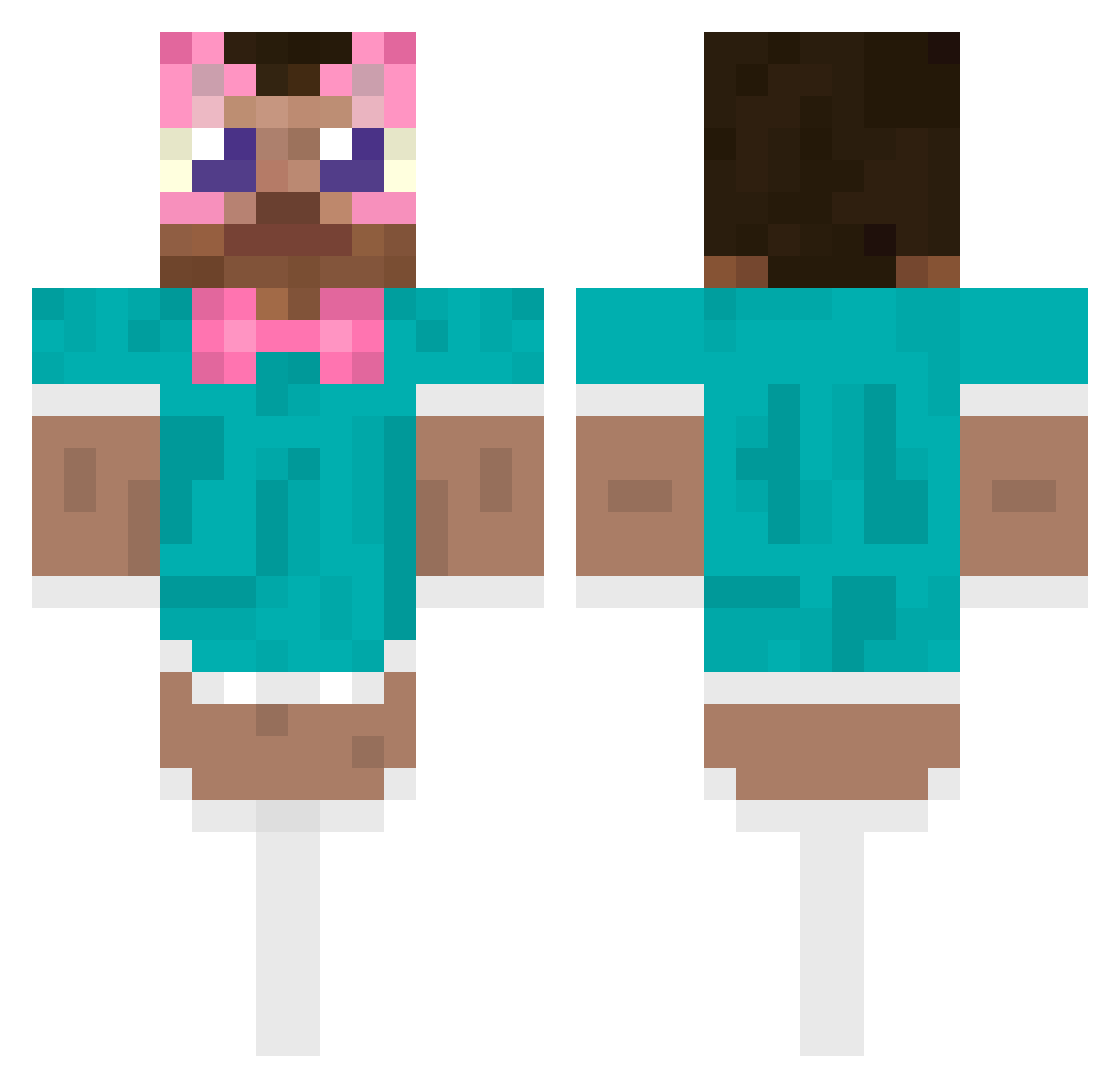
Current Minecraft skin of the player apple2171, loaded from the official Mojang API. Rotate the 3D model with your mouse or finger, then download the skin as a PNG file and use it in Minecraft: Bedrock Edition or Java Edition for free. When apple2171 changes their skin, this page updates automatically and the old skin stays in the history below.
Other players with this skin (487)
apple2171 was the 363rd player we have seen with this skin, first spotted on 08.10.2026. The same skin was seen on these players. Open a nickname to see their current skin and skin history.
 CSWZW Teddybast01 SinRok smooiss Allboutm0ney gidonyux29 b7ann For_za JasperisCute disturbing_fish siameee NyoPeT Zyxify2 baosie yuhnek GlorfinXD Saucy_Waffles101 Avabae32 HixoxD eturniti PhoenixNing4 Selrack kenchao1030_ venusqwe TheKugelblitz quequezinho Hydr0_69 m4upaa wuwu114514 PopulistSwing5 OakyLs MegaMitBuster Caocao_md K_Grizzy Ch170 oucny G0907 _Leshka morning2333333 SesbianLexx funyman20005 catboyvampza PanKakaou DDOBALL FlooooolF KaladOfficial elias_xxv fihdele iyuyyyyy Chillmeowie THE_MURASAKI DiegonchiBB alexcba SkyblockIsLife siizzzz Ya_Nuan imetan yuudai_xbox klmman okudasho
More Maid Outfit Minecraft skins
How to install the apple2171 skin
- Press the Download button above to save the skin as a PNG file.
- Minecraft: Bedrock Edition (PE): open the Dressing Room from the main menu (or tap your character → Edit Character), go to Classic Skins → Owned, press the + (new skin) button, choose the downloaded PNG and pick the Classic (Steve) model. Works on PC and mobile; consoles cannot import custom skins.
- Minecraft: Java Edition: open the Minecraft Launcher, go to the Skins tab, click New Skin, load the PNG, pick the Classic (Steve) model and press Save & Use. You can also upload it at minecraft.net → Profile → Change Skin.
The skin does not show up after import - what should I do?
Restart Minecraft and open the Dressing Room again - imported skins sometimes appear only after a restart. Also make sure you selected the imported skin and picked the Classic (Steve) model.
Which model should I choose, Classic or Slim?
This skin is designed for the Classic (Steve) model. If you pick the wrong model, the arms of the skin will look stretched or squeezed.
Is the skin of apple2171 free to download?
Yes. Press Download, save the PNG file and use it in Minecraft: Bedrock Edition or Java Edition - no payment or registration needed. The skin also works on multiplayer servers and Realms.
More skins
Looking for more? Go back to all Minecraft skins and check the top skins of the week, month and all time, or find any player's skin by nickname.