
andyc36 - Minecraft Skins & Skin History
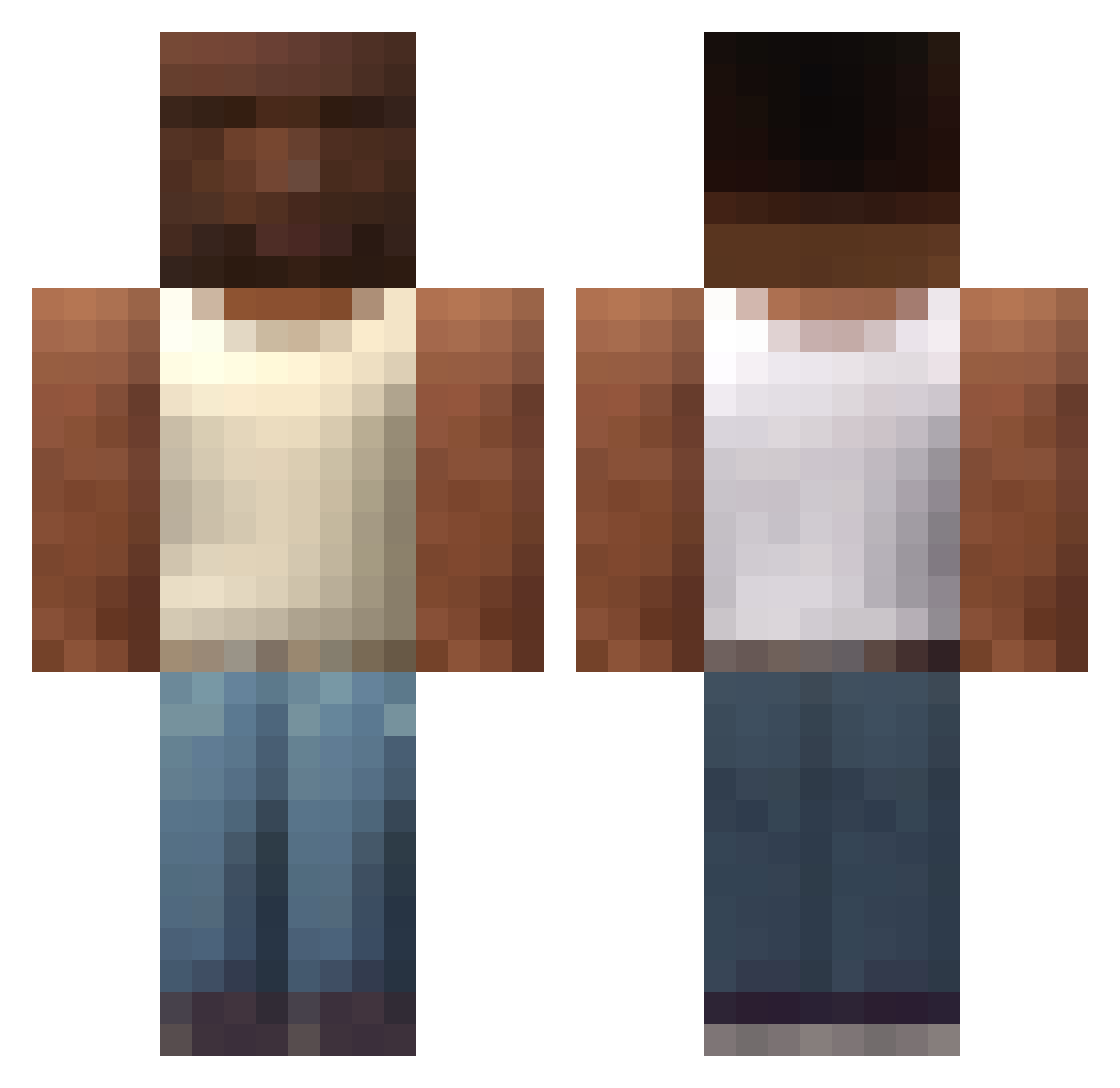
Current Minecraft skin of the player andyc36, loaded from the official Mojang API. Rotate the 3D model with your mouse or finger, then download the skin as a PNG file and use it in Minecraft: Bedrock Edition or Java Edition for free. When andyc36 changes their skin, this page updates automatically and the old skin stays in the history below.
Other players with this skin (749)
andyc36 was the 610th player we have seen with this skin, first spotted on 02.11.2026. The same skin was seen on these players. Open a nickname to see their current skin and skin history.
 ong001 razanuly Mnymkrmsa Vicco1 Chazbo3000 Dantessauro tambz19 ehottle0356 Vmnprn Krash___ PROkloc SirisSoul Itaney ZaceBOT OrangeCitris Mr_Dr3 kokito232323 Gassaw Hemenh JeffBala7 FARDFISHFOOD bjaiden NEWNEW886 17churuguay vacarr folivora1 Anthy_4726 M0zkeDA aguslanfrann ItsRicked DazeXF NukeMan_12 Patinetson fa_do_CJ whosreini Abdi_67 OVERDOSERz jsts45 Pixel24 AnnoyedRuby20 PodJLec CesarVM _Fozter KILLI6522 Piterfrancis Koth99 onlineelf its_cj1 Jeruii ABAALMOHANNADI97 tubelo Goopal xScHmiDtYoo ytrxwz JulTider Clocharly ThomyDZ maxcamer123 Clash_228 iReallyStupid
More San Andreas Minecraft skins
How to install the andyc36 skin
- Press the Download button above to save the skin as a PNG file.
- Minecraft: Bedrock Edition (PE): open the Dressing Room from the main menu (or tap your character → Edit Character), go to Classic Skins → Owned, press the + (new skin) button, choose the downloaded PNG and pick the Classic (Steve) model. Works on PC and mobile; consoles cannot import custom skins.
- Minecraft: Java Edition: open the Minecraft Launcher, go to the Skins tab, click New Skin, load the PNG, pick the Classic (Steve) model and press Save & Use. You can also upload it at minecraft.net → Profile → Change Skin.
The skin does not show up after import - what should I do?
Restart Minecraft and open the Dressing Room again - imported skins sometimes appear only after a restart. Also make sure you selected the imported skin and picked the Classic (Steve) model.
Which model should I choose, Classic or Slim?
This skin is designed for the Classic (Steve) model. If you pick the wrong model, the arms of the skin will look stretched or squeezed.
Is the skin of andyc36 free to download?
Yes. Press Download, save the PNG file and use it in Minecraft: Bedrock Edition or Java Edition - no payment or registration needed. The skin also works on multiplayer servers and Realms.
More skins
Looking for more? Go back to all Minecraft skins and check the top skins of the week, month and all time, or find any player's skin by nickname.