
alsogan - Minecraft Skins & Skin History
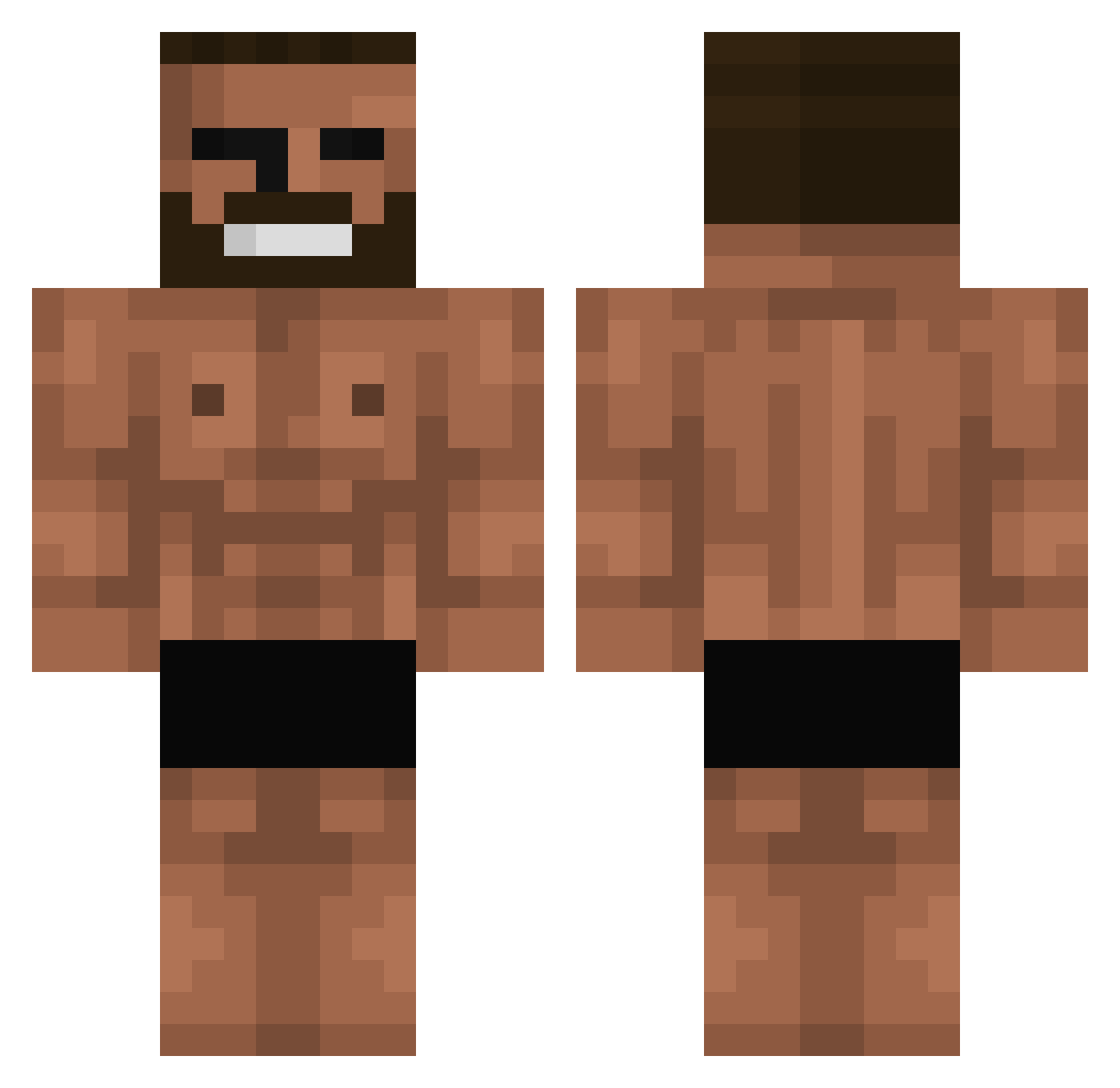
Current Minecraft skin of the player alsogan, loaded from the official Mojang API. Rotate the 3D model with your mouse or finger, then download the skin as a PNG file and use it in Minecraft: Bedrock Edition or Java Edition for free. When alsogan changes their skin, this page updates automatically and the old skin stays in the history below.
Other players with this skin (699)
alsogan was the 691st player we have seen with this skin, first spotted on 30.10.2026. The same skin was seen on these players. Open a nickname to see their current skin and skin history.
 DAN_Z0 Superclem_ ccarpio Sr_Takataka nyo23 INovaOne MaLaVe34 syttenskat chonkas42069 Hidaka05 zombiemenace MrxLoveGold DenislavBG zaanh_13 INCIPIENTSHAKE SkyFly8 handpool Pielloy20 zyx420 Hexagos Enterdark ErdnussFlip27 mommymilkers269 jebi93 Panzerjack0656 Farnley JulikaHeSlashHim Oh_Scoob LightThrone4012 Unsatisfied1 rhyllu RothTaylor Robbie_JL Handlevogn69 qowop99 EdouardPetit katti227 Dominox12 ZippyBling btw_nacky ClearMarbles JeongHagui BBAANNDDYY SrFat sheck_wes_13 NyangNyang96 Bombasterka kunaii69 XueLaoBan zilarno K999999999999999 Kianu_ Dingjin niknack123444 poiupio Kiko_Costa06 belleyyy Daburkesad Vicktor_Black kinetic__
More Gigachad Minecraft skins
How to install the alsogan skin
- Press the Download button above to save the skin as a PNG file.
- Minecraft: Bedrock Edition (PE): open the Dressing Room from the main menu (or tap your character → Edit Character), go to Classic Skins → Owned, press the + (new skin) button, choose the downloaded PNG and pick the Classic (Steve) model. Works on PC and mobile; consoles cannot import custom skins.
- Minecraft: Java Edition: open the Minecraft Launcher, go to the Skins tab, click New Skin, load the PNG, pick the Classic (Steve) model and press Save & Use. You can also upload it at minecraft.net → Profile → Change Skin.
The skin does not show up after import - what should I do?
Restart Minecraft and open the Dressing Room again - imported skins sometimes appear only after a restart. Also make sure you selected the imported skin and picked the Classic (Steve) model.
Which model should I choose, Classic or Slim?
This skin is designed for the Classic (Steve) model. If you pick the wrong model, the arms of the skin will look stretched or squeezed.
Is the skin of alsogan free to download?
Yes. Press Download, save the PNG file and use it in Minecraft: Bedrock Edition or Java Edition - no payment or registration needed. The skin also works on multiplayer servers and Realms.
More skins
Looking for more? Go back to all Minecraft skins and check the top skins of the week, month and all time, or find any player's skin by nickname.