
alia2 - Minecraft Skins & Skin History
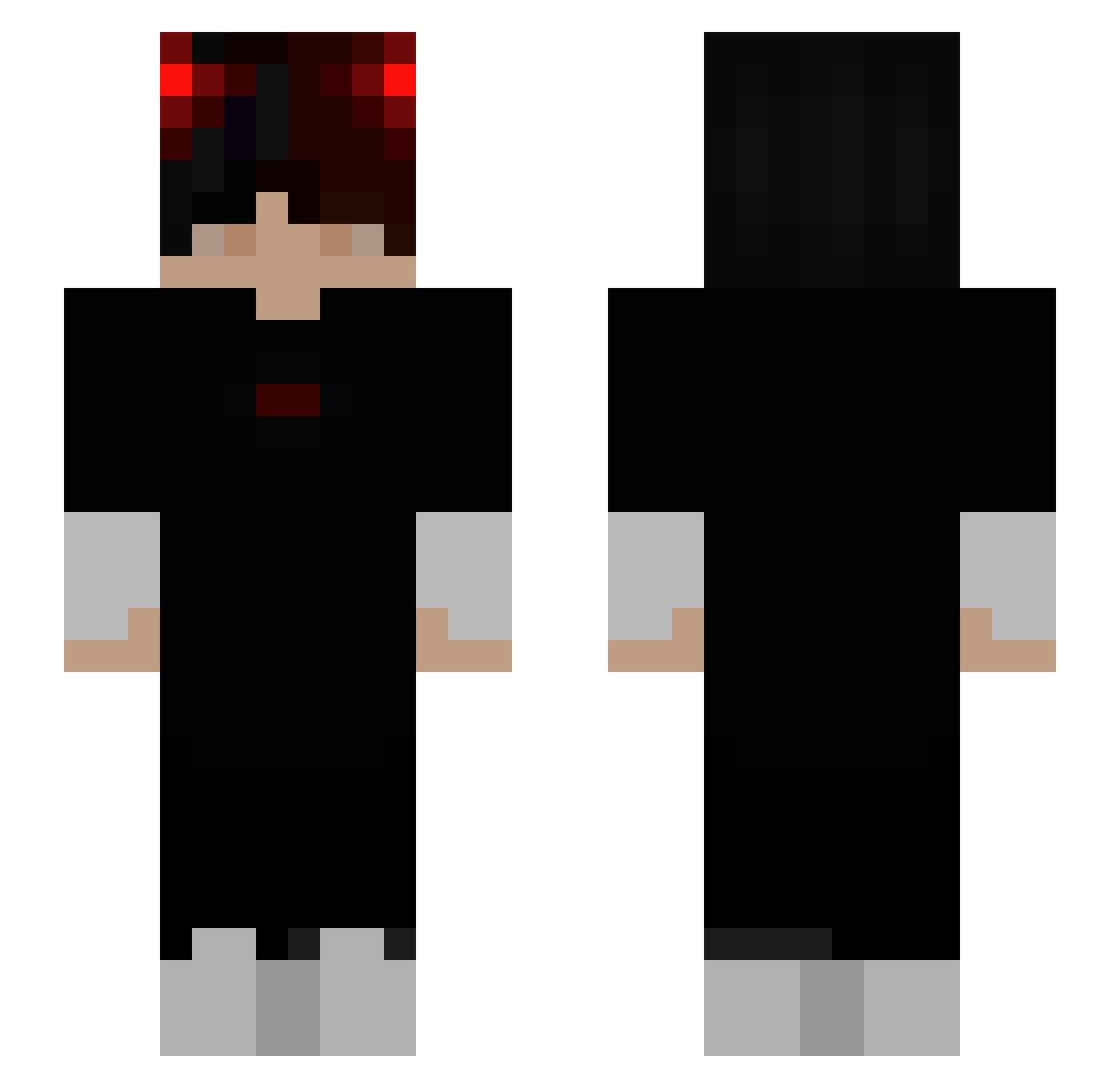
Current Minecraft skin of the player alia2, loaded from the official Mojang API. Rotate the 3D model with your mouse or finger, then download the skin as a PNG file and use it in Minecraft: Bedrock Edition or Java Edition for free. When alia2 changes their skin, this page updates automatically and the old skin stays in the history below.
Other players with this skin (334)
alia2 was the 223rd player we have seen with this skin, first spotted on 21.10.2026. The same skin was seen on these players. Open a nickname to see their current skin and skin history.
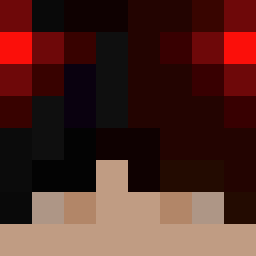 Julian01_ ICatchHackers Diablos0001 Darekcity KycbKycb Ezskye Lok_ToT possessiveness Finestar DrakenPR darkmoonless Parafaal HackProGamer33 Seueih S_Hoo_ SplitOpticz Thiggy66 molandxdddd AmeDouxLillas dedlol4 Austinxd666 Zyphyr777 OhMemebrawler No_Jamzz Txm131 ManuMatti19 Skimma1234 Drpepper999 HexrtTxRen TasteTheCydex Wu_cow XeHTau_6666 _Nexus3_0 LykanBrutal arnodorian123 JAPC12 ScyKo69 Sturmkiller08 zsombigod Ayussh Zevs4323 Lares96 ZROKEN_exe Adamos77 Meph1sto Benjaahhh Sn0wZaza Flasheur92 dolpin_c 6justin tobiichuu Nulledbyte wrjz xXYeyipieXx SDC_Demon Pinto99 xChrees NOTLuciferXD_ Itzu21 Duckgoeswild
How to install the alia2 skin
- Press the Download button above to save the skin as a PNG file.
- Minecraft: Bedrock Edition (PE): open the Dressing Room from the main menu (or tap your character → Edit Character), go to Classic Skins → Owned, press the + (new skin) button, choose the downloaded PNG and pick the Slim (Alex) model. Works on PC and mobile; consoles cannot import custom skins.
- Minecraft: Java Edition: open the Minecraft Launcher, go to the Skins tab, click New Skin, load the PNG, pick the Slim (Alex) model and press Save & Use. You can also upload it at minecraft.net → Profile → Change Skin.
The skin does not show up after import - what should I do?
Restart Minecraft and open the Dressing Room again - imported skins sometimes appear only after a restart. Also make sure you selected the imported skin and picked the Slim (Alex) model.
Which model should I choose, Classic or Slim?
This skin is designed for the Slim (Alex) model. If you pick the wrong model, the arms of the skin will look stretched or squeezed.
Is the skin of alia2 free to download?
Yes. Press Download, save the PNG file and use it in Minecraft: Bedrock Edition or Java Edition - no payment or registration needed. The skin also works on multiplayer servers and Realms.
More skins
Looking for more? Go back to all Minecraft skins and check the top skins of the week, month and all time, or find any player's skin by nickname.