
algave96 - Minecraft Skins & Skin History
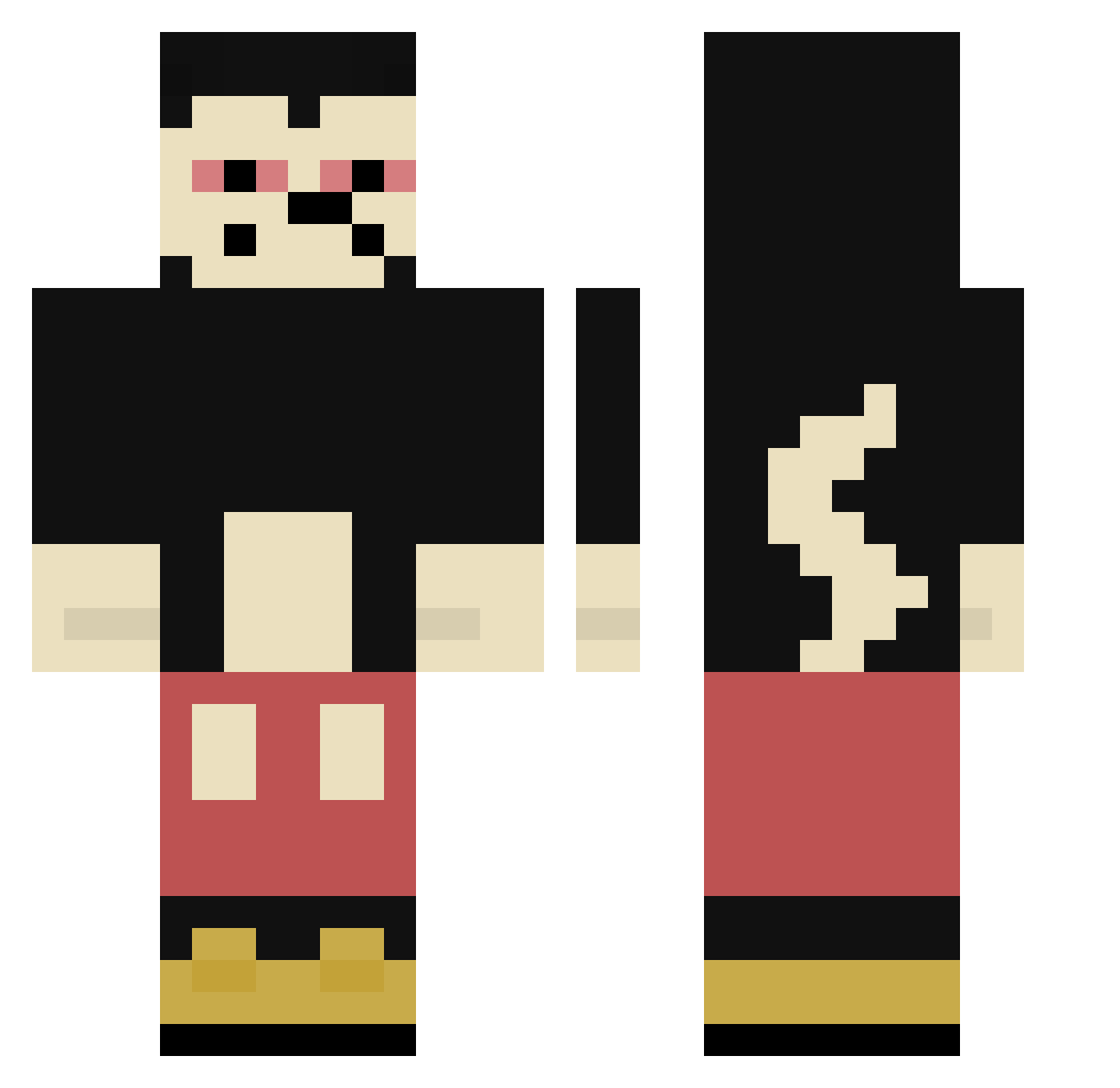
Current Minecraft skin of the player algave96, loaded from the official Mojang API. Rotate the 3D model with your mouse or finger, then download the skin as a PNG file and use it in Minecraft: Bedrock Edition or Java Edition for free. When algave96 changes their skin, this page updates automatically and the old skin stays in the history below.
Other players with this skin (304)
algave96 was the 37th player we have seen with this skin, first spotted on 05.08.2026. The same skin was seen on these players. Open a nickname to see their current skin and skin history.
 CannabisPsychose Black_bxnxi OgThottie SwagBomb Perduon tucson010101 Freaky_Friday12 Luxius_QLF Aliexpress__ AmbrozyBoss croce1l tmdrnr Jjotb SuchyKombajn SonHaku aguafrita Daniee_ Luminocious BrolyGC Jurassic_Whoops NachoParis kk1007 Shqnnonn zzNex Duyz Drpeanny _litwan rotisseriepigeon donKhole BigBrain8O8 yVoke 4brosbubatz Spookytherealone Panchoo__
 SpXinOgg SisterMarrier69 Baugi69 ShesparK_ Lewis_Private JULL02 xBize Miky420 logwellh krvl_hardcoree SCHATTENREICHDKT aathr9437 soundyoun ASS3MBL3R N0TFADED rivshiesty Pardo222 ItsBeowulf jarabenda __Tracy_ hetmanzamosc Boribob0802 Z4PP1 PointxSyk BlackZushi _Leonardo17
More Mickey Mouse Minecraft skins
See all 146 Mickey Mouse skins
How to install the algave96 skin
- Press the Download button above to save the skin as a PNG file.
- Minecraft: Bedrock Edition (PE): open the Dressing Room from the main menu (or tap your character → Edit Character), go to Classic Skins → Owned, press the + (new skin) button, choose the downloaded PNG and pick the Classic (Steve) model. Works on PC and mobile; consoles cannot import custom skins.
- Minecraft: Java Edition: open the Minecraft Launcher, go to the Skins tab, click New Skin, load the PNG, pick the Classic (Steve) model and press Save & Use. You can also upload it at minecraft.net → Profile → Change Skin.
The skin does not show up after import - what should I do?
Restart Minecraft and open the Dressing Room again - imported skins sometimes appear only after a restart. Also make sure you selected the imported skin and picked the Classic (Steve) model.
Which model should I choose, Classic or Slim?
This skin is designed for the Classic (Steve) model. If you pick the wrong model, the arms of the skin will look stretched or squeezed.
Is the skin of algave96 free to download?
Yes. Press Download, save the PNG file and use it in Minecraft: Bedrock Edition or Java Edition - no payment or registration needed. The skin also works on multiplayer servers and Realms.
More skins
Looking for more? Go back to all Minecraft skins and check the top skins of the week, month and all time, or find any player's skin by nickname.