
alexnew2211 - Minecraft Skins & Skin History
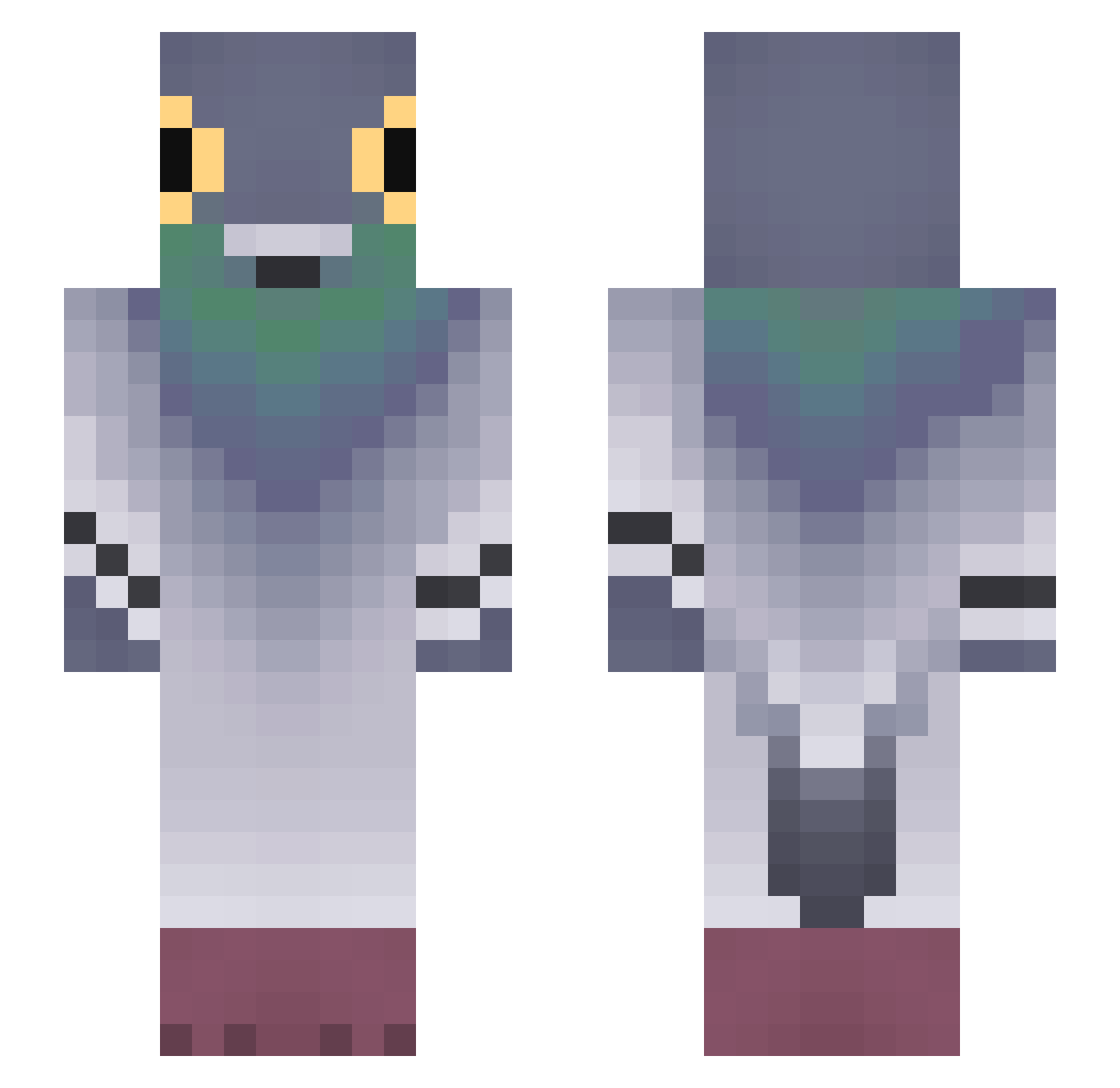
Current Minecraft skin of the player alexnew2211, loaded from the official Mojang API. Rotate the 3D model with your mouse or finger, then download the skin as a PNG file and use it in Minecraft: Bedrock Edition or Java Edition for free. When alexnew2211 changes their skin, this page updates automatically and the old skin stays in the history below.
Other players with this skin (678)
alexnew2211 was the 63rd player we have seen with this skin, first spotted on 01.08.2026. The same skin was seen on these players. Open a nickname to see their current skin and skin history.
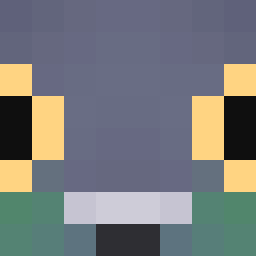 Ask_OakVW_04_23 oliverio340 yuqrli Skyjacking AviaJoon wkopatocwel regeattonkitkat Vitalonatt Zardo_o HoekePaprika PanKartofel67_
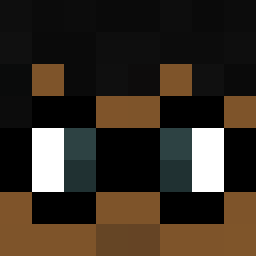 Nunana Brisiabri The_ye_joon 0rqasm Chewaque FelixdeNinja PalomoxD BertoyYT kakash2012 Pikaczu2737 lwilliam__ Multum Darkness_PL WestCoCEO clawfootmary Maper42
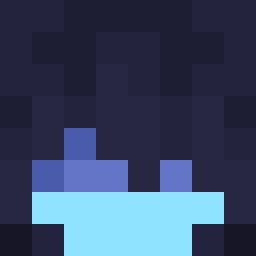 tripokaridos vi013t Sonli_24 vicoxcp Emmamaz1ng ccw1222 Alonsk reddiamond356 Clevinmaniek CRAN3s1 peicih07211
 ElmasProUwU grueraven The_bread_bandit Tteeuuw danielpho Turkey8510 Guilhh booooper
 ImVgForReal Chaussettes99 Sablos Pigo134 wataclo Corvus037 K3nny___ Viking_AI MotzPlus miskain eggsman1234 hato0112 PolarBer8804 Nanaduque20
More Pigeon Minecraft skins
How to install the alexnew2211 skin
- Press the Download button above to save the skin as a PNG file.
- Minecraft: Bedrock Edition (PE): open the Dressing Room from the main menu (or tap your character → Edit Character), go to Classic Skins → Owned, press the + (new skin) button, choose the downloaded PNG and pick the Slim (Alex) model. Works on PC and mobile; consoles cannot import custom skins.
- Minecraft: Java Edition: open the Minecraft Launcher, go to the Skins tab, click New Skin, load the PNG, pick the Slim (Alex) model and press Save & Use. You can also upload it at minecraft.net → Profile → Change Skin.
The skin does not show up after import - what should I do?
Restart Minecraft and open the Dressing Room again - imported skins sometimes appear only after a restart. Also make sure you selected the imported skin and picked the Slim (Alex) model.
Which model should I choose, Classic or Slim?
This skin is designed for the Slim (Alex) model. If you pick the wrong model, the arms of the skin will look stretched or squeezed.
Is the skin of alexnew2211 free to download?
Yes. Press Download, save the PNG file and use it in Minecraft: Bedrock Edition or Java Edition - no payment or registration needed. The skin also works on multiplayer servers and Realms.
More skins
Looking for more? Go back to all Minecraft skins and check the top skins of the week, month and all time, or find any player's skin by nickname.