
akamanyt - Minecraft Skins & Skin History
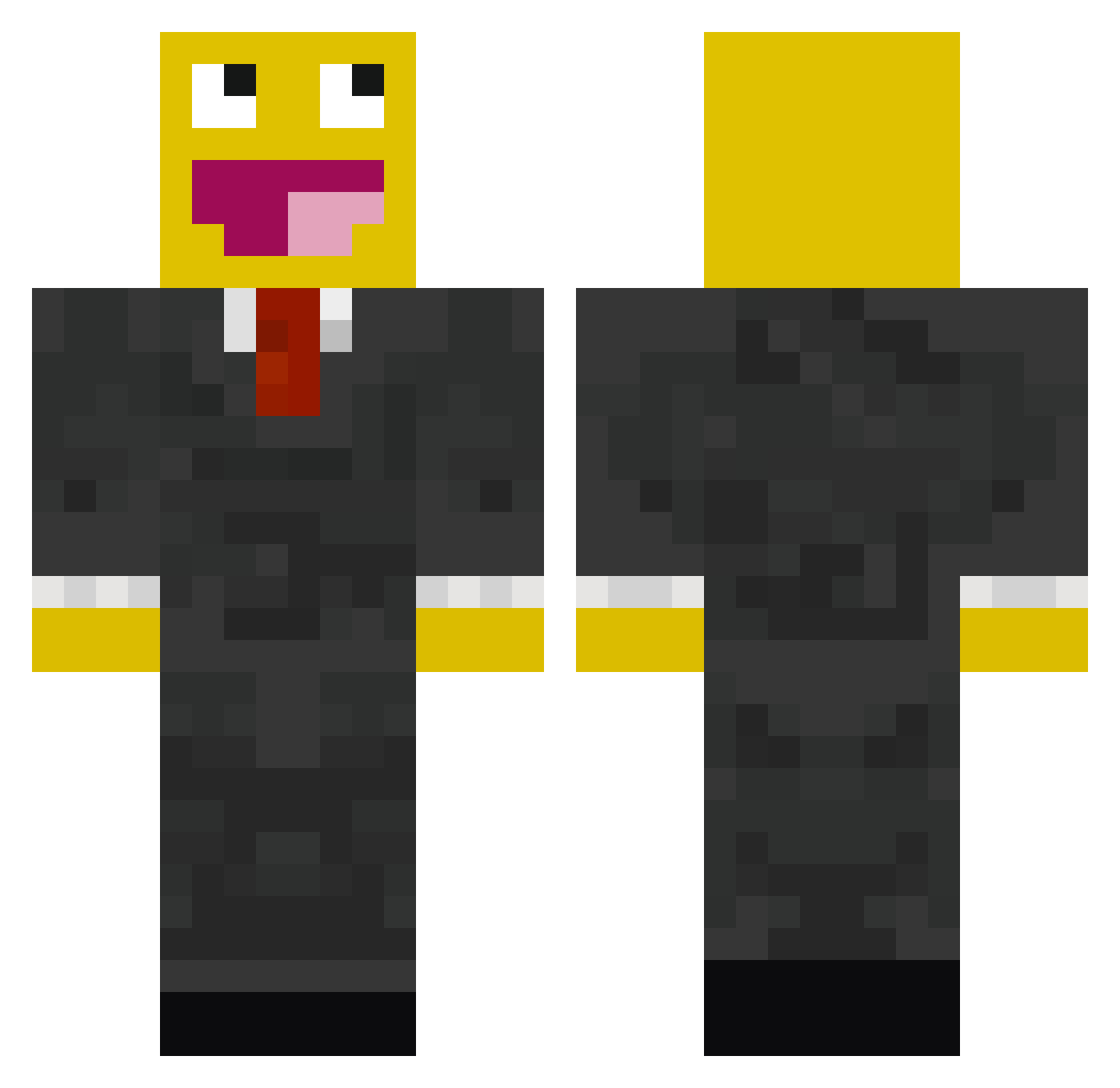
Current Minecraft skin of the player akamanyt, loaded from the official Mojang API. Rotate the 3D model with your mouse or finger, then download the skin as a PNG file and use it in Minecraft: Bedrock Edition or Java Edition for free. When akamanyt changes their skin, this page updates automatically and the old skin stays in the history below.
Other players with this skin (119)
akamanyt was the 64th player we have seen with this skin, first spotted on 13.09.2026. The same skin was seen on these players. Open a nickname to see their current skin and skin history.
 Martensberven Divinealfie _Drakex_ oliverash212 catphoenix WhizQ zamaskowany12 mintuminmin06 LoMeinXopa Captain_Calypso1 Magicarts yeongui202 CerealAndNoMilk ssangdee hallmine Samar216 crazyeffe Austino1021 Kaiserev ExtrDS OlyBossMC asd1245154_1 pyon117 h6r2k9 t7ck chicken__man88 xxxxBATMANxxxx cheese_soba TheHolyDeagle Lebman7 DabMachine200 CH1PSS teeheebutter teng69 boofasf Circuit1991 kaminn05 MattVdk16 LysingART The_Trojan_KGB vibe_chaek Beanreaper13 MR_sMSILE Bo404 garfielfed sosso123 Barnathan IX_OX ZachFC necrowaffle Dj3K Robinb1 Martik00 Dawidos0706 SuperBalletje lucamasira Velasmina FluffyNuggets GoneToCanada823 mrblue123456
More Epic Face Minecraft skins
How to install the akamanyt skin
- Press the Download button above to save the skin as a PNG file.
- Minecraft: Bedrock Edition (PE): open the Dressing Room from the main menu (or tap your character → Edit Character), go to Classic Skins → Owned, press the + (new skin) button, choose the downloaded PNG and pick the Classic (Steve) model. Works on PC and mobile; consoles cannot import custom skins.
- Minecraft: Java Edition: open the Minecraft Launcher, go to the Skins tab, click New Skin, load the PNG, pick the Classic (Steve) model and press Save & Use. You can also upload it at minecraft.net → Profile → Change Skin.
The skin does not show up after import - what should I do?
Restart Minecraft and open the Dressing Room again - imported skins sometimes appear only after a restart. Also make sure you selected the imported skin and picked the Classic (Steve) model.
Which model should I choose, Classic or Slim?
This skin is designed for the Classic (Steve) model. If you pick the wrong model, the arms of the skin will look stretched or squeezed.
Is the skin of akamanyt free to download?
Yes. Press Download, save the PNG file and use it in Minecraft: Bedrock Edition or Java Edition - no payment or registration needed. The skin also works on multiplayer servers and Realms.
More skins
Looking for more? Go back to all Minecraft skins and check the top skins of the week, month and all time, or find any player's skin by nickname.