
addoom - Minecraft Skins & Skin History
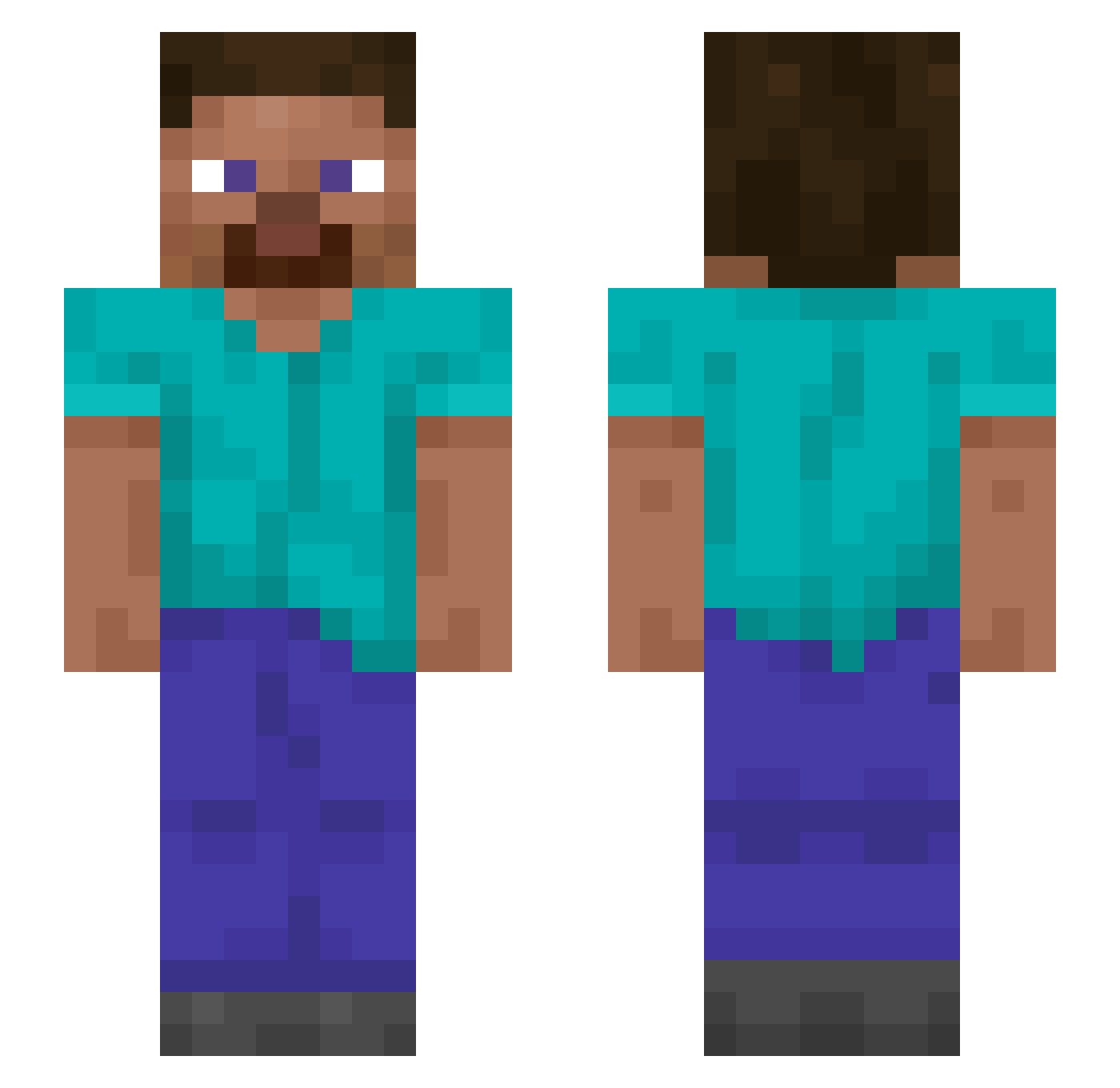
Current Minecraft skin of the player addoom, loaded from the official Mojang API. Rotate the 3D model with your mouse or finger, then download the skin as a PNG file and use it in Minecraft: Bedrock Edition or Java Edition for free. When addoom changes their skin, this page updates automatically and the old skin stays in the history below.
Other players with this skin (1423)
addoom was the 340th player we have seen with this skin, first spotted on 21.08.2026. The same skin was seen on these players. Open a nickname to see their current skin and skin history.
 Smoother InVaL_iDKore EggMan55 8478KJRVHNKERJ adjudicative mixalikos starlitten narcoma GORMAND Elapidae wompitywomps LeeJinGyuu Augmented_Autism
 Arguetaxx2 ddddddddd0620 Wiles Vacuolization Deuxcent3 Outroar dwines Doubnegi Plainy SightedGoose H_K_Y chmn Nick4383 Udo Insidiosity 0mjbn Giorgio_Chielini xyroh1 AnguelSC dyl4nnnn BoostedHarambe Magnetic_5OH greenmachine45 Acetaminofriend Lethiferous Jaybel GranenFC kubixziomix LPlusRatioPlus Kon_114514 Ashery Seagulls bucca JensFos Abonne xnxbbdndn Cantoner wakeupyahir Verbally VolcanicViking20 SELAMIPLAKKAHAHA Empiric heegeon CACI GunBBang_ Pentadecane Kiltie
How to install the addoom skin
- Press the Download button above to save the skin as a PNG file.
- Minecraft: Bedrock Edition (PE): open the Dressing Room from the main menu (or tap your character → Edit Character), go to Classic Skins → Owned, press the + (new skin) button, choose the downloaded PNG and pick the Slim (Alex) model. Works on PC and mobile; consoles cannot import custom skins.
- Minecraft: Java Edition: open the Minecraft Launcher, go to the Skins tab, click New Skin, load the PNG, pick the Slim (Alex) model and press Save & Use. You can also upload it at minecraft.net → Profile → Change Skin.
The skin does not show up after import - what should I do?
Restart Minecraft and open the Dressing Room again - imported skins sometimes appear only after a restart. Also make sure you selected the imported skin and picked the Slim (Alex) model.
Which model should I choose, Classic or Slim?
This skin is designed for the Slim (Alex) model. If you pick the wrong model, the arms of the skin will look stretched or squeezed.
Is the skin of addoom free to download?
Yes. Press Download, save the PNG file and use it in Minecraft: Bedrock Edition or Java Edition - no payment or registration needed. The skin also works on multiplayer servers and Realms.
More skins
Looking for more? Go back to all Minecraft skins and check the top skins of the week, month and all time, or find any player's skin by nickname.