
acxeborn - Minecraft Skins & Skin History
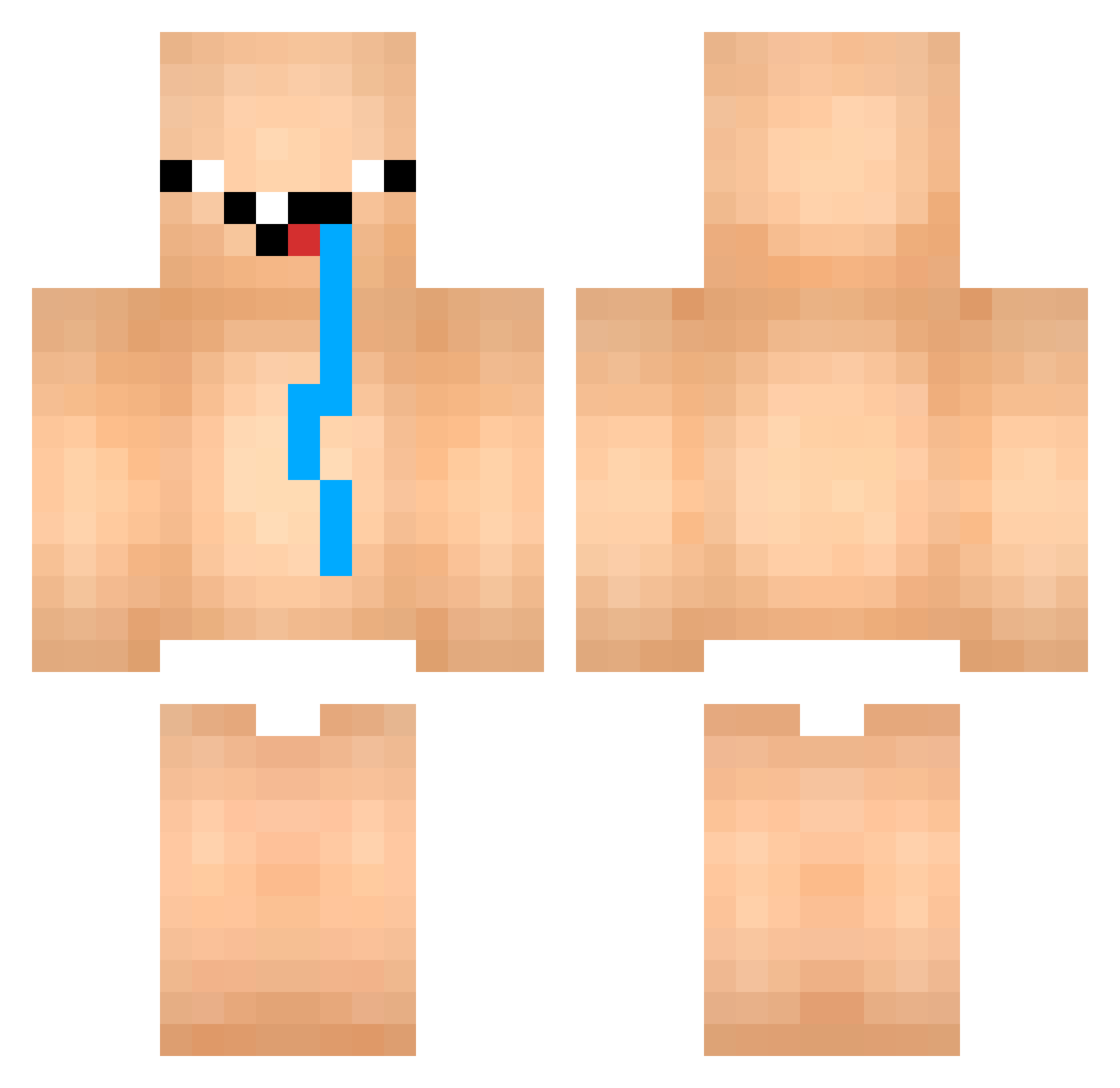
Current Minecraft skin of the player acxeborn, loaded from the official Mojang API. Rotate the 3D model with your mouse or finger, then download the skin as a PNG file and use it in Minecraft: Bedrock Edition or Java Edition for free. When acxeborn changes their skin, this page updates automatically and the old skin stays in the history below.
Other players with this skin (849)
acxeborn was the 683rd player we have seen with this skin, first spotted on 12.10.2026. The same skin was seen on these players. Open a nickname to see their current skin and skin history.
 RafaSniper7403 SnuskFia EliasK2011 Jerkam AUchambo NotFares PanBob95 chorely notpiggy26 enzolorenzon_ AmuroReiji creampiess gGreyden francarrijo eyekon34 Fioro12 GabrieIRio Moules Jesbrb Nascaty Chicoooo_ Tokyq8 SonNoob_VN kackaaa usknik doyou0123 Venxql love7711678 Leshurr NOMS29 wallifult Dollador osfu zfcp aguinhadura kazu_9114 Akashic_JP tim1211b Lima_18 mama5907 Adolf1943 York0328 shaddow257 SlimeTwister Audloy57520 Javdiy DOOOOPYNOOOOPY pietrinhxzn_ Thurrznn Nqnzi Dragen_Tom_Pro pook___ Eduardas27 VirusG112 A2Mmarlon Narvikkkj NiceWalrus1 VietXD UmCaraSendoPit DarkMyth31
More Diaper Minecraft skins
How to install the acxeborn skin
- Press the Download button above to save the skin as a PNG file.
- Minecraft: Bedrock Edition (PE): open the Dressing Room from the main menu (or tap your character → Edit Character), go to Classic Skins → Owned, press the + (new skin) button, choose the downloaded PNG and pick the Classic (Steve) model. Works on PC and mobile; consoles cannot import custom skins.
- Minecraft: Java Edition: open the Minecraft Launcher, go to the Skins tab, click New Skin, load the PNG, pick the Classic (Steve) model and press Save & Use. You can also upload it at minecraft.net → Profile → Change Skin.
The skin does not show up after import - what should I do?
Restart Minecraft and open the Dressing Room again - imported skins sometimes appear only after a restart. Also make sure you selected the imported skin and picked the Classic (Steve) model.
Which model should I choose, Classic or Slim?
This skin is designed for the Classic (Steve) model. If you pick the wrong model, the arms of the skin will look stretched or squeezed.
Is the skin of acxeborn free to download?
Yes. Press Download, save the PNG file and use it in Minecraft: Bedrock Edition or Java Edition - no payment or registration needed. The skin also works on multiplayer servers and Realms.
More skins
Looking for more? Go back to all Minecraft skins and check the top skins of the week, month and all time, or find any player's skin by nickname.