
a88093057 - Minecraft Skins & Skin History
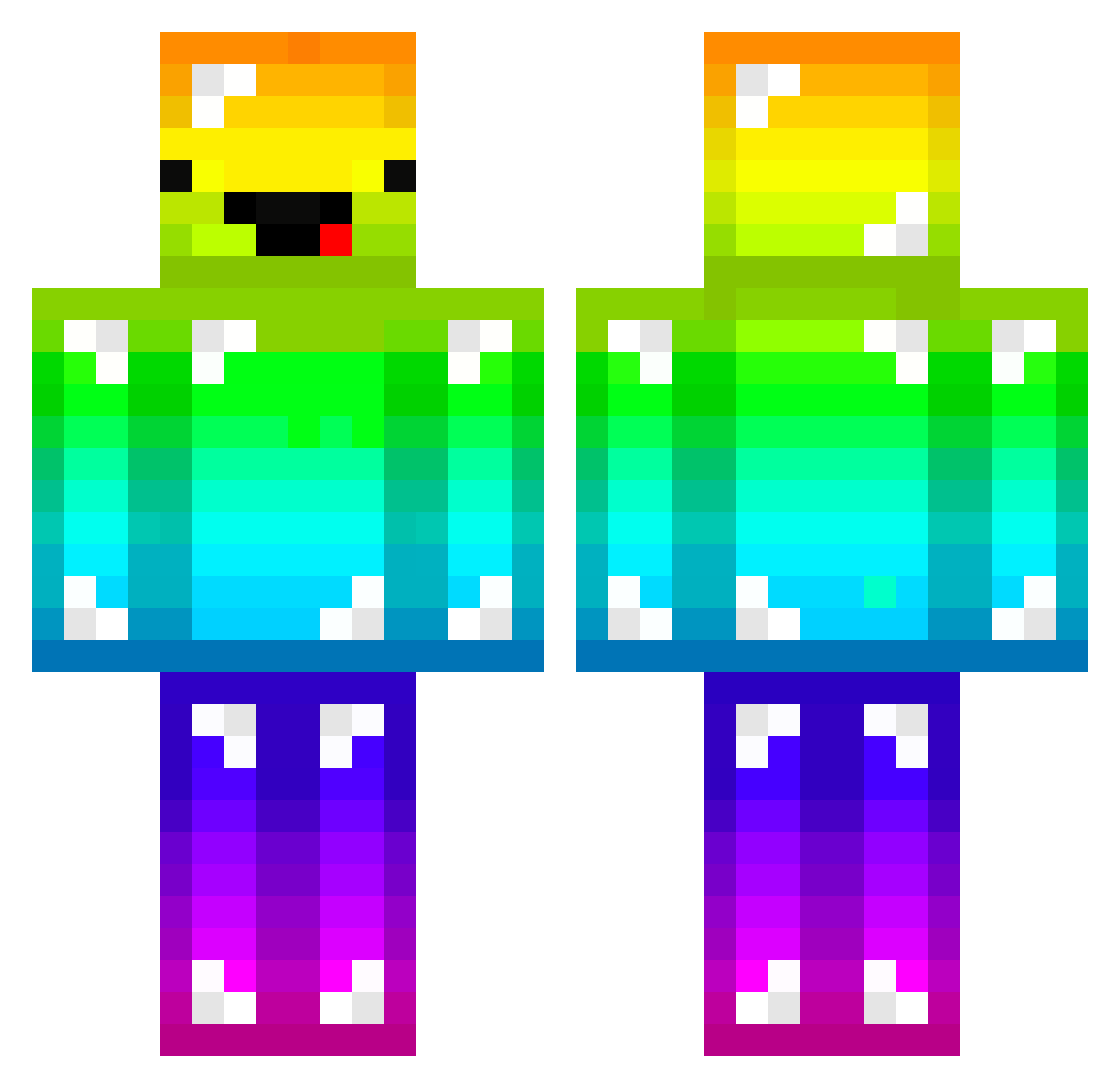
Current Minecraft skin of the player a88093057, loaded from the official Mojang API. Rotate the 3D model with your mouse or finger, then download the skin as a PNG file and use it in Minecraft: Bedrock Edition or Java Edition for free. When a88093057 changes their skin, this page updates automatically and the old skin stays in the history below.
Other players with this skin (165)
a88093057 was the 101st player we have seen with this skin, first spotted on 26.09.2026. The same skin was seen on these players. Open a nickname to see their current skin and skin history.
 EN1X Raul115k Liight_29 Alici2412 A12399 MDGnb PoProstuTori RohChest SurkDurk G_R_O_U_C_H Luck2120 dmoN_N XD_AJplayz _CH4R0N_ KINGKAN_kk7758 Limon4ikPlay1337 jiangjiang114 youseo012 Noise813 Spartankiller29 qpzmd1 kensuke817 bootsheet JaoBank_47186 Bingqilin64 natu_kvothe xBlanx loca974 dova25 alcoholwell33 TurBoranc Angelosdaddy pavel1090 normsnutty BigMilk789 R1ck19 Jasoter kazuma39 IMHuman2020 gomuma herjaewon wangjiawei Lampredotto09 LisiYang2008 sophieesw destorydevil MaiteC20 Tumble_Weed_ mjoon27 oosakatakoyakima 135314 1Keii lemony1487 FZREQ KseungMin AffeAufRentier L2eon rominou75 The_zzb kookie02
More Diamond Armor Minecraft skins
See all 275 Diamond Armor skins
How to install the a88093057 skin
- Press the Download button above to save the skin as a PNG file.
- Minecraft: Bedrock Edition (PE): open the Dressing Room from the main menu (or tap your character → Edit Character), go to Classic Skins → Owned, press the + (new skin) button, choose the downloaded PNG and pick the Classic (Steve) model. Works on PC and mobile; consoles cannot import custom skins.
- Minecraft: Java Edition: open the Minecraft Launcher, go to the Skins tab, click New Skin, load the PNG, pick the Classic (Steve) model and press Save & Use. You can also upload it at minecraft.net → Profile → Change Skin.
The skin does not show up after import - what should I do?
Restart Minecraft and open the Dressing Room again - imported skins sometimes appear only after a restart. Also make sure you selected the imported skin and picked the Classic (Steve) model.
Which model should I choose, Classic or Slim?
This skin is designed for the Classic (Steve) model. If you pick the wrong model, the arms of the skin will look stretched or squeezed.
Is the skin of a88093057 free to download?
Yes. Press Download, save the PNG file and use it in Minecraft: Bedrock Edition or Java Edition - no payment or registration needed. The skin also works on multiplayer servers and Realms.
More skins
Looking for more? Go back to all Minecraft skins and check the top skins of the week, month and all time, or find any player's skin by nickname.