
a7a_ksmk - Minecraft Skins & Skin History
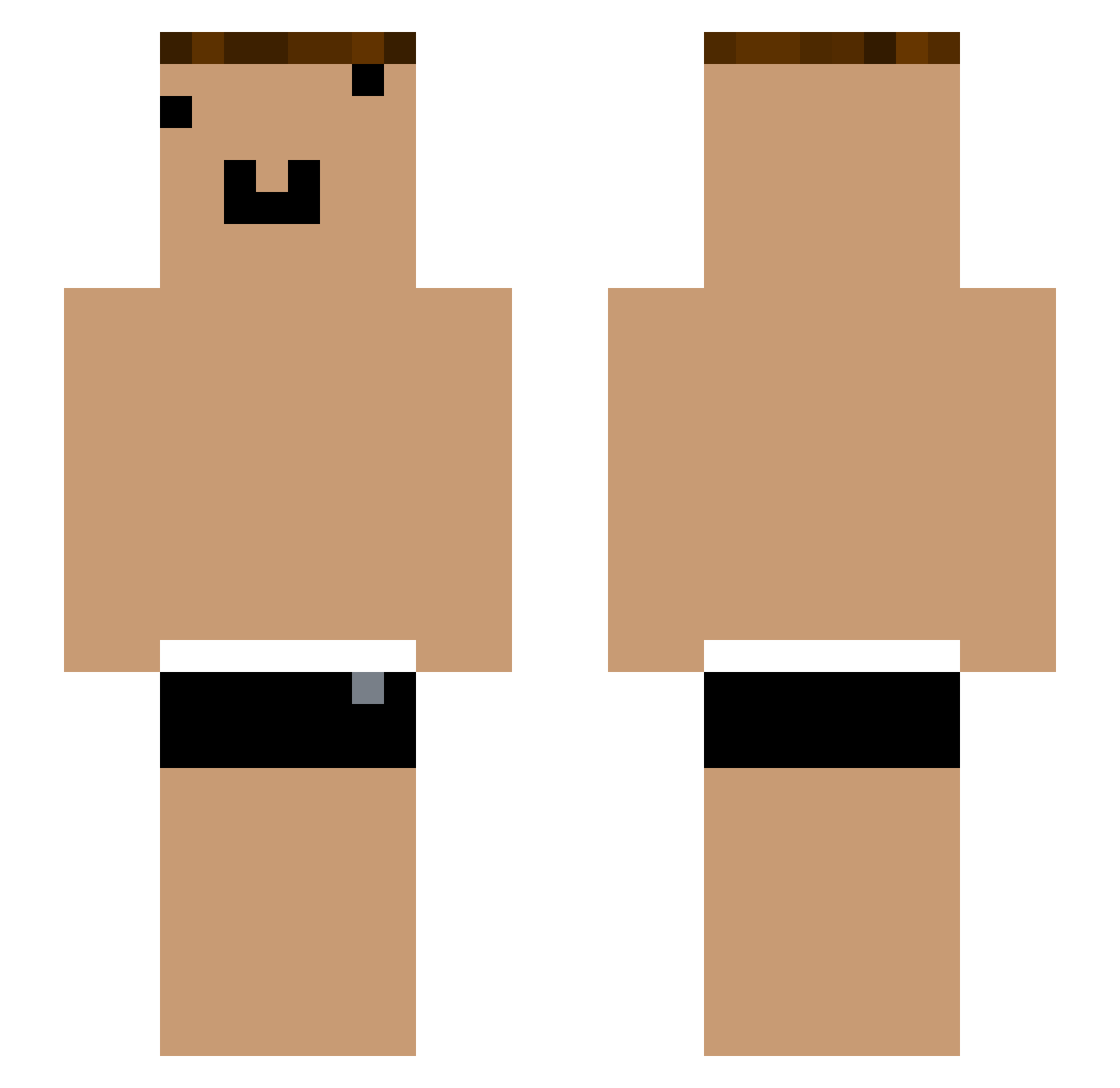
Current Minecraft skin of the player a7a_ksmk, loaded from the official Mojang API. Rotate the 3D model with your mouse or finger, then download the skin as a PNG file and use it in Minecraft: Bedrock Edition or Java Edition for free. When a7a_ksmk changes their skin, this page updates automatically and the old skin stays in the history below.
Other players with this skin (1290)
a7a_ksmk was the 1174th player we have seen with this skin, first spotted on 10.11.2026. The same skin was seen on these players. Open a nickname to see their current skin and skin history.
 Tzi_FvgvR0_07_08 yYa_PmsSVh_04_22 yYa_3GykBb_05_07 yYa_nwpGR8_05_07 yYa_OjmfCH_04_30 CaptainG0ose ONE_FRaqbC_07_11 xpp_x3G5aY_07_18 Tzi_FRaqbC_08_20 Tzi_XlaoY9_07_14 Tzi_wlib4g_06_04 Zitou_ Tzi_BDyseV_05_05 Bestow_qsRNDw yYa_utJLto_05_07 yYa_usMjQH_04_30 che_GCl9Fo_05_05 yYa_EqxGGm_05_16 Xiaokun_QTGpao che_TFwR9K_04_21 po_QTGpao Tzi_Wd7KKQ_05_07 Aks_8wSA1X_06_24 Tzi_wlib4g_04_30 xpp_oV1qdi_07_17 Tzi_SmLAzt_06_04 yYa_8wSA1X_07_24 _TIFprh yYa_2LajYX_05_29 tz_ikt762 yYa_GQvnbE_05_02 Tzi_BJ7qjx_06_28 yYa_8wSA1X_06_12 Tzi_vpFVjC_08_04 che_MwVN7m_05_04 RastaFilly yYa_nwpGR8_06_20 Tzi_vpFVjC_04_24 yYa_XFKpRc_05_02 yYa_bmspH2_04_08 Tzi_8wSA1X_04_16 ONE_vpFVjC_08_05 yYa_Y4kJSF_04_14 yYa_lbhsKd_04_28 NI_8wSA1X_07_20 Bestow_vpFVjC kn_okt758 ze_gip752 yYa_tox7ny_04_18 che_pYC98B_04_22 YouTouBe__VXOK7S yYa_3lKy8V_05_16 _ixjnzi yYa_yAphwF_06_19 yYa_bRVNBx_05_01 Filipes67 yYa_Xee4fD_04_18 Aks_llNY30_07_09 Tzi_abJBT4_05_26 Xbi_caz5cB_05_18
More Funny Face Minecraft skins
How to install the a7a_ksmk skin
- Press the Download button above to save the skin as a PNG file.
- Minecraft: Bedrock Edition (PE): open the Dressing Room from the main menu (or tap your character → Edit Character), go to Classic Skins → Owned, press the + (new skin) button, choose the downloaded PNG and pick the Slim (Alex) model. Works on PC and mobile; consoles cannot import custom skins.
- Minecraft: Java Edition: open the Minecraft Launcher, go to the Skins tab, click New Skin, load the PNG, pick the Slim (Alex) model and press Save & Use. You can also upload it at minecraft.net → Profile → Change Skin.
The skin does not show up after import - what should I do?
Restart Minecraft and open the Dressing Room again - imported skins sometimes appear only after a restart. Also make sure you selected the imported skin and picked the Slim (Alex) model.
Which model should I choose, Classic or Slim?
This skin is designed for the Slim (Alex) model. If you pick the wrong model, the arms of the skin will look stretched or squeezed.
Is the skin of a7a_ksmk free to download?
Yes. Press Download, save the PNG file and use it in Minecraft: Bedrock Edition or Java Edition - no payment or registration needed. The skin also works on multiplayer servers and Realms.
More skins
Looking for more? Go back to all Minecraft skins and check the top skins of the week, month and all time, or find any player's skin by nickname.