
_ysnow - Minecraft Skins & Skin History
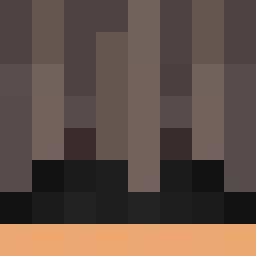
Current Minecraft skin of the player _ysnow, loaded from the official Mojang API. Rotate the 3D model with your mouse or finger, then download the skin as a PNG file and use it in Minecraft: Bedrock Edition or Java Edition for free. When _ysnow changes their skin, this page updates automatically and the old skin stays in the history below.
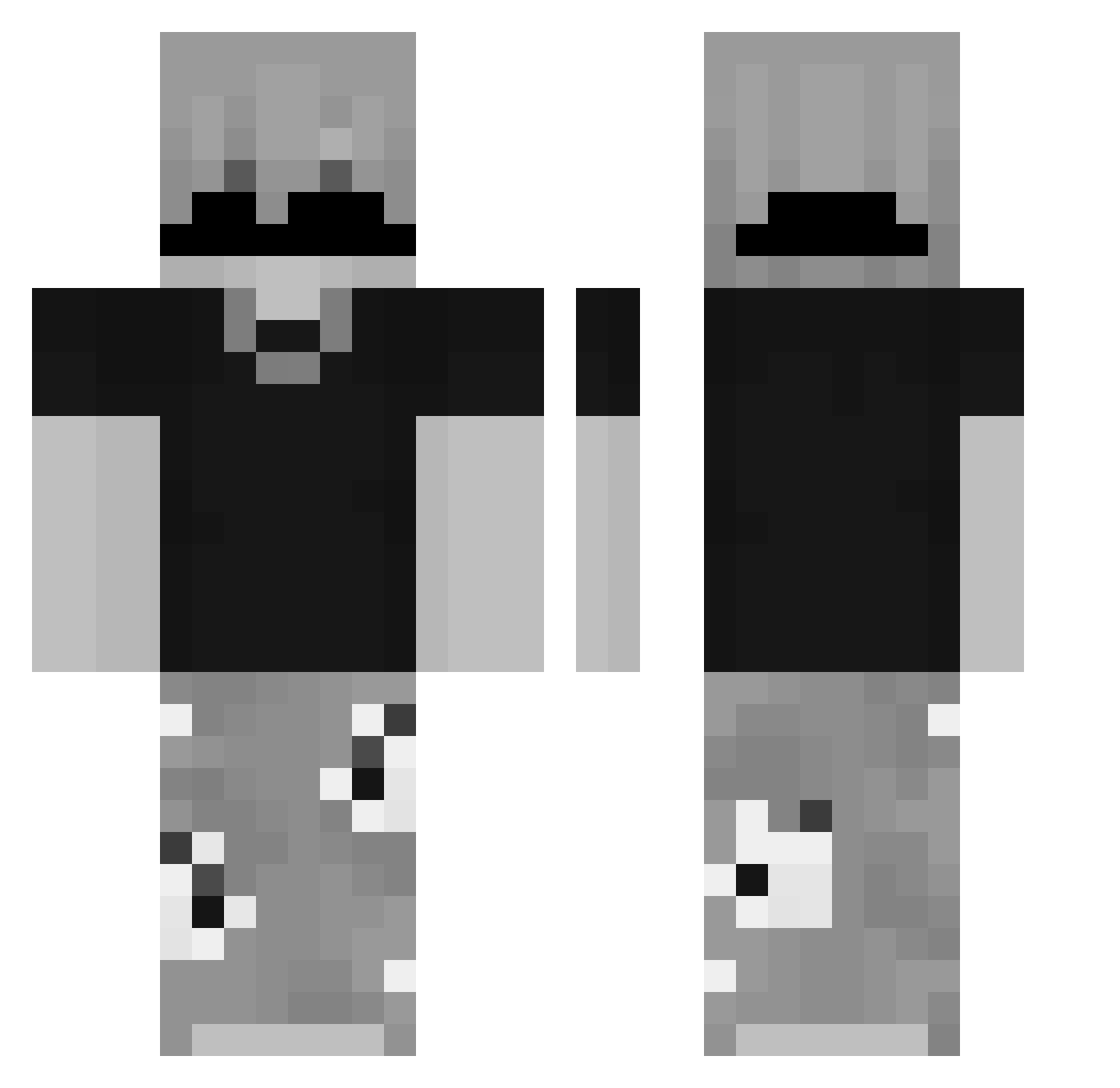
Other players with this skin (87)
_ysnow was the 27th player we have seen with this skin, first spotted on 25.08.2026. The same skin was seen on these players. Open a nickname to see their current skin and skin history.
 _Yoru0ni_
 iGothic Lk_zInn
 Aranx1q ASTRO27280
 _MOSSL_ davvid_13 Sadzin55 riquegamex MAXIPRO08
 thelittlewarior matarife_pro xnrv qwixx__ POLARZIM999 HM_pino ItsYourEnd_ YamAgri27 DexterABH RealkingMen
 kisali jeannxd221 1VOID3 Xrekz23X
 rotives 7gieta christianxd1234
 bernardope VLADIy articzs rid2017 ErykSmo Moon_Jxse
 NoT_PoloK ZJolu Frangamer441424
 Fabtasticolo Raokii_AMatsu MiguelAvelar Ibrahim_Al_Khala tiger123pl BusyPanther5091 Tomtin_ LuckyDiamonds87 MielsenXd Alezin77_ Zentloww Luid1409 Zenuk Only4You_ Elerias sp1dxrr Daniel_Els Bomchi32 SalientCave5913 keghr Huinyx qleepy IssaRejust JokubasK2014
How to install the _ysnow skin
- Press the Download button above to save the skin as a PNG file.
- Minecraft: Bedrock Edition (PE): open the Dressing Room from the main menu (or tap your character → Edit Character), go to Classic Skins → Owned, press the + (new skin) button, choose the downloaded PNG and pick the Classic (Steve) model. Works on PC and mobile; consoles cannot import custom skins.
- Minecraft: Java Edition: open the Minecraft Launcher, go to the Skins tab, click New Skin, load the PNG, pick the Classic (Steve) model and press Save & Use. You can also upload it at minecraft.net → Profile → Change Skin.
The skin does not show up after import - what should I do?
Restart Minecraft and open the Dressing Room again - imported skins sometimes appear only after a restart. Also make sure you selected the imported skin and picked the Classic (Steve) model.
Which model should I choose, Classic or Slim?
This skin is designed for the Classic (Steve) model. If you pick the wrong model, the arms of the skin will look stretched or squeezed.
Is the skin of _ysnow free to download?
Yes. Press Download, save the PNG file and use it in Minecraft: Bedrock Edition or Java Edition - no payment or registration needed. The skin also works on multiplayer servers and Realms.
More skins
Looking for more? Go back to all Minecraft skins and check the top skins of the week, month and all time, or find any player's skin by nickname.