
_haste - Minecraft Skins & Skin History
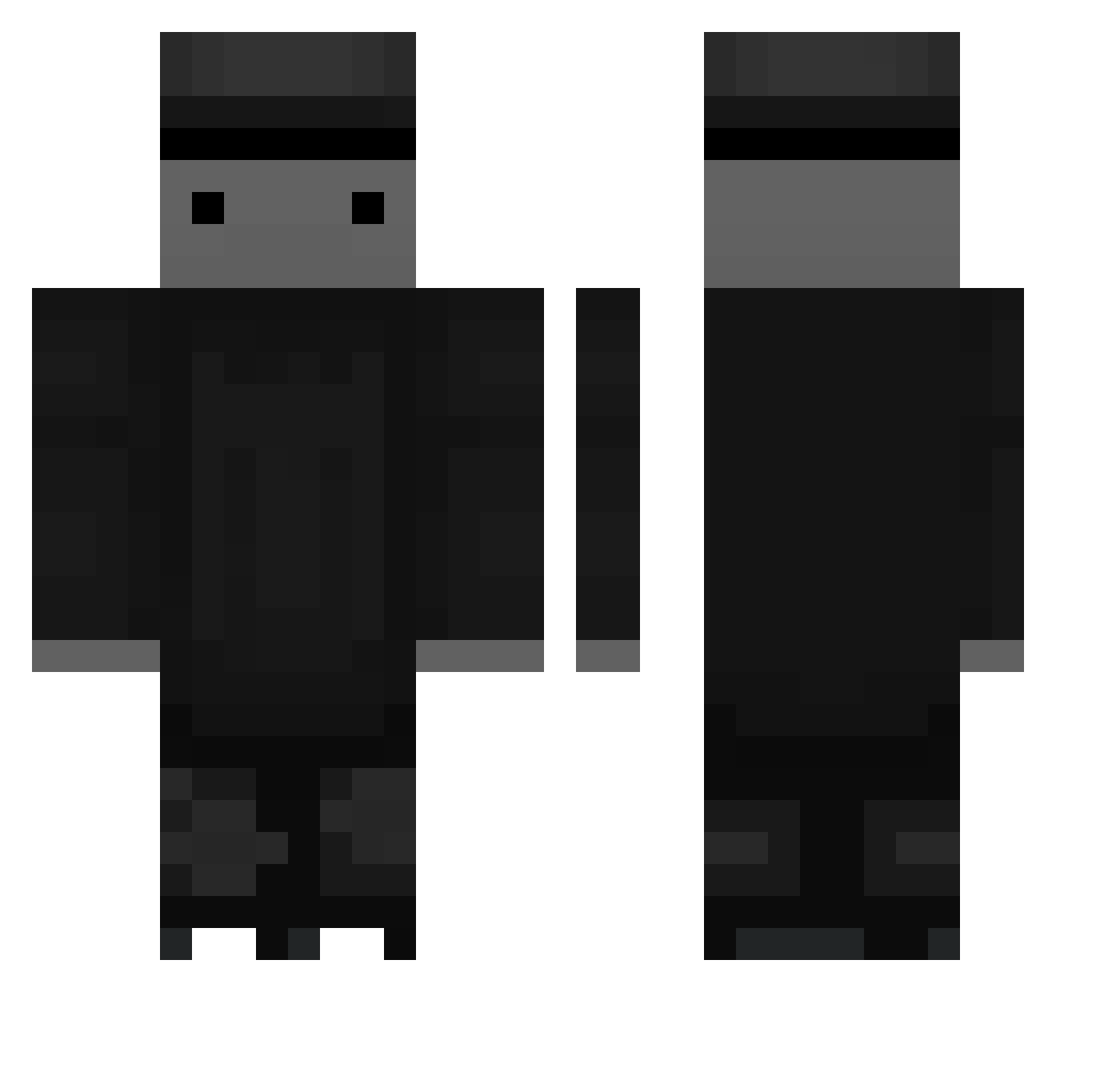
Current Minecraft skin of the player _haste, loaded from the official Mojang API. Rotate the 3D model with your mouse or finger, then download the skin as a PNG file and use it in Minecraft: Bedrock Edition or Java Edition for free. When _haste changes their skin, this page updates automatically and the old skin stays in the history below.
Other players with this skin (54)
_haste was the 18th player we have seen with this skin, first spotted on 27.08.2026. The same skin was seen on these players. Open a nickname to see their current skin and skin history.
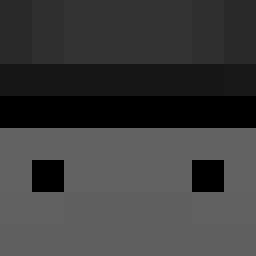 Akiraaa_ MengYouRen DARAK__ bitshott _FFinalz_ YamadeKoii Kinkazman xKaspian Ajheed azuki4021 Follzen Zhou0305 Milup_ DerpyDixis Qtraxx B4N9 ceriel1304 TW_Crituer MortiNaKurorte Erromano68 tablered FA_Q1 _Wadu PufyMercenar Bear_P7 DRASTIC696 Greaterr _Agee_ 1fkd Overkill_988 Nubedom ElitHiszpan Dasra
 Akawin XboxFL LoyaI Chrischoshoi GodDeidara itsue12 SeanMorris12 PDark1232686 NoahHaga SFGPLAY TheGabe_ HaucTW AlbinoDonkey lhre oneilol Whees67 gnxz 20Blase05 skaaju DvT_Smokey inbody82
More Top Hat Minecraft skins
How to install the _haste skin
- Press the Download button above to save the skin as a PNG file.
- Minecraft: Bedrock Edition (PE): open the Dressing Room from the main menu (or tap your character → Edit Character), go to Classic Skins → Owned, press the + (new skin) button, choose the downloaded PNG and pick the Classic (Steve) model. Works on PC and mobile; consoles cannot import custom skins.
- Minecraft: Java Edition: open the Minecraft Launcher, go to the Skins tab, click New Skin, load the PNG, pick the Classic (Steve) model and press Save & Use. You can also upload it at minecraft.net → Profile → Change Skin.
The skin does not show up after import - what should I do?
Restart Minecraft and open the Dressing Room again - imported skins sometimes appear only after a restart. Also make sure you selected the imported skin and picked the Classic (Steve) model.
Which model should I choose, Classic or Slim?
This skin is designed for the Classic (Steve) model. If you pick the wrong model, the arms of the skin will look stretched or squeezed.
Is the skin of _haste free to download?
Yes. Press Download, save the PNG file and use it in Minecraft: Bedrock Edition or Java Edition - no payment or registration needed. The skin also works on multiplayer servers and Realms.
More skins
Looking for more? Go back to all Minecraft skins and check the top skins of the week, month and all time, or find any player's skin by nickname.