
__Vladivostok__ - Minecraft Skins & Skin History
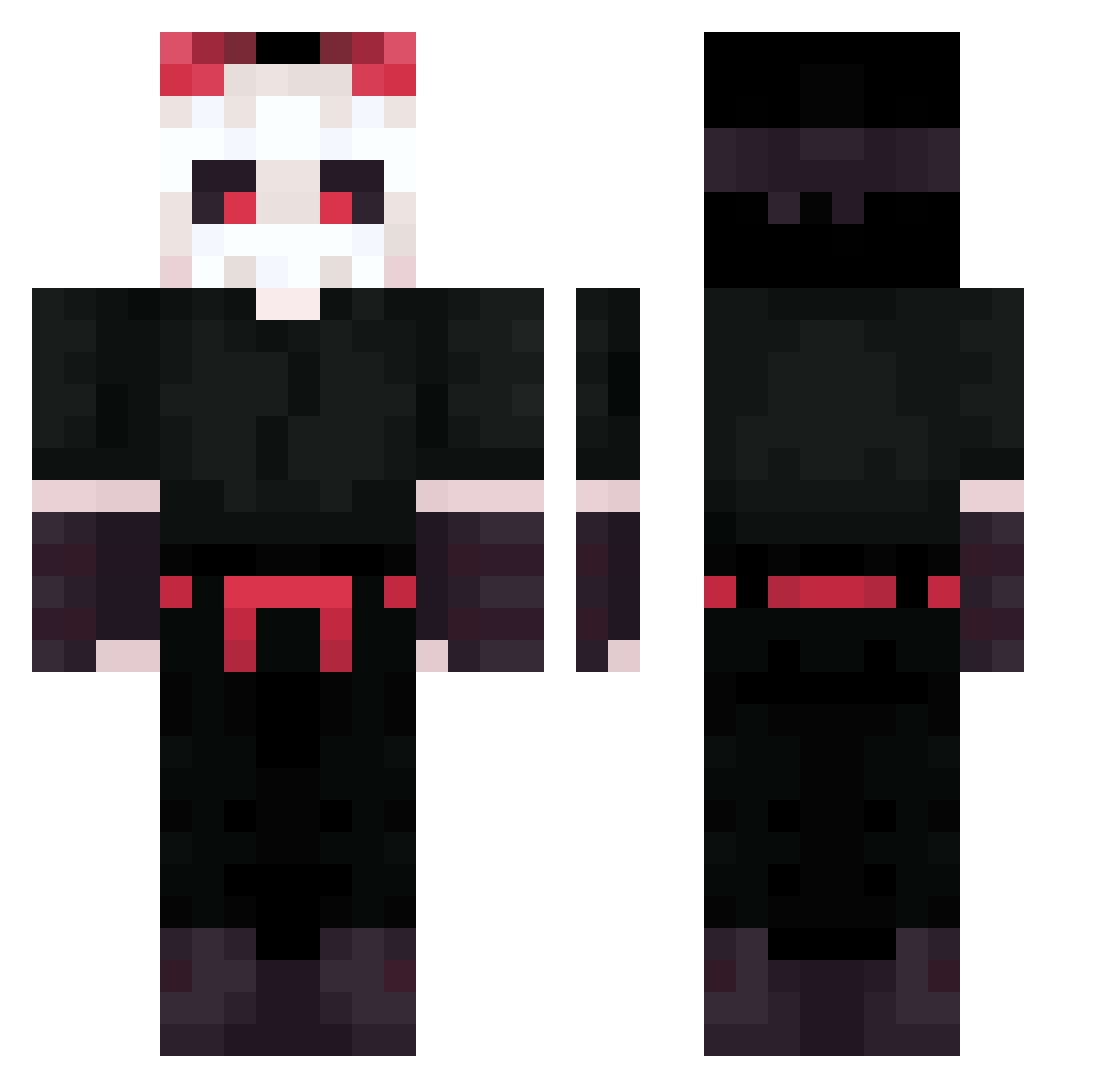
Current Minecraft skin of the player __Vladivostok__, loaded from the official Mojang API. Rotate the 3D model with your mouse or finger, then download the skin as a PNG file and use it in Minecraft: Bedrock Edition or Java Edition for free. When __Vladivostok__ changes their skin, this page updates automatically and the old skin stays in the history below.
Other players with this skin (200)
__Vladivostok__ was the 55th player we have seen with this skin, first spotted on 22.08.2026. The same skin was seen on these players. Open a nickname to see their current skin and skin history.
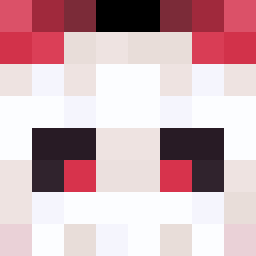 Drainy_eleven iitsForrestt TiHelKen Donequrci Hamio7 NoahTheLeast AkumaSora Van4eLoS Bugsve_ riotkuun Demon12908 Ianr755 Hasan4739 dmdsldoal W4LYSON Tbreaker77 Exsite221 seven768 Tohmb mafu3443 Rellir830 Vorter09 ZbatMoney Namelessss Nicii__ Shariukan BRplaygamesBR cvtjin SwitchBladeee NoobPikaboo Peeglegs Days21 NiwZBee zBombilla MeVtThEbOss cooperthademon zeejfps Baunar shara08 zasperty Aye0927 JANEZFR LoTuS_Shizuko RoZeToChKa l_Lito_l KenwayX7 JacKreS Low_iQ_ PureSineWave ZloiZadrot Kecris30 zzini9706 wkahhwh VictorMS2001 F4abio1107 LukN_Bel lastsamurai1000 iijayy Skullark ClickToSub
More Skeleton Mask Minecraft skins
See all 62 Skeleton Mask skins
How to install the __Vladivostok__ skin
- Press the Download button above to save the skin as a PNG file.
- Minecraft: Bedrock Edition (PE): open the Dressing Room from the main menu (or tap your character → Edit Character), go to Classic Skins → Owned, press the + (new skin) button, choose the downloaded PNG and pick the Classic (Steve) model. Works on PC and mobile; consoles cannot import custom skins.
- Minecraft: Java Edition: open the Minecraft Launcher, go to the Skins tab, click New Skin, load the PNG, pick the Classic (Steve) model and press Save & Use. You can also upload it at minecraft.net → Profile → Change Skin.
The skin does not show up after import - what should I do?
Restart Minecraft and open the Dressing Room again - imported skins sometimes appear only after a restart. Also make sure you selected the imported skin and picked the Classic (Steve) model.
Which model should I choose, Classic or Slim?
This skin is designed for the Classic (Steve) model. If you pick the wrong model, the arms of the skin will look stretched or squeezed.
Is the skin of __Vladivostok__ free to download?
Yes. Press Download, save the PNG file and use it in Minecraft: Bedrock Edition or Java Edition - no payment or registration needed. The skin also works on multiplayer servers and Realms.
More skins
Looking for more? Go back to all Minecraft skins and check the top skins of the week, month and all time, or find any player's skin by nickname.