
__Justin - Minecraft Skins & Skin History
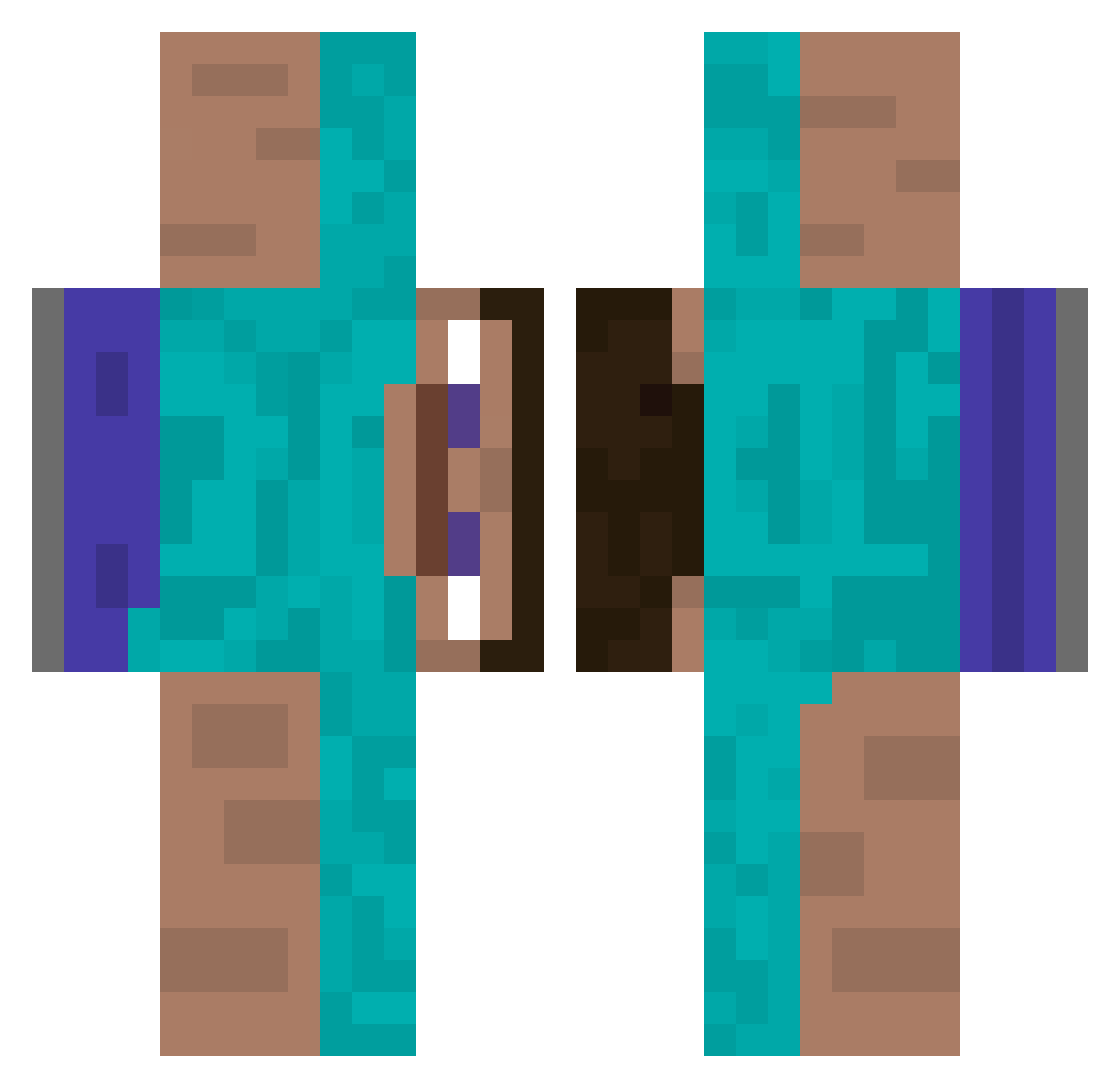
Current Minecraft skin of the player __Justin, loaded from the official Mojang API. Rotate the 3D model with your mouse or finger, then download the skin as a PNG file and use it in Minecraft: Bedrock Edition or Java Edition for free. When __Justin changes their skin, this page updates automatically and the old skin stays in the history below.
Other players with this skin (459)
__Justin was the 405th player we have seen with this skin, first spotted on 30.10.2026. The same skin was seen on these players. Open a nickname to see their current skin and skin history.
 samwowzers Brown_Sugars YungCut666 bhsa2452 mathias11176733 GlenCheck SidewaysSeven marflon IHYRIHY Maximus_is_vibin The_Islaminator Golckx slam2323 2012Budyn Ianisawesome08 toodling Faxdax SyredSZN CaduUuZ LEEFSHEEP Hryoni70 Klingonerd myrobloxgfleftme AVAKSon JoelFin DaviLols KITOGLAV L34LMANN agritzoe ALIENNZZ tabiano TVGRU gum_gaeul CasaClan seco042 VaultsOfZin Smertn greipsow TheCookieIdk Poulet_Azur gastonsin Metaxa7 dlehddnr09 andreaspivac huckleberrymoth Raylandz BURD_ISDA_WORD EldesGar fat_cat_clover aa124 Tortue_fou KURTANGLE1354 geodais Norman101 Luca_321 Herr_Vorragend13 difarix _MSKIM DaVeganDinner ChapaHolla
How to install the __Justin skin
- Press the Download button above to save the skin as a PNG file.
- Minecraft: Bedrock Edition (PE): open the Dressing Room from the main menu (or tap your character → Edit Character), go to Classic Skins → Owned, press the + (new skin) button, choose the downloaded PNG and pick the Classic (Steve) model. Works on PC and mobile; consoles cannot import custom skins.
- Minecraft: Java Edition: open the Minecraft Launcher, go to the Skins tab, click New Skin, load the PNG, pick the Classic (Steve) model and press Save & Use. You can also upload it at minecraft.net → Profile → Change Skin.
The skin does not show up after import - what should I do?
Restart Minecraft and open the Dressing Room again - imported skins sometimes appear only after a restart. Also make sure you selected the imported skin and picked the Classic (Steve) model.
Which model should I choose, Classic or Slim?
This skin is designed for the Classic (Steve) model. If you pick the wrong model, the arms of the skin will look stretched or squeezed.
Is the skin of __Justin free to download?
Yes. Press Download, save the PNG file and use it in Minecraft: Bedrock Edition or Java Edition - no payment or registration needed. The skin also works on multiplayer servers and Realms.
More skins
Looking for more? Go back to all Minecraft skins and check the top skins of the week, month and all time, or find any player's skin by nickname.