
_Lucas_22 - Minecraft Skins & Skin History
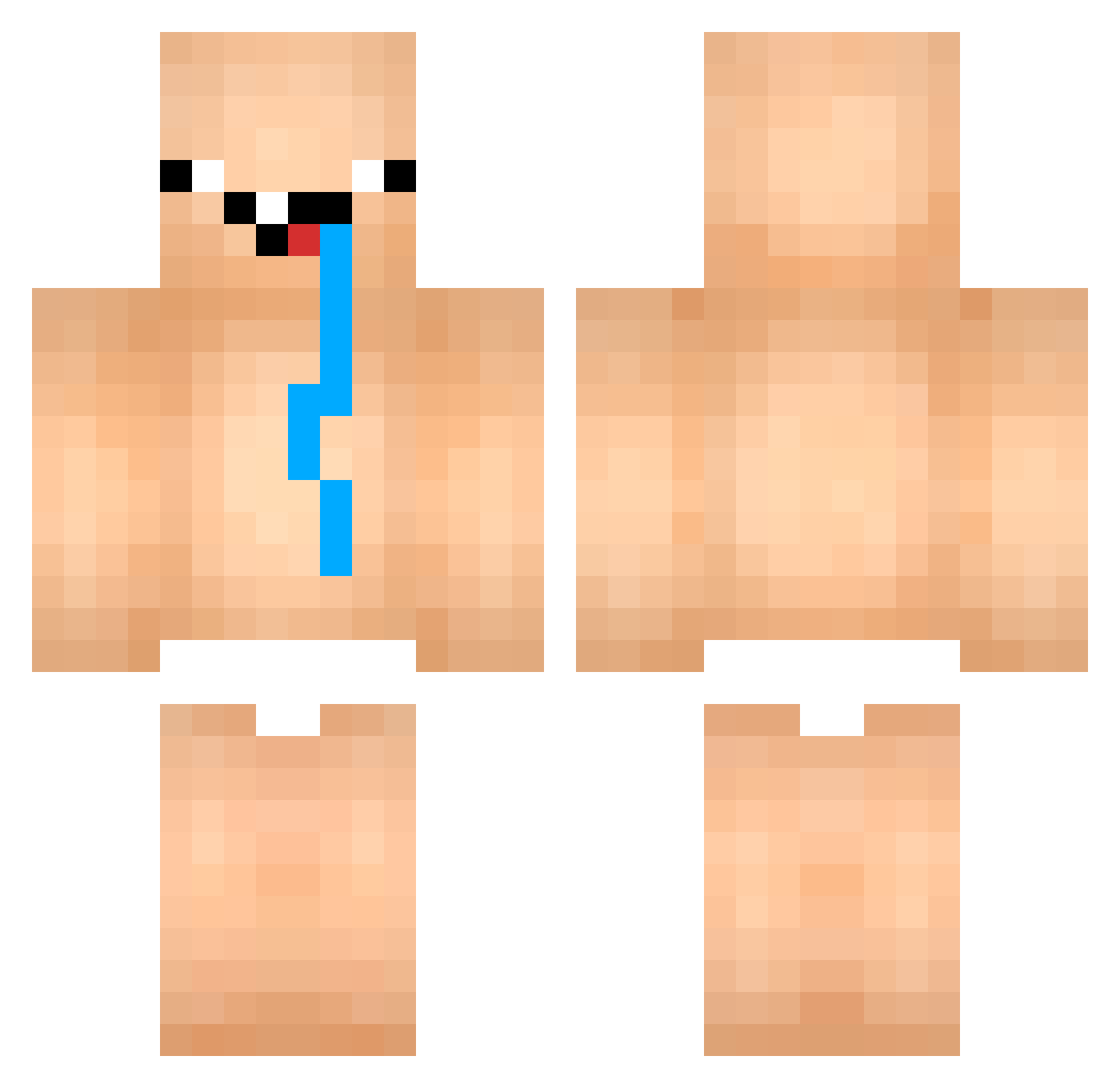
Current Minecraft skin of the player _Lucas_22, loaded from the official Mojang API. Rotate the 3D model with your mouse or finger, then download the skin as a PNG file and use it in Minecraft: Bedrock Edition or Java Edition for free. When _Lucas_22 changes their skin, this page updates automatically and the old skin stays in the history below.
Other players with this skin (1011)
_Lucas_22 was the 855th player we have seen with this skin, first spotted on 01.11.2026. The same skin was seen on these players. Open a nickname to see their current skin and skin history.
 its_me_A_white consipated_dog69 songdebbang Hireplays yTankeyHG jaime09 godingames asdfgh74 SLEEP_LECO Nestor_gg DianLogar Bickas943 KasperSoup KaoNestoxD DeineOma8 Syan206 Ways13 wh2130 dimaSCI PchzProduction Gapehornenoyer69 fahad11232 HenryBreit bielxd123 Maraud8 Boyxablo GorditoTetrico Agargoth RakshaLord_ vbasicoder ebbkr chingchengchongv McLovin11195 frequin Jopa265 lesusss Boom96 sxxong omaru528 Mahe98765 Nini6584 1Lyrix1 JevaderwegNL Lucazballzofstel calv1nnn lucas1010605 MietSklave ToolOfAFook Sexyking ScaryPlace1295 fars_ma_live chineseasain Minguito_PvP JAO_SPACEK animalcross CKLmafia Spidemir yumio_o DonPablo98 Cade_yu
More Diaper Minecraft skins
How to install the _Lucas_22 skin
- Press the Download button above to save the skin as a PNG file.
- Minecraft: Bedrock Edition (PE): open the Dressing Room from the main menu (or tap your character → Edit Character), go to Classic Skins → Owned, press the + (new skin) button, choose the downloaded PNG and pick the Classic (Steve) model. Works on PC and mobile; consoles cannot import custom skins.
- Minecraft: Java Edition: open the Minecraft Launcher, go to the Skins tab, click New Skin, load the PNG, pick the Classic (Steve) model and press Save & Use. You can also upload it at minecraft.net → Profile → Change Skin.
The skin does not show up after import - what should I do?
Restart Minecraft and open the Dressing Room again - imported skins sometimes appear only after a restart. Also make sure you selected the imported skin and picked the Classic (Steve) model.
Which model should I choose, Classic or Slim?
This skin is designed for the Classic (Steve) model. If you pick the wrong model, the arms of the skin will look stretched or squeezed.
Is the skin of _Lucas_22 free to download?
Yes. Press Download, save the PNG file and use it in Minecraft: Bedrock Edition or Java Edition - no payment or registration needed. The skin also works on multiplayer servers and Realms.
More skins
Looking for more? Go back to all Minecraft skins and check the top skins of the week, month and all time, or find any player's skin by nickname.