
_Lovea_ - Minecraft Skins & Skin History
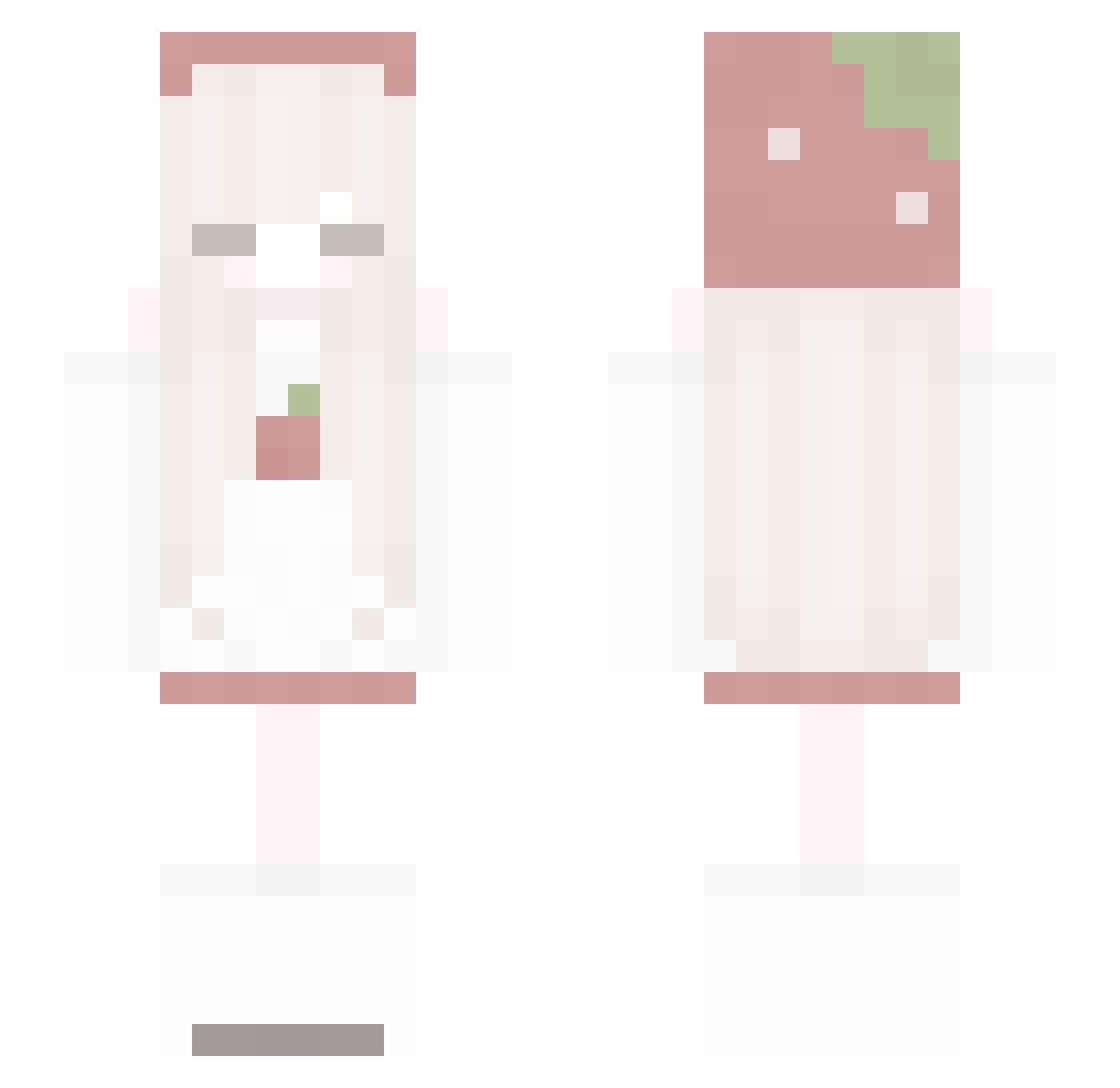
Current Minecraft skin of the player _Lovea_, loaded from the official Mojang API. Rotate the 3D model with your mouse or finger, then download the skin as a PNG file and use it in Minecraft: Bedrock Edition or Java Edition for free. When _Lovea_ changes their skin, this page updates automatically and the old skin stays in the history below.
Other players with this skin (85)
_Lovea_ was the 25th player we have seen with this skin, first spotted on 28.08.2026. The same skin was seen on these players. Open a nickname to see their current skin and skin history.
 imx_foxyzz lanpa_87 kawaiiipuppy Z_Zaro_o Veritly mitskid Lin____Lin ame_ovo Puxnyplue dinyanem1
 GrouRakus liming52001 Citron02 AobaChii dofvos Mochlii baby_yana bojun_x_ Rosie9849 illillill1111 mandarynkaA0 FluffyFluffero rriacss
 1zabella MuffinMoonie_ Shuuimu Roru_ wzx2222
 doeeveri Yura007 PixelLizz xp_sys elfqria G_Mew
 fretka_33 BigNugNugs yagikamome kuromeoww tokki_tokki RxTBlue
 lovely111 SaikiLev Arin214 juho0n SoggyCheerios_ Inesnier RubyBlueRose RoseAlya Rutizzz bonyu_00 qpqcrisy _JJA Owels fu_co ppizpc jaskimy rtoile
 Sthyze tagliami xlcpy
More Strawberry Minecraft skins
How to install the _Lovea_ skin
- Press the Download button above to save the skin as a PNG file.
- Minecraft: Bedrock Edition (PE): open the Dressing Room from the main menu (or tap your character → Edit Character), go to Classic Skins → Owned, press the + (new skin) button, choose the downloaded PNG and pick the Slim (Alex) model. Works on PC and mobile; consoles cannot import custom skins.
- Minecraft: Java Edition: open the Minecraft Launcher, go to the Skins tab, click New Skin, load the PNG, pick the Slim (Alex) model and press Save & Use. You can also upload it at minecraft.net → Profile → Change Skin.
The skin does not show up after import - what should I do?
Restart Minecraft and open the Dressing Room again - imported skins sometimes appear only after a restart. Also make sure you selected the imported skin and picked the Slim (Alex) model.
Which model should I choose, Classic or Slim?
This skin is designed for the Slim (Alex) model. If you pick the wrong model, the arms of the skin will look stretched or squeezed.
Is the skin of _Lovea_ free to download?
Yes. Press Download, save the PNG file and use it in Minecraft: Bedrock Edition or Java Edition - no payment or registration needed. The skin also works on multiplayer servers and Realms.
More skins
Looking for more? Go back to all Minecraft skins and check the top skins of the week, month and all time, or find any player's skin by nickname.