
_Lingluo_ - Minecraft Skins & Skin History
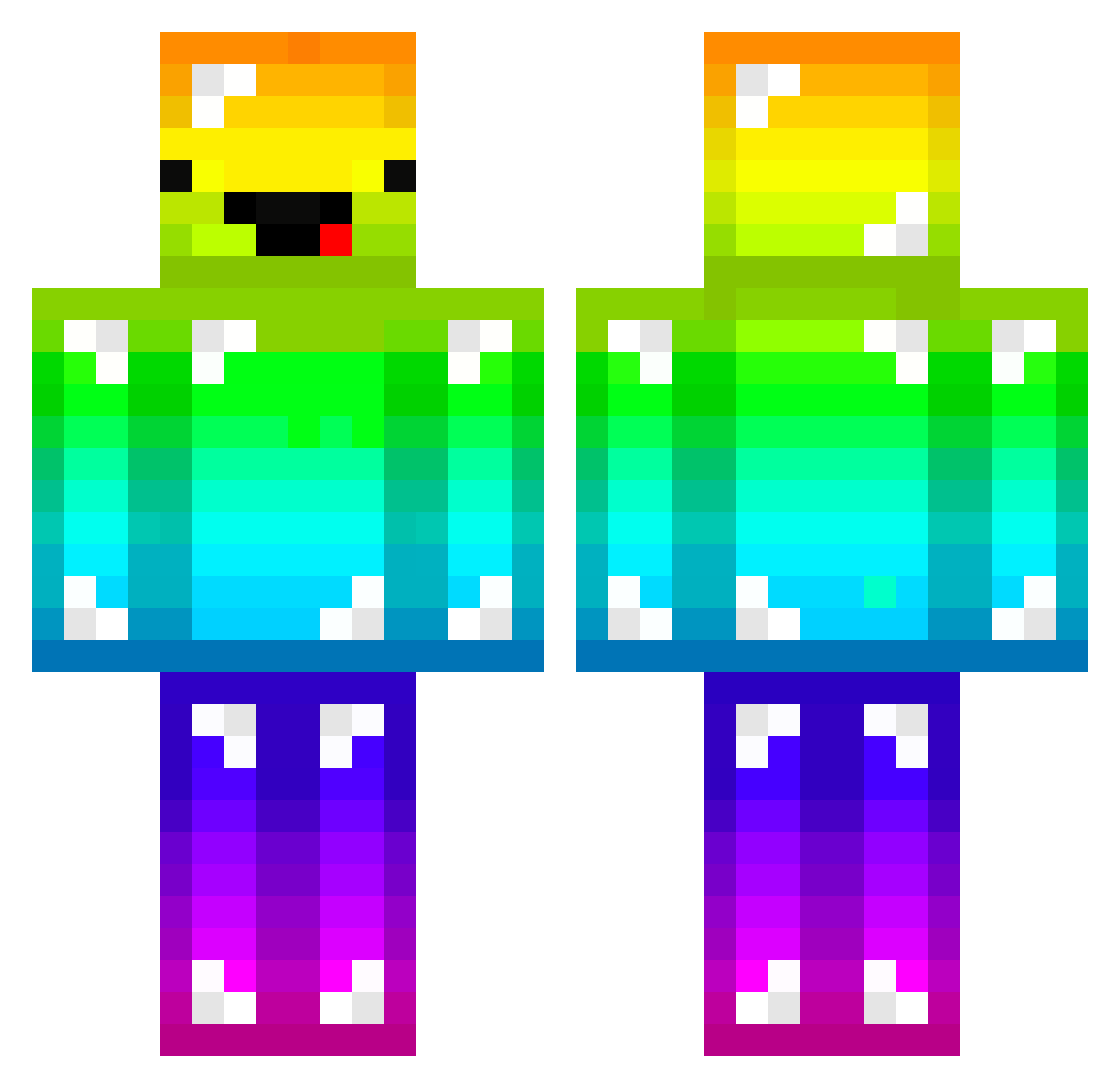
Current Minecraft skin of the player _Lingluo_, loaded from the official Mojang API. Rotate the 3D model with your mouse or finger, then download the skin as a PNG file and use it in Minecraft: Bedrock Edition or Java Edition for free. When _Lingluo_ changes their skin, this page updates automatically and the old skin stays in the history below.
Other players with this skin (165)
_Lingluo_ was the 12th player we have seen with this skin, first spotted on 03.08.2026. The same skin was seen on these players. Open a nickname to see their current skin and skin history.
 Marielbdm Oyaku e_expert Michel6 deeven2000 Mr_boby _Bico ToniKiller1 MANDO522 JammyJames1316 romann307 BunnyPhin Lobbyyy1 NexofinnBE BeiLian9 Lenghsay StiGser kentaro411 TodTy8373 asikhylos Myrek2775 sangchu914 LotteBlocks Do0127 TrinityForce_ FadedUPN LaChevreAlpine YWTM777 2manychins Grzdyleq phw0503 jaehyun_0923 Lost_Fire Bloche74 Batmalo los1016 Opider SniperStriker_11 RHdlqk Sans0409 Ninejea jjikjjike FinleyShuai Prasek_do_peciva aegis859 Kriskin BIGGOCHU jungu12 Fwgsw DAXIAOYI white_bear0912 Ethanukun DiamondFang1 tochiya piidan Ryuukaiser45 AidanDboss lulu_ackerman Cendaf BabTB06
More Diamond Armor Minecraft skins
See all 275 Diamond Armor skins
How to install the _Lingluo_ skin
- Press the Download button above to save the skin as a PNG file.
- Minecraft: Bedrock Edition (PE): open the Dressing Room from the main menu (or tap your character → Edit Character), go to Classic Skins → Owned, press the + (new skin) button, choose the downloaded PNG and pick the Classic (Steve) model. Works on PC and mobile; consoles cannot import custom skins.
- Minecraft: Java Edition: open the Minecraft Launcher, go to the Skins tab, click New Skin, load the PNG, pick the Classic (Steve) model and press Save & Use. You can also upload it at minecraft.net → Profile → Change Skin.
The skin does not show up after import - what should I do?
Restart Minecraft and open the Dressing Room again - imported skins sometimes appear only after a restart. Also make sure you selected the imported skin and picked the Classic (Steve) model.
Which model should I choose, Classic or Slim?
This skin is designed for the Classic (Steve) model. If you pick the wrong model, the arms of the skin will look stretched or squeezed.
Is the skin of _Lingluo_ free to download?
Yes. Press Download, save the PNG file and use it in Minecraft: Bedrock Edition or Java Edition - no payment or registration needed. The skin also works on multiplayer servers and Realms.
More skins
Looking for more? Go back to all Minecraft skins and check the top skins of the week, month and all time, or find any player's skin by nickname.