
_CrAiN_2k - Minecraft Skins & Skin History
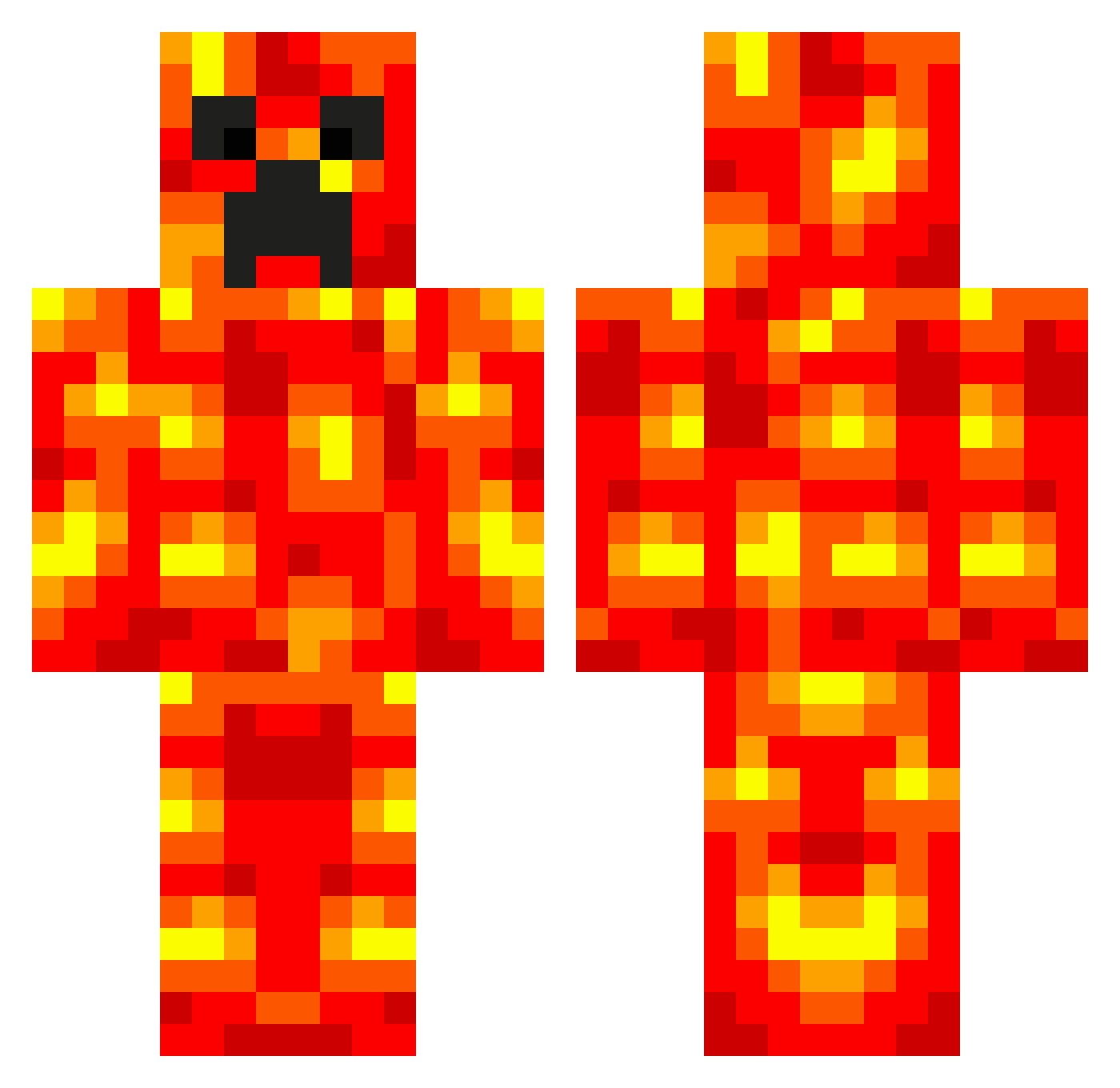
Current Minecraft skin of the player _CrAiN_2k, loaded from the official Mojang API. Rotate the 3D model with your mouse or finger, then download the skin as a PNG file and use it in Minecraft: Bedrock Edition or Java Edition for free. When _CrAiN_2k changes their skin, this page updates automatically and the old skin stays in the history below.
Other players with this skin (703)
_CrAiN_2k was the 635th player we have seen with this skin, first spotted on 02.11.2026. The same skin was seen on these players. Open a nickname to see their current skin and skin history.
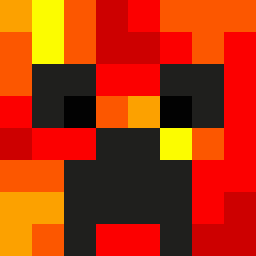 Dark_Light2 coasterjunkie12 Roko_King kennymouse1 Ebba_Lj Topu79 JADLT jakeboss13 layton4321 blackmc35 deadrock2003 alex974 Tortiezz pmcmj13 RandolphJR elitegamerboys WarginTheTrue Poke_M Ready2Rock coolepicbro mvp193 VacantRoad 1o2l3a uuz1 thunderblack18 RedLightning_123 bob_106 sarahh101 XX_Survivor enderboyWill bramw04 Tamago069 StaninHD GBuckland Raiden1112 chris5703 K_3_M Fabi100H Twan1403 MiningMalakai savagearms270 Icubanick XXSKITTLESXX ThePyramid rejectedrocky JayAnthony808 CaptainCalgar RageBonto devin1198 Austinz1 x9_2 Creepy_Lava Robbie259 jbstrafuss alijahs sparky9196 jkpearce FARTONURFACE98 zGodlyBerkay Minelan
More Magma Minecraft skins
How to install the _CrAiN_2k skin
- Press the Download button above to save the skin as a PNG file.
- Minecraft: Bedrock Edition (PE): open the Dressing Room from the main menu (or tap your character → Edit Character), go to Classic Skins → Owned, press the + (new skin) button, choose the downloaded PNG and pick the Classic (Steve) model. Works on PC and mobile; consoles cannot import custom skins.
- Minecraft: Java Edition: open the Minecraft Launcher, go to the Skins tab, click New Skin, load the PNG, pick the Classic (Steve) model and press Save & Use. You can also upload it at minecraft.net → Profile → Change Skin.
The skin does not show up after import - what should I do?
Restart Minecraft and open the Dressing Room again - imported skins sometimes appear only after a restart. Also make sure you selected the imported skin and picked the Classic (Steve) model.
Which model should I choose, Classic or Slim?
This skin is designed for the Classic (Steve) model. If you pick the wrong model, the arms of the skin will look stretched or squeezed.
Is the skin of _CrAiN_2k free to download?
Yes. Press Download, save the PNG file and use it in Minecraft: Bedrock Edition or Java Edition - no payment or registration needed. The skin also works on multiplayer servers and Realms.
More skins
Looking for more? Go back to all Minecraft skins and check the top skins of the week, month and all time, or find any player's skin by nickname.