
_ConShuffle_ - Minecraft Skins & Skin History
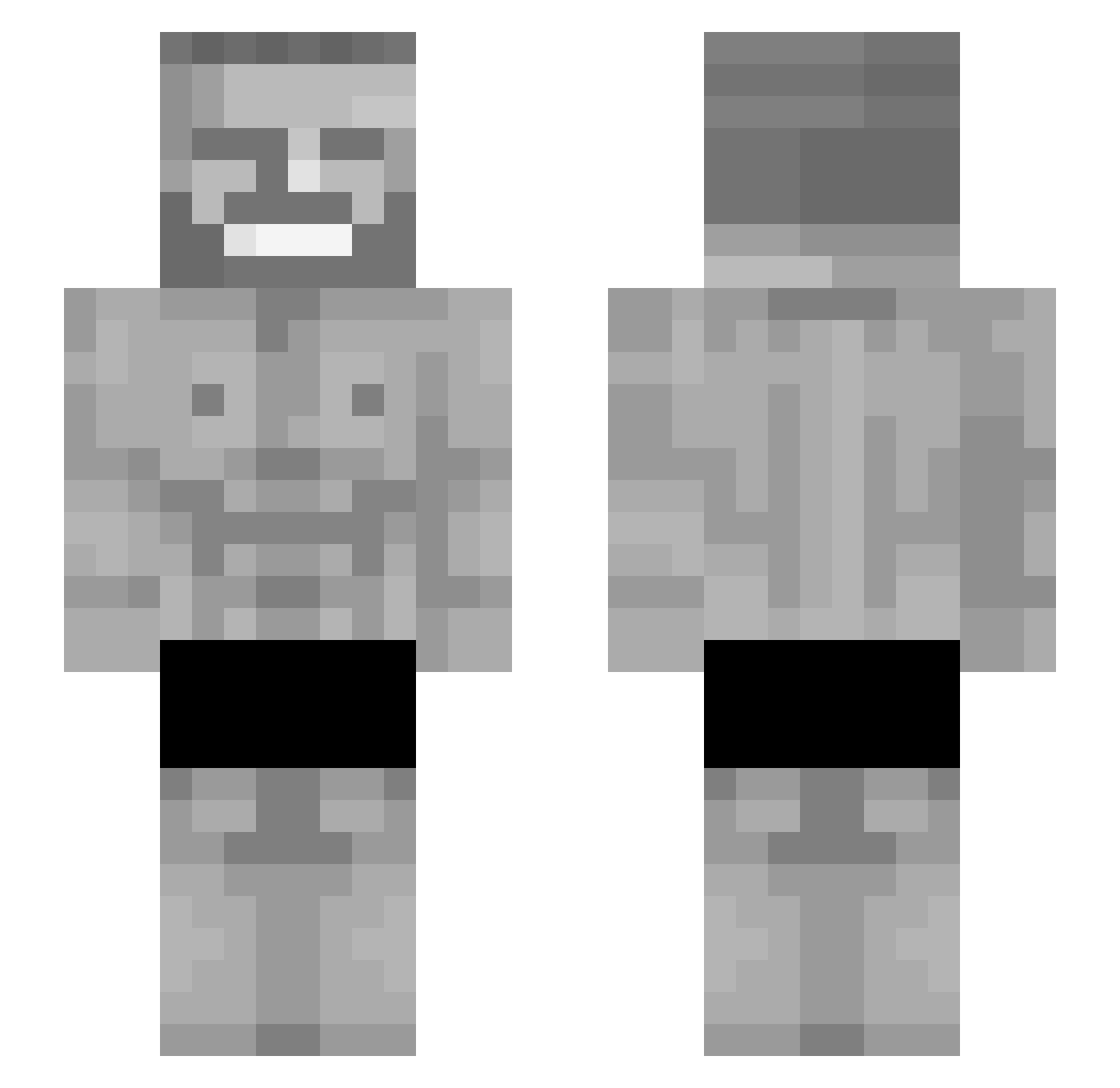
Current Minecraft skin of the player _ConShuffle_, loaded from the official Mojang API. Rotate the 3D model with your mouse or finger, then download the skin as a PNG file and use it in Minecraft: Bedrock Edition or Java Edition for free. When _ConShuffle_ changes their skin, this page updates automatically and the old skin stays in the history below.
Other players with this skin (142)
_ConShuffle_ was the 37th player we have seen with this skin, first spotted on 21.08.2026. The same skin was seen on these players. Open a nickname to see their current skin and skin history.
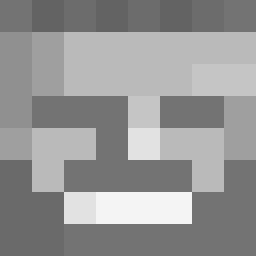 Bxschti_GHG DonekyKong1909 Tsanew7777 Helmutcross Carasko pcknn NotPappyMcFlappy IN69 BingyRipps Pig_Cum kkwetx Areslulw Mike_ZO hawicky123 kuivsl PuchaR420 SAKSUEEE Fubtol Shidosu Dragonken57 CamMak MrZacchinni Tim0xx SawiX123 Swwagzin BeefSupreme30_02 0kaiden joshbrownnn Teslartas godlyfool danjuddd yumek666
 WerderDavid SuperAwsomeSauce Leta_ne_bylo FemurBonk wasistmitdir B4mb0sz acyri DorfdiskoDieter Tomatensalatt ksew444444 Makaroniarz69 mateesito xMSM JulianLs Krantorum SskDeLosTenebros
 Bewomg2 Millatron15 Bescienz UniQuExAim _Tagesschau_ smallfot BlackDadNotFound BlackChillax AlanT42 BoMamba DeepFriedStuff IOExecution
More Gigachad Minecraft skins
How to install the _ConShuffle_ skin
- Press the Download button above to save the skin as a PNG file.
- Minecraft: Bedrock Edition (PE): open the Dressing Room from the main menu (or tap your character → Edit Character), go to Classic Skins → Owned, press the + (new skin) button, choose the downloaded PNG and pick the Slim (Alex) model. Works on PC and mobile; consoles cannot import custom skins.
- Minecraft: Java Edition: open the Minecraft Launcher, go to the Skins tab, click New Skin, load the PNG, pick the Slim (Alex) model and press Save & Use. You can also upload it at minecraft.net → Profile → Change Skin.
The skin does not show up after import - what should I do?
Restart Minecraft and open the Dressing Room again - imported skins sometimes appear only after a restart. Also make sure you selected the imported skin and picked the Slim (Alex) model.
Which model should I choose, Classic or Slim?
This skin is designed for the Slim (Alex) model. If you pick the wrong model, the arms of the skin will look stretched or squeezed.
Is the skin of _ConShuffle_ free to download?
Yes. Press Download, save the PNG file and use it in Minecraft: Bedrock Edition or Java Edition - no payment or registration needed. The skin also works on multiplayer servers and Realms.
More skins
Looking for more? Go back to all Minecraft skins and check the top skins of the week, month and all time, or find any player's skin by nickname.