
_Chewlord_ - Minecraft Skins & Skin History
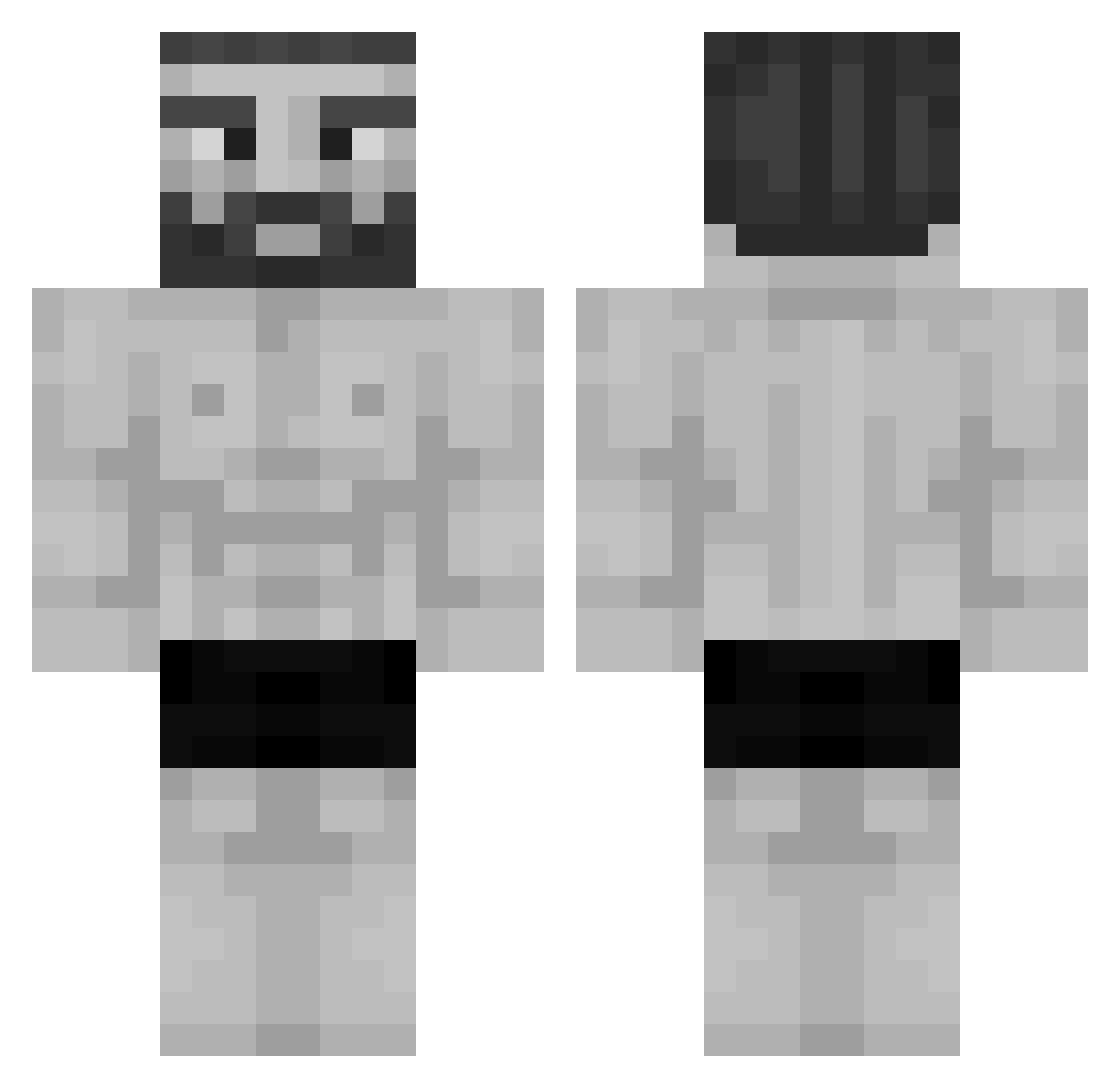
Current Minecraft skin of the player _Chewlord_, loaded from the official Mojang API. Rotate the 3D model with your mouse or finger, then download the skin as a PNG file and use it in Minecraft: Bedrock Edition or Java Edition for free. When _Chewlord_ changes their skin, this page updates automatically and the old skin stays in the history below.
Other players with this skin (955)
_Chewlord_ was the 33rd player we have seen with this skin, first spotted on 26.07.2026. The same skin was seen on these players. Open a nickname to see their current skin and skin history.
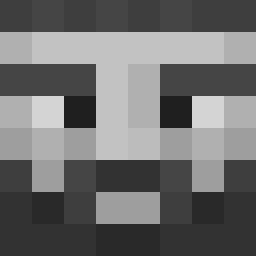 Antischmalle JAVA_svp SuperCoolYeah Art9o360 xKawi Waewaee _bodya56 antifuqqedyou Azymof Helmut_Jony BUCHMAN941 Imeon_ ZzapChe Jarehll Hexveil159 rn_se pofuee pavuk32 Kaepora25 Ma_Muffin22 ig0r159 Raycuz2 IFLordI Anchivous shiryyyu McChaddington juann1922 Chuvak123 CrusherDGK RSGLEO candy8000 Semount Rotate58 jdvlb Avasile RogerKpo Sou1Mineder gprguga IlVeroCiccio Floeschen Pacijaj Jgessel2 beumer h0nsuu ItzXennaRL Spirit614 Txcluv Link_n_logs
 Krispcode Yoyogreatest PrimeVisuals Azazel23r Uzzcuzz MuraSang DUDA211 Raptus__ giosef_tm the_sharpnss HitmanLuni XII_World_Eater
More Gigachad Minecraft skins
How to install the _Chewlord_ skin
- Press the Download button above to save the skin as a PNG file.
- Minecraft: Bedrock Edition (PE): open the Dressing Room from the main menu (or tap your character → Edit Character), go to Classic Skins → Owned, press the + (new skin) button, choose the downloaded PNG and pick the Classic (Steve) model. Works on PC and mobile; consoles cannot import custom skins.
- Minecraft: Java Edition: open the Minecraft Launcher, go to the Skins tab, click New Skin, load the PNG, pick the Classic (Steve) model and press Save & Use. You can also upload it at minecraft.net → Profile → Change Skin.
The skin does not show up after import - what should I do?
Restart Minecraft and open the Dressing Room again - imported skins sometimes appear only after a restart. Also make sure you selected the imported skin and picked the Classic (Steve) model.
Which model should I choose, Classic or Slim?
This skin is designed for the Classic (Steve) model. If you pick the wrong model, the arms of the skin will look stretched or squeezed.
Is the skin of _Chewlord_ free to download?
Yes. Press Download, save the PNG file and use it in Minecraft: Bedrock Edition or Java Edition - no payment or registration needed. The skin also works on multiplayer servers and Realms.
More skins
Looking for more? Go back to all Minecraft skins and check the top skins of the week, month and all time, or find any player's skin by nickname.