
Zublime - Minecraft Skins & Skin History
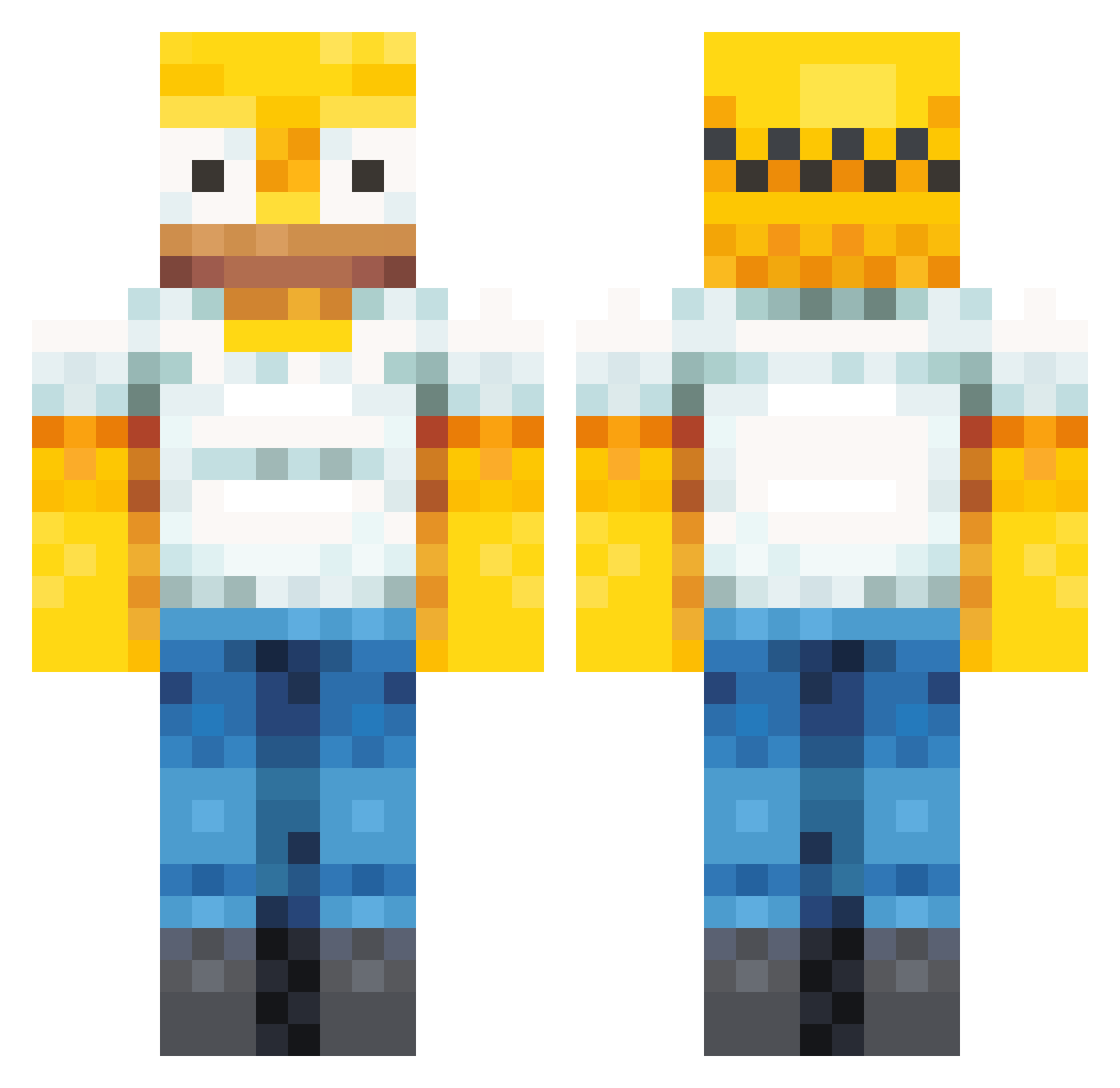
Current Minecraft skin of the player Zublime, loaded from the official Mojang API. Rotate the 3D model with your mouse or finger, then download the skin as a PNG file and use it in Minecraft: Bedrock Edition or Java Edition for free. When Zublime changes their skin, this page updates automatically and the old skin stays in the history below.
Other players with this skin (358)
Zublime was the 215th player we have seen with this skin, first spotted on 21.09.2026. The same skin was seen on these players. Open a nickname to see their current skin and skin history.
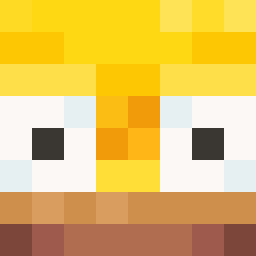 HOMA_OW Pol_Pot12 HomerSimpson1989 LaiskaSpurgu Mausio2 Joniploni newcoolgamer200 txmot ykslayerrr Sparadraps_ ThyMagicShrooms Ts_Danco JoitaBB Armadillo87 ErindaWashington BouncedOcean511 K0rryy ShoweryYT Tedford13 ApricotJoker jonowaynegacy toxiadri Pabloxro Lukerobbo123 Aningggg Fauxcerf Rob3rto914 jennych4n_ underwcrld farts42 maxi787 FrankGille Kaleido7 FallOut0411 NXChimp CredScripts goiaba__ Licosse Kvbonb Meatloafrara xXBlakeyBXx YELLO0OW Fenoic Jaygur drey09 jaxson_9411 River_Music Edvin375 Torsche9G zzzzzzzzzzzzz__ Cryomire187 MrCr4nchy 5ft4Baddie Kim789 GoodtimePaul Melcourt Mimmbley Anoying1 msldz RealT3KN0
More Homer Simpson Minecraft skins
See all 284 Homer Simpson skins
How to install the Zublime skin
- Press the Download button above to save the skin as a PNG file.
- Minecraft: Bedrock Edition (PE): open the Dressing Room from the main menu (or tap your character → Edit Character), go to Classic Skins → Owned, press the + (new skin) button, choose the downloaded PNG and pick the Classic (Steve) model. Works on PC and mobile; consoles cannot import custom skins.
- Minecraft: Java Edition: open the Minecraft Launcher, go to the Skins tab, click New Skin, load the PNG, pick the Classic (Steve) model and press Save & Use. You can also upload it at minecraft.net → Profile → Change Skin.
The skin does not show up after import - what should I do?
Restart Minecraft and open the Dressing Room again - imported skins sometimes appear only after a restart. Also make sure you selected the imported skin and picked the Classic (Steve) model.
Which model should I choose, Classic or Slim?
This skin is designed for the Classic (Steve) model. If you pick the wrong model, the arms of the skin will look stretched or squeezed.
Is the skin of Zublime free to download?
Yes. Press Download, save the PNG file and use it in Minecraft: Bedrock Edition or Java Edition - no payment or registration needed. The skin also works on multiplayer servers and Realms.
More skins
Looking for more? Go back to all Minecraft skins and check the top skins of the week, month and all time, or find any player's skin by nickname.