
ZqE5T - Minecraft Skins & Skin History
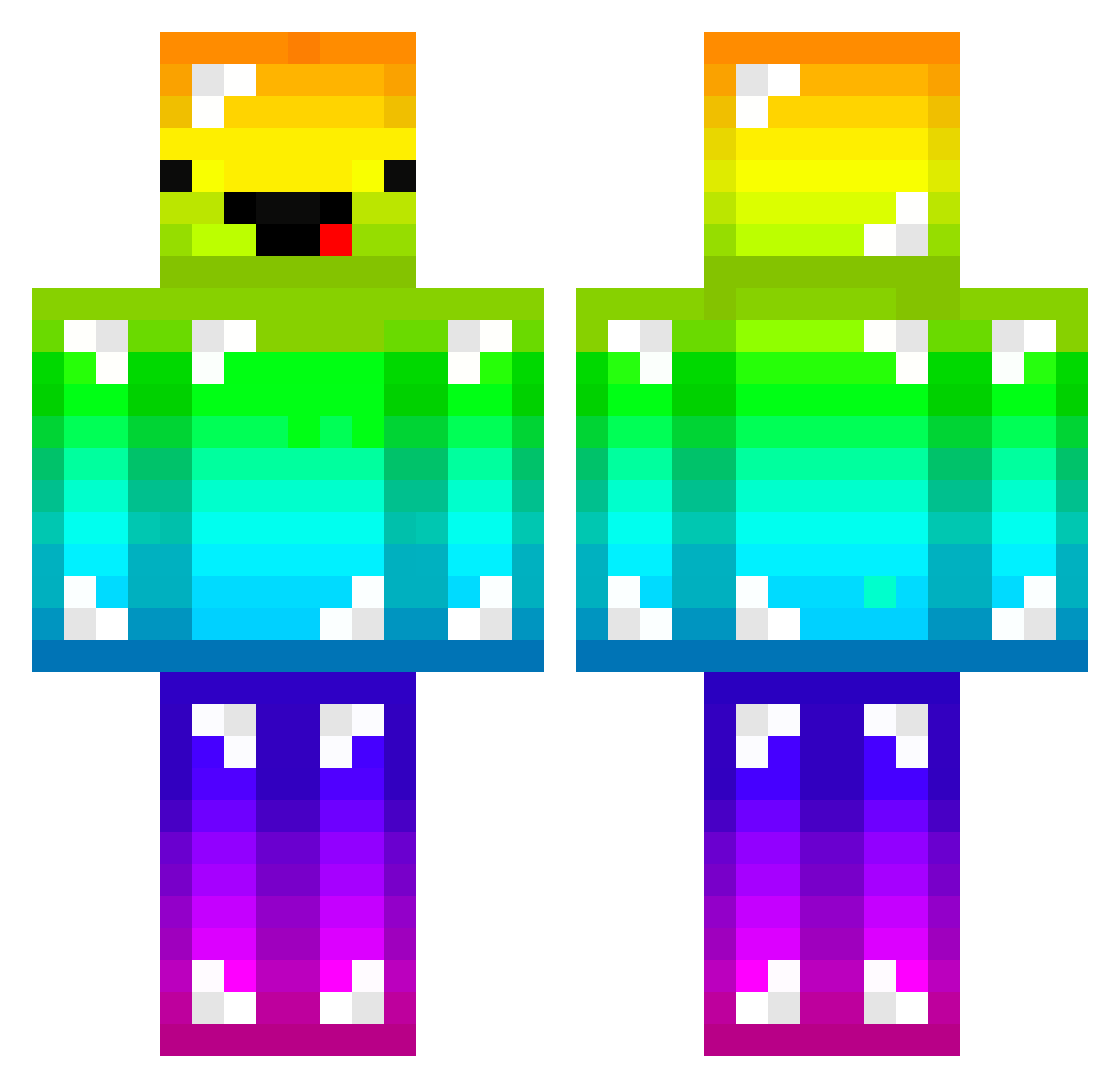
Current Minecraft skin of the player ZqE5T, loaded from the official Mojang API. Rotate the 3D model with your mouse or finger, then download the skin as a PNG file and use it in Minecraft: Bedrock Edition or Java Edition for free. When ZqE5T changes their skin, this page updates automatically and the old skin stays in the history below.
Other players with this skin (247)
ZqE5T was the 66th player we have seen with this skin, first spotted on 18.08.2026. The same skin was seen on these players. Open a nickname to see their current skin and skin history.
 Anna_Banana08 Jerrebear Thinknoodles56 Jezzaroony TwelveShark101 Nikkiplays13 I_Fart_Hippos Jordieabel peanutshelby Gjorgdy1 Reversed_MC RockTheChicken IONexion Janni1010 BIRD123456789 kaidster OliveGarden262 Rqindow_bumd DaikonFunk Skyargore Mtdew4u18 yanisrenam10 Lukaszi Dacota36 arcticCookie759 NoLuckLuke DatWay100 22RainbowDerp22 m00mi HugoRodgers WilliamKin papasi99 Freezxxy Thomas71106 Pengalewa GhostAl ImPeke107 dinonuggets420 SuperDerpyGaming mega_jermaine bart_hogenboom XxTimotheusxX H_MizOrMac_S Ike07 AADaddy xeobutt Why_Lee mrmattc sabinethebeanie Pulsereacher TheOriginal85 SchwerZ25 itzdom10 iiamrandy FlexPaste69 DigitalNarcissus aussiemearnsy BoyKung_TH theEATA Goldfish1453
More Diamond Armor Minecraft skins
See all 275 Diamond Armor skins
How to install the ZqE5T skin
- Press the Download button above to save the skin as a PNG file.
- Minecraft: Bedrock Edition (PE): open the Dressing Room from the main menu (or tap your character → Edit Character), go to Classic Skins → Owned, press the + (new skin) button, choose the downloaded PNG and pick the Classic (Steve) model. Works on PC and mobile; consoles cannot import custom skins.
- Minecraft: Java Edition: open the Minecraft Launcher, go to the Skins tab, click New Skin, load the PNG, pick the Classic (Steve) model and press Save & Use. You can also upload it at minecraft.net → Profile → Change Skin.
The skin does not show up after import - what should I do?
Restart Minecraft and open the Dressing Room again - imported skins sometimes appear only after a restart. Also make sure you selected the imported skin and picked the Classic (Steve) model.
Which model should I choose, Classic or Slim?
This skin is designed for the Classic (Steve) model. If you pick the wrong model, the arms of the skin will look stretched or squeezed.
Is the skin of ZqE5T free to download?
Yes. Press Download, save the PNG file and use it in Minecraft: Bedrock Edition or Java Edition - no payment or registration needed. The skin also works on multiplayer servers and Realms.
More skins
Looking for more? Go back to all Minecraft skins and check the top skins of the week, month and all time, or find any player's skin by nickname.