
Zeqoh_07 - Minecraft Skins & Skin History
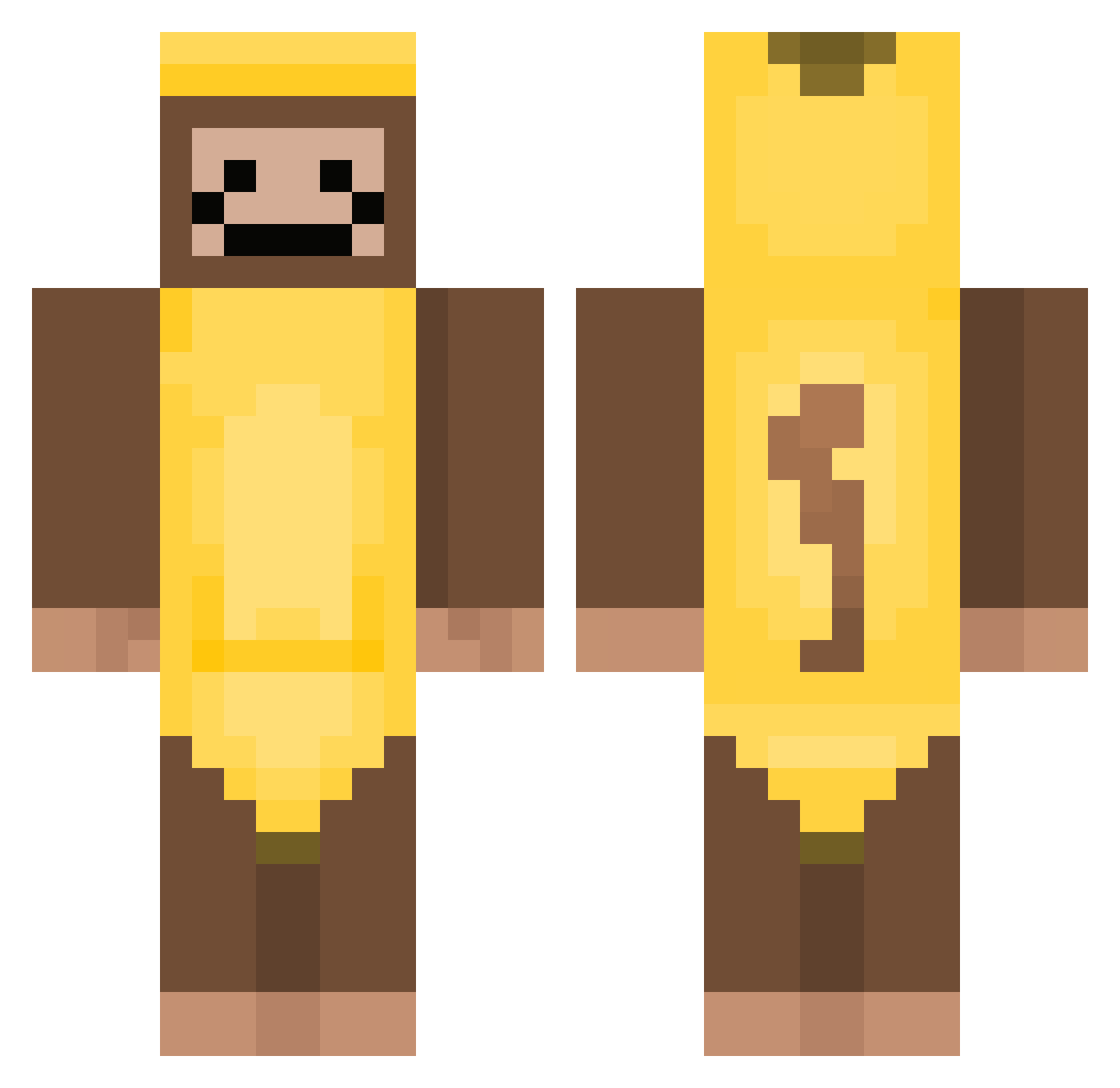
Current Minecraft skin of the player Zeqoh_07, loaded from the official Mojang API. Rotate the 3D model with your mouse or finger, then download the skin as a PNG file and use it in Minecraft: Bedrock Edition or Java Edition for free. When Zeqoh_07 changes their skin, this page updates automatically and the old skin stays in the history below.
Other players with this skin (338)
Zeqoh_07 was the 200th player we have seen with this skin, first spotted on 27.09.2026. The same skin was seen on these players. Open a nickname to see their current skin and skin history.
 editusername Dhumii LootLooker JGZZ21 Topg5567 Millzsmellz monkey6251 GildedSky FlamousSoup Muscku rorotem20 NoBruh_553 zyoode1 onvriendelijk Vincenteking portapotty1 021_Shh DondeEstaLuis ChefeBK SK_Enthusiast Lunalovegirl picklepoo2324 DanBigD GNGON1 imfataf1234 Mathias201136 Rjriconator th_ziie ValhallaXYT DemonTimeMX oggebogger Arson_7692 Cranberrysauce57 HeitorBunito Jun10R34L Mamuniaz Bobe69 ThugMater FREEPALESTINE12 SabotageMyGarage Do_Flamingo_ romanthemonkey zeyrox3131 COOLTIG3R Wananl HondaCivic2031 TecksasTw1nkie OmegaBananas Corny_Corny FreakyG_freak Panda_Chonc EmoryBest100 MaruMar0 MehmetSimsek24 coolburningskull shmidiot GrumpyMickey CELOBOY92 Vwiz2011 Clearpiece
More Banana Costume Minecraft skins
See all 50 Banana Costume skins
How to install the Zeqoh_07 skin
- Press the Download button above to save the skin as a PNG file.
- Minecraft: Bedrock Edition (PE): open the Dressing Room from the main menu (or tap your character → Edit Character), go to Classic Skins → Owned, press the + (new skin) button, choose the downloaded PNG and pick the Classic (Steve) model. Works on PC and mobile; consoles cannot import custom skins.
- Minecraft: Java Edition: open the Minecraft Launcher, go to the Skins tab, click New Skin, load the PNG, pick the Classic (Steve) model and press Save & Use. You can also upload it at minecraft.net → Profile → Change Skin.
The skin does not show up after import - what should I do?
Restart Minecraft and open the Dressing Room again - imported skins sometimes appear only after a restart. Also make sure you selected the imported skin and picked the Classic (Steve) model.
Which model should I choose, Classic or Slim?
This skin is designed for the Classic (Steve) model. If you pick the wrong model, the arms of the skin will look stretched or squeezed.
Is the skin of Zeqoh_07 free to download?
Yes. Press Download, save the PNG file and use it in Minecraft: Bedrock Edition or Java Edition - no payment or registration needed. The skin also works on multiplayer servers and Realms.
More skins
Looking for more? Go back to all Minecraft skins and check the top skins of the week, month and all time, or find any player's skin by nickname.