
Zephyr_Fish - Minecraft Skins & Skin History
Current Minecraft skin of the player Zephyr_Fish, loaded from the official Mojang API. Rotate the 3D model with your mouse or finger, then download the skin as a PNG file and use it in Minecraft: Bedrock Edition or Java Edition for free. When Zephyr_Fish changes their skin, this page updates automatically and the old skin stays in the history below.
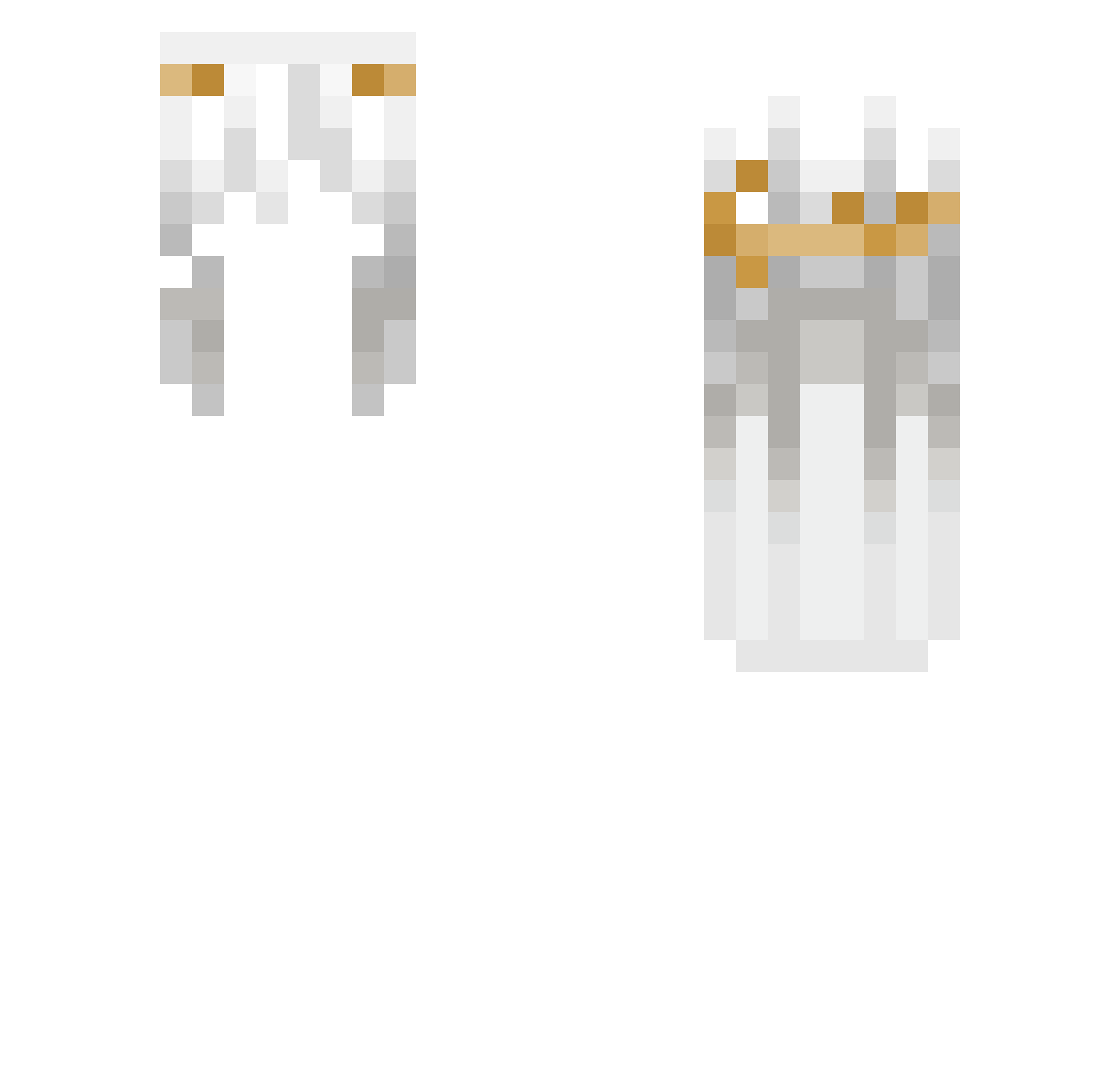
Other players with this skin (207)
Zephyr_Fish was the 162nd player we have seen with this skin, first spotted on 26.10.2026. The same skin was seen on these players. Open a nickname to see their current skin and skin history.
 yuyuyu_chen NotInk Voicx Mikan_QAQ _DiLusion_ waterpeople raeynalynn DruidOnSpaceship Wifess 12r_ N1Zai jIN_oyo TRN_5 Noetiko vxszvs Neva007 pahid SF9 paqoebtw Mqlody Rdziny NICKLAUSBBB yinghuoliufeng Fcalkan S7venSs _bear007_ kekoarda jiazhu123 v4nderer wdty cuddlesjunkie McFluryKitKat moonlightsoda w7nw7n Skadi124 im_jex XBS_ Its_Zeon ddd_999 auraelius_ Tavuklu_curbaa danznot Saltwizz denkalli ScaredMC FranLvsemi _LastVape_ Herback77 yusurieru xAlinskix RNG_hd_MC Sliver_16 sawoker Akairs ArchiveLove DMcoolgirl benghuai hung_zZz Juliaexplays descaracterizar
How to install the Zephyr_Fish skin
- Press the Download button above to save the skin as a PNG file.
- Minecraft: Bedrock Edition (PE): open the Dressing Room from the main menu (or tap your character → Edit Character), go to Classic Skins → Owned, press the + (new skin) button, choose the downloaded PNG and pick the Slim (Alex) model. Works on PC and mobile; consoles cannot import custom skins.
- Minecraft: Java Edition: open the Minecraft Launcher, go to the Skins tab, click New Skin, load the PNG, pick the Slim (Alex) model and press Save & Use. You can also upload it at minecraft.net → Profile → Change Skin.
The skin does not show up after import - what should I do?
Restart Minecraft and open the Dressing Room again - imported skins sometimes appear only after a restart. Also make sure you selected the imported skin and picked the Slim (Alex) model.
Which model should I choose, Classic or Slim?
This skin is designed for the Slim (Alex) model. If you pick the wrong model, the arms of the skin will look stretched or squeezed.
Is the skin of Zephyr_Fish free to download?
Yes. Press Download, save the PNG file and use it in Minecraft: Bedrock Edition or Java Edition - no payment or registration needed. The skin also works on multiplayer servers and Realms.
More skins
Looking for more? Go back to all Minecraft skins and check the top skins of the week, month and all time, or find any player's skin by nickname.