
Zephrhhz - Minecraft Skins & Skin History
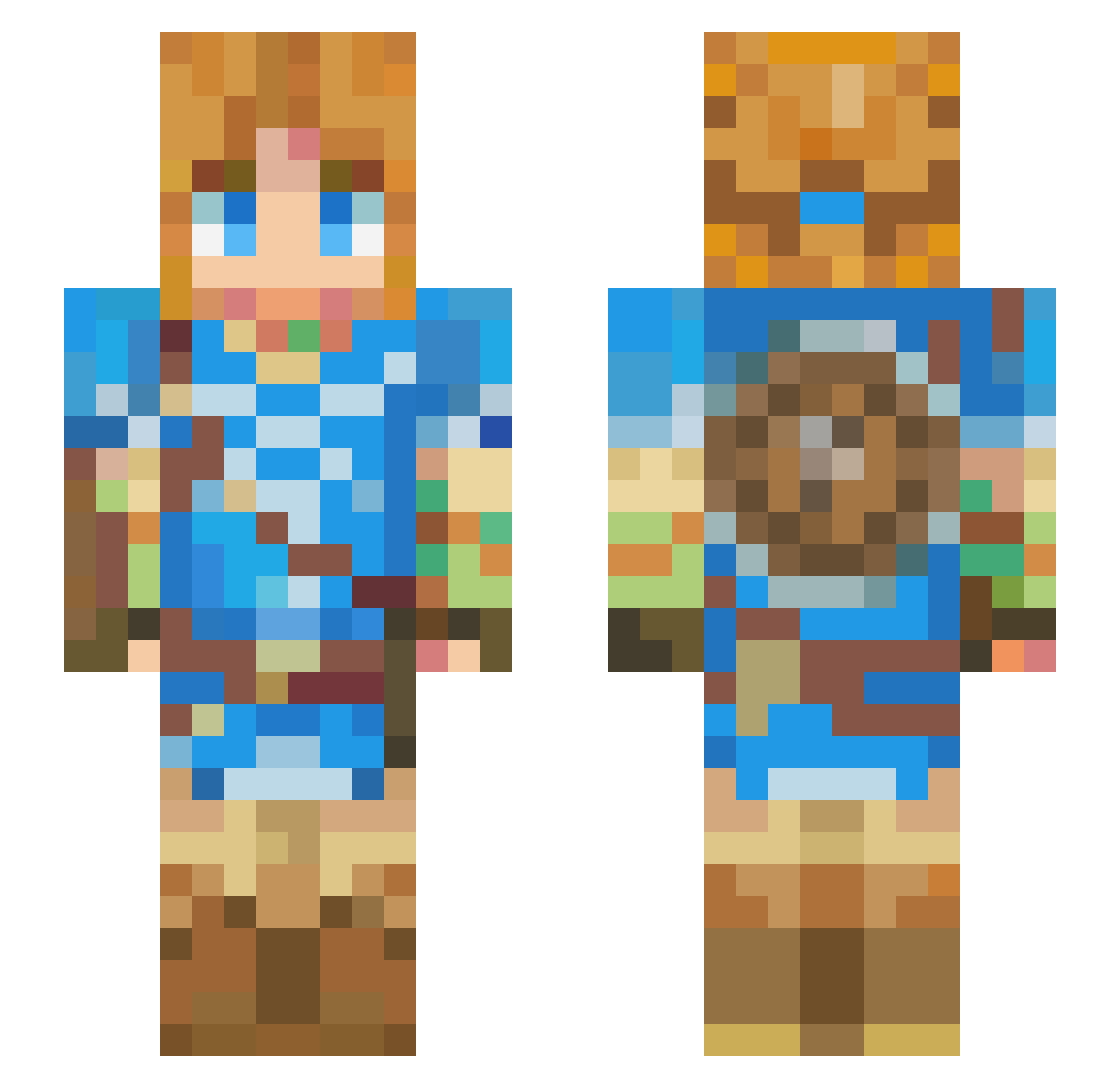
Current Minecraft skin of the player Zephrhhz, loaded from the official Mojang API. Rotate the 3D model with your mouse or finger, then download the skin as a PNG file and use it in Minecraft: Bedrock Edition or Java Edition for free. When Zephrhhz changes their skin, this page updates automatically and the old skin stays in the history below.
Other players with this skin (426)
Zephrhhz was the 78th player we have seen with this skin, first spotted on 14.08.2026. The same skin was seen on these players. Open a nickname to see their current skin and skin history.
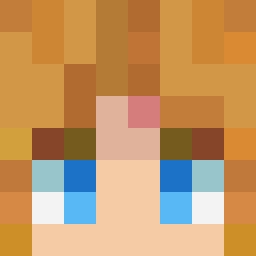 Osmanthus64 CraftGames_ MightyEagle01 Kalims lumgo GameStormer2021 maisupersly AxelTreeCutter Allonsye
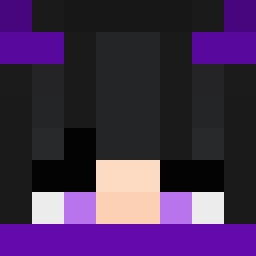 Kutedo011 Gamermaxxd SPIXXXXXX hiroki2980 eljuanjo08 Lvnatic777 fish331 SeptiumVein DrTiGor Makise_Ayaka MIBOUN GrogGoblin perfectZX4 IlyShyre kosei_pb dvahearts NivekZaid Tequinox Marsbar_17 Despectos Snuicyya BEScorp LinkeoZero JustWatchIt Lumeil_ FrancoFNS TealThreat NightBurst01 AzulAzulAzul Vickyo_1 Art_Muse Vernissage SHADOKUXX90 WhiteboyKnoxSt DubzYays
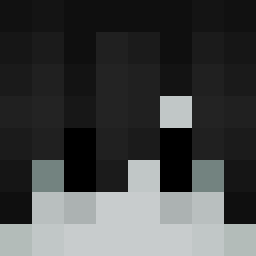 PandaBearSnail Peinemann NoblePro56 raydoesitbetter DK_drowsey _Padre_ NayrusWisdom JamesCortis Yamixyz0 angelpr10 Torak125 DedeGod Sakuna1 Z4cR GNoChance
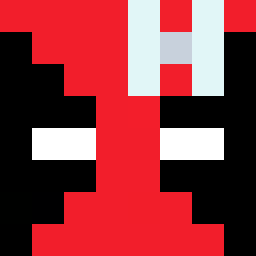 Jhonniergt
More Breath Of The Wild Minecraft skins
See all 154 Breath Of The Wild skins
How to install the Zephrhhz skin
- Press the Download button above to save the skin as a PNG file.
- Minecraft: Bedrock Edition (PE): open the Dressing Room from the main menu (or tap your character → Edit Character), go to Classic Skins → Owned, press the + (new skin) button, choose the downloaded PNG and pick the Slim (Alex) model. Works on PC and mobile; consoles cannot import custom skins.
- Minecraft: Java Edition: open the Minecraft Launcher, go to the Skins tab, click New Skin, load the PNG, pick the Slim (Alex) model and press Save & Use. You can also upload it at minecraft.net → Profile → Change Skin.
The skin does not show up after import - what should I do?
Restart Minecraft and open the Dressing Room again - imported skins sometimes appear only after a restart. Also make sure you selected the imported skin and picked the Slim (Alex) model.
Which model should I choose, Classic or Slim?
This skin is designed for the Slim (Alex) model. If you pick the wrong model, the arms of the skin will look stretched or squeezed.
Is the skin of Zephrhhz free to download?
Yes. Press Download, save the PNG file and use it in Minecraft: Bedrock Edition or Java Edition - no payment or registration needed. The skin also works on multiplayer servers and Realms.
More skins
Looking for more? Go back to all Minecraft skins and check the top skins of the week, month and all time, or find any player's skin by nickname.