
Zenokotrinh - Minecraft Skins & Skin History
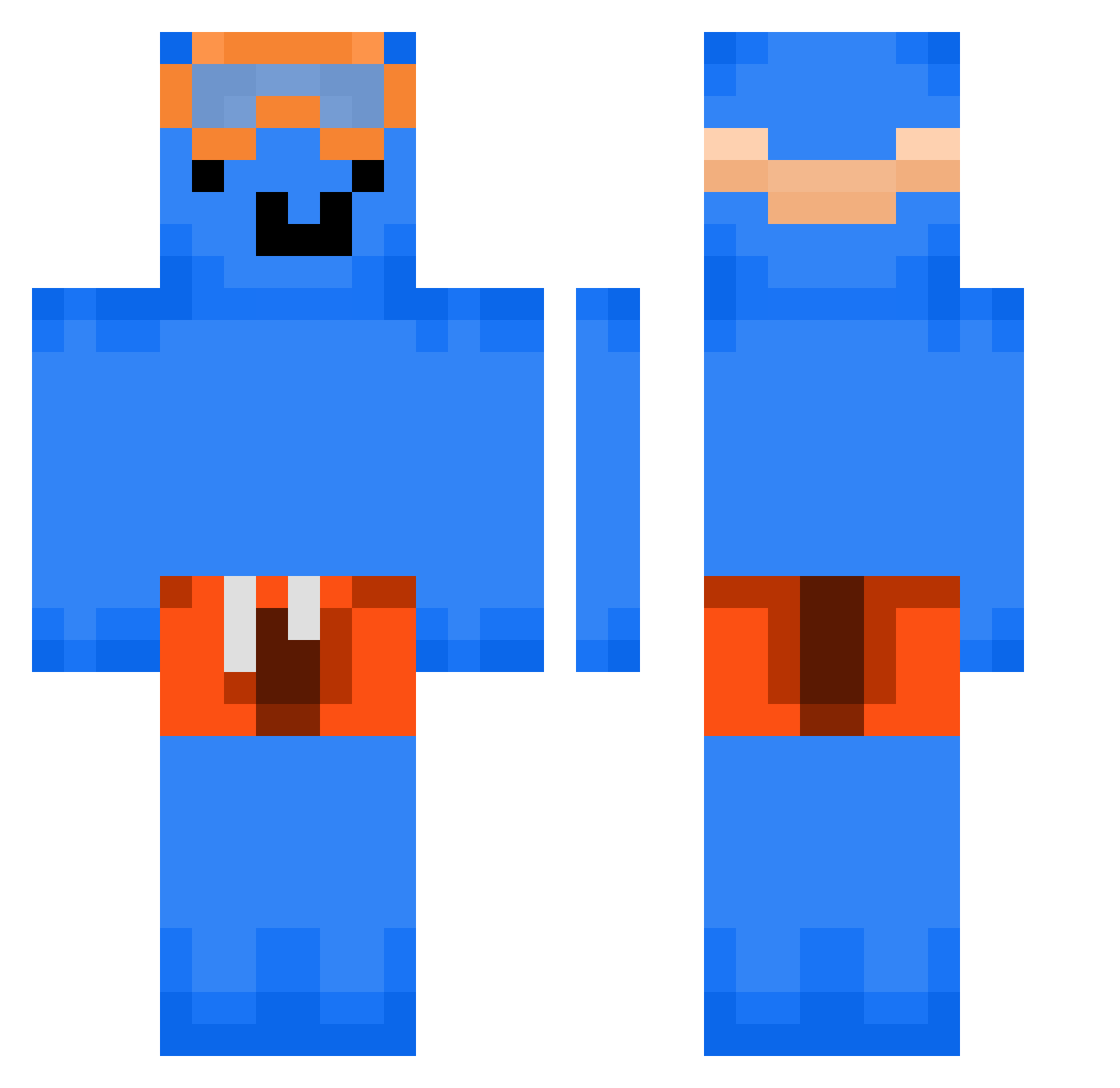
Current Minecraft skin of the player Zenokotrinh, loaded from the official Mojang API. Rotate the 3D model with your mouse or finger, then download the skin as a PNG file and use it in Minecraft: Bedrock Edition or Java Edition for free. When Zenokotrinh changes their skin, this page updates automatically and the old skin stays in the history below.
Other players with this skin (294)
Zenokotrinh was the 206th player we have seen with this skin, first spotted on 05.10.2026. The same skin was seen on these players. Open a nickname to see their current skin and skin history.
 DOF_K4M zayreck LostTide Fantuss1 Hans_1313 TheSinge78 Timmyyy8769 DerJosh2008 GDx11 Weksyl Jet7854 PoEie DaTaMaZo ShiBaiYa 6l6l6l AppelSapJes_ Xaruke mr_crow_the_best manpowers Mumei49 xiababu Wyatt_Waffles POOPUNICORN Tiagogames999 ElMortymalo Nebulark7 gangstajoepie rami_Gh potatoman343 Velky_Vlk orMission150113 Lewizzboi okaka_night Nezedo Hangaimong metebad NotLECLERK DONG__OH LIUFEIDDD d0wdy33 Matigod nadAsh250 Its_Youbix3 Mates_qwerr kimloppy matsoy Greg_Paciorek_ eli9472 Senokaa dongju1124 mrlontff Kamerravejs Billbo_SIGMA Vaelzira _CaguS_ bleedingsorrow naif_7k Gent8 griffes80 Bulbfrozen
More Swimmer Minecraft skins
How to install the Zenokotrinh skin
- Press the Download button above to save the skin as a PNG file.
- Minecraft: Bedrock Edition (PE): open the Dressing Room from the main menu (or tap your character → Edit Character), go to Classic Skins → Owned, press the + (new skin) button, choose the downloaded PNG and pick the Classic (Steve) model. Works on PC and mobile; consoles cannot import custom skins.
- Minecraft: Java Edition: open the Minecraft Launcher, go to the Skins tab, click New Skin, load the PNG, pick the Classic (Steve) model and press Save & Use. You can also upload it at minecraft.net → Profile → Change Skin.
The skin does not show up after import - what should I do?
Restart Minecraft and open the Dressing Room again - imported skins sometimes appear only after a restart. Also make sure you selected the imported skin and picked the Classic (Steve) model.
Which model should I choose, Classic or Slim?
This skin is designed for the Classic (Steve) model. If you pick the wrong model, the arms of the skin will look stretched or squeezed.
Is the skin of Zenokotrinh free to download?
Yes. Press Download, save the PNG file and use it in Minecraft: Bedrock Edition or Java Edition - no payment or registration needed. The skin also works on multiplayer servers and Realms.
More skins
Looking for more? Go back to all Minecraft skins and check the top skins of the week, month and all time, or find any player's skin by nickname.