
ZenoTheGreat - Minecraft Skins & Skin History
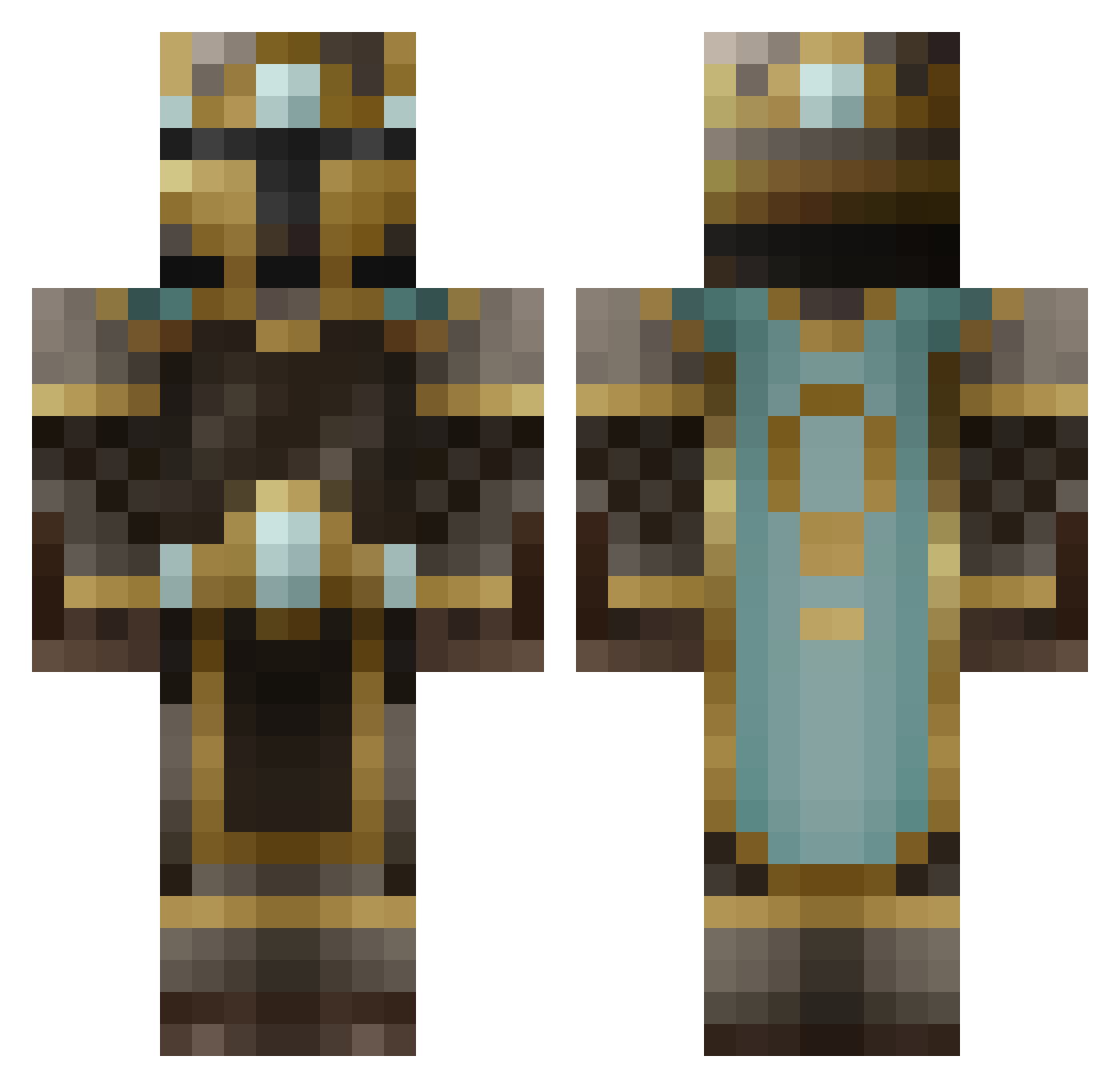
Current Minecraft skin of the player ZenoTheGreat, loaded from the official Mojang API. Rotate the 3D model with your mouse or finger, then download the skin as a PNG file and use it in Minecraft: Bedrock Edition or Java Edition for free. When ZenoTheGreat changes their skin, this page updates automatically and the old skin stays in the history below.
Other players with this skin (629)
ZenoTheGreat was the 562nd player we have seen with this skin, first spotted on 02.11.2026. The same skin was seen on these players. Open a nickname to see their current skin and skin history.
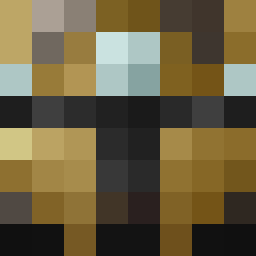 TronCatt Night_hawk12 Starkiller412 BenDur tongkokong Teedo000 Tyriama bitzer25 MLG508 TheMadnesso Barnsten Fossill4 hsgafdt Jok4ward warfaretyler iggy5301 battleman80 TheUpperValley Mammothchris Darkrazor89 CPLsaahil MrF1SH SgtKoopa aznNRG RoyalDreamer KingBryan blockman122401 Neribus Unearthly_Entity snurrefix GoemonXIII JamesTheStamps Stevebeast1 Eli_Isaac10 badassphilip Knight91011 Auriq ROBERNATOR001 09202000 Russian_Ground MGsHot xHer0brine ChocolateMemes RetroMonk3y ChefToast whickedshell ArchAngel55 christopherrob Mitothee firebladexx piletwing95 JustEnoughTV Space_Cake013 robotguy1337 MATIE_MAT Actavious Impregnate T1Tan01 MarkusMan Spidermose
More King Minecraft skins
How to install the ZenoTheGreat skin
- Press the Download button above to save the skin as a PNG file.
- Minecraft: Bedrock Edition (PE): open the Dressing Room from the main menu (or tap your character → Edit Character), go to Classic Skins → Owned, press the + (new skin) button, choose the downloaded PNG and pick the Classic (Steve) model. Works on PC and mobile; consoles cannot import custom skins.
- Minecraft: Java Edition: open the Minecraft Launcher, go to the Skins tab, click New Skin, load the PNG, pick the Classic (Steve) model and press Save & Use. You can also upload it at minecraft.net → Profile → Change Skin.
The skin does not show up after import - what should I do?
Restart Minecraft and open the Dressing Room again - imported skins sometimes appear only after a restart. Also make sure you selected the imported skin and picked the Classic (Steve) model.
Which model should I choose, Classic or Slim?
This skin is designed for the Classic (Steve) model. If you pick the wrong model, the arms of the skin will look stretched or squeezed.
Is the skin of ZenoTheGreat free to download?
Yes. Press Download, save the PNG file and use it in Minecraft: Bedrock Edition or Java Edition - no payment or registration needed. The skin also works on multiplayer servers and Realms.
More skins
Looking for more? Go back to all Minecraft skins and check the top skins of the week, month and all time, or find any player's skin by nickname.