
ZenDavyy - Minecraft Skins & Skin History
Current Minecraft skin of the player ZenDavyy, loaded from the official Mojang API. Rotate the 3D model with your mouse or finger, then download the skin as a PNG file and use it in Minecraft: Bedrock Edition or Java Edition for free. When ZenDavyy changes their skin, this page updates automatically and the old skin stays in the history below.
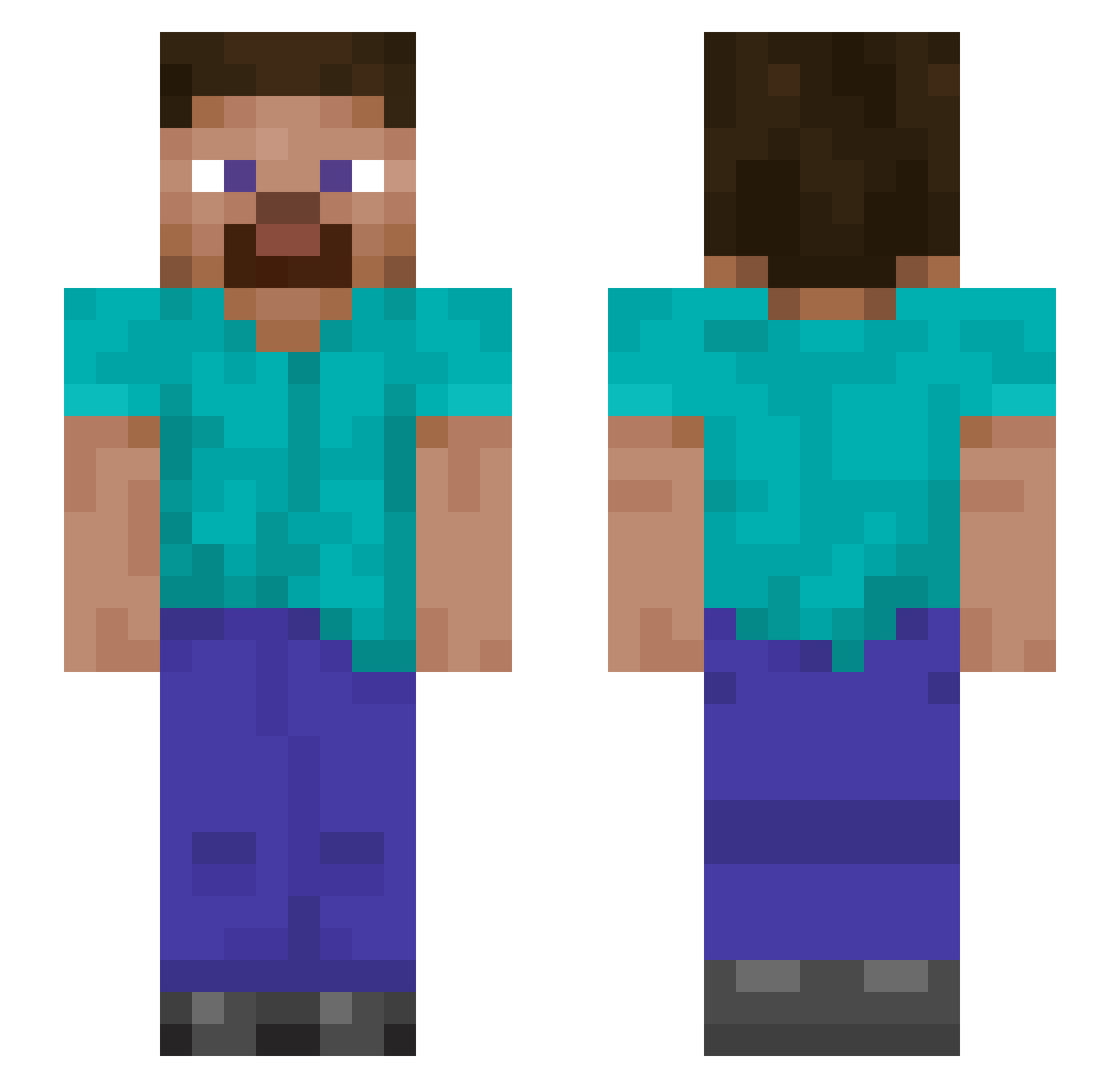
Other players with this skin (1146)
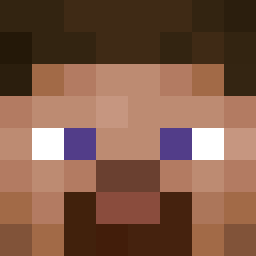
ZenDavyy was the 1102nd player we have seen with this skin, first spotted on 05.11.2026. The same skin was seen on these players. Open a nickname to see their current skin and skin history.
 Akumu50 AdvancedSettings rabbit8s PierPalleSgonfie KeeperGarrett UnfussyNewt Draedelius V1CT0RW31 GoofyGuy12 GhostB13 neoseele Bigpimenta Hastur7 zzoobb SIV9x9 OGLona Geoshifter Nathaniel1111 Alvaro410 danielloughran pietroITA012 Dioso22 SinisterSlayer Ninja748484 FLUFFY7928 hairyappple TwoToeTerry Chief_Blitz Kopernikus321 nilOfa Star2312 Magik2103 PoochShot takuma831 Weltenfresser1 LeaLejon02 MATTINCHAINS yjh0826 HarkDubius Sgtmallet Childe_ doudeu1 King_Keule_4 Adrianemon1 Donilier aleksanderLiam RFFrodo ProcyonEB 5555557779 zykos2 CCxDD Strabbe02 freddy131 EagleVision93 notaphase TekLollo haegemonia78 KayyDV NineKyuu Agent_T44
How to install the ZenDavyy skin
- Press the Download button above to save the skin as a PNG file.
- Minecraft: Bedrock Edition (PE): open the Dressing Room from the main menu (or tap your character → Edit Character), go to Classic Skins → Owned, press the + (new skin) button, choose the downloaded PNG and pick the Slim (Alex) model. Works on PC and mobile; consoles cannot import custom skins.
- Minecraft: Java Edition: open the Minecraft Launcher, go to the Skins tab, click New Skin, load the PNG, pick the Slim (Alex) model and press Save & Use. You can also upload it at minecraft.net → Profile → Change Skin.
The skin does not show up after import - what should I do?
Restart Minecraft and open the Dressing Room again - imported skins sometimes appear only after a restart. Also make sure you selected the imported skin and picked the Slim (Alex) model.
Which model should I choose, Classic or Slim?
This skin is designed for the Slim (Alex) model. If you pick the wrong model, the arms of the skin will look stretched or squeezed.
Is the skin of ZenDavyy free to download?
Yes. Press Download, save the PNG file and use it in Minecraft: Bedrock Edition or Java Edition - no payment or registration needed. The skin also works on multiplayer servers and Realms.
More skins
Looking for more? Go back to all Minecraft skins and check the top skins of the week, month and all time, or find any player's skin by nickname.