
ZakkeDuVet - Minecraft Skins & Skin History
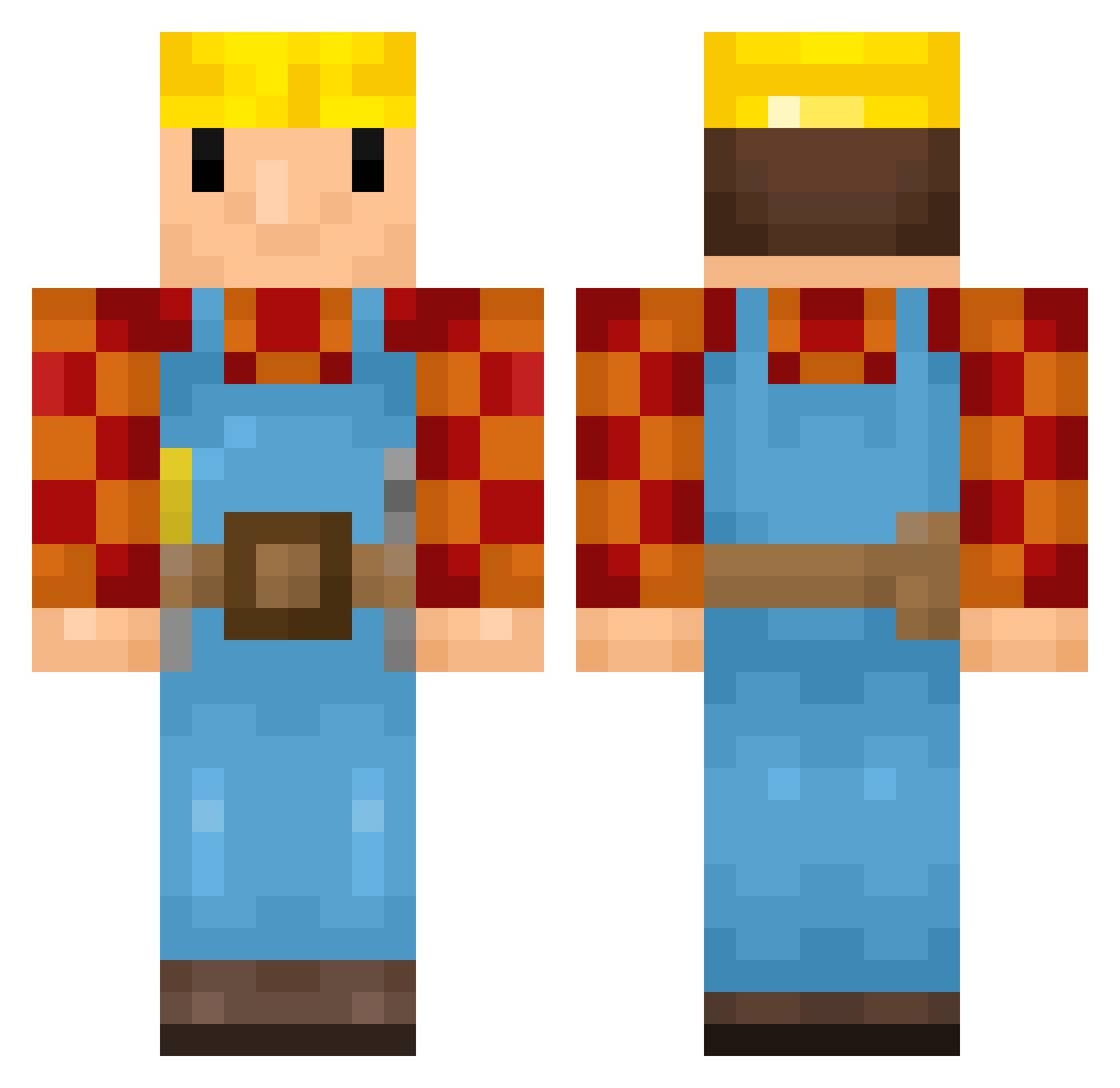
Current Minecraft skin of the player ZakkeDuVet, loaded from the official Mojang API. Rotate the 3D model with your mouse or finger, then download the skin as a PNG file and use it in Minecraft: Bedrock Edition or Java Edition for free. When ZakkeDuVet changes their skin, this page updates automatically and the old skin stays in the history below.
Other players with this skin (167)
ZakkeDuVet was the 58th player we have seen with this skin, first spotted on 27.08.2026. The same skin was seen on these players. Open a nickname to see their current skin and skin history.
 MayaIstDoof Burzako jinrishourutianz Captain_Balls Raketenwerfer13 GregoriPatusienk fiko69 Firesstone DerPraktifant Royexl townsfolk andreeas_14 JuggleWithTim Ailmaa mangoboer yunaahh ContourWolf scamyy KADINDUSMANI warmachine7 efenelchatt MaxR15 The_Zesty_Boi boterhamboef Drogadic Wiebke25 AaronG36
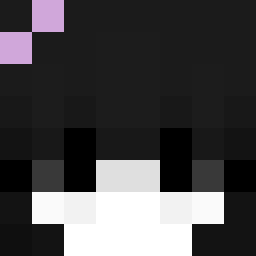 kubushot_ ShakinAhh
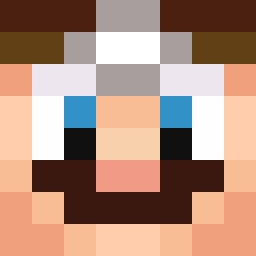 JPM818 HxwkeyFan Guacamole_Juice VillR Edu149 bahuma Akenoo Kisl0u
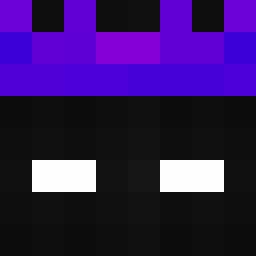 RockaSchocka KatieCola _Kopflos_ PatoKKKJ CapitanoDrago20 _Riello_
 IAmFref 0kRuii _vengi_ TomEltoro BobDeBouwerrrrrr rahowsky IQ880 JULEK235 ItsKoras Servinhas Backfischgsicht DJ_Crafter Dengz19980626 PhantomElotap Alexils dowd YoranMS
More Bob The Builder Minecraft skins
See all 70 Bob The Builder skins
How to install the ZakkeDuVet skin
- Press the Download button above to save the skin as a PNG file.
- Minecraft: Bedrock Edition (PE): open the Dressing Room from the main menu (or tap your character → Edit Character), go to Classic Skins → Owned, press the + (new skin) button, choose the downloaded PNG and pick the Classic (Steve) model. Works on PC and mobile; consoles cannot import custom skins.
- Minecraft: Java Edition: open the Minecraft Launcher, go to the Skins tab, click New Skin, load the PNG, pick the Classic (Steve) model and press Save & Use. You can also upload it at minecraft.net → Profile → Change Skin.
The skin does not show up after import - what should I do?
Restart Minecraft and open the Dressing Room again - imported skins sometimes appear only after a restart. Also make sure you selected the imported skin and picked the Classic (Steve) model.
Which model should I choose, Classic or Slim?
This skin is designed for the Classic (Steve) model. If you pick the wrong model, the arms of the skin will look stretched or squeezed.
Is the skin of ZakkeDuVet free to download?
Yes. Press Download, save the PNG file and use it in Minecraft: Bedrock Edition or Java Edition - no payment or registration needed. The skin also works on multiplayer servers and Realms.
More skins
Looking for more? Go back to all Minecraft skins and check the top skins of the week, month and all time, or find any player's skin by nickname.