
Zaander - Minecraft Skins & Skin History
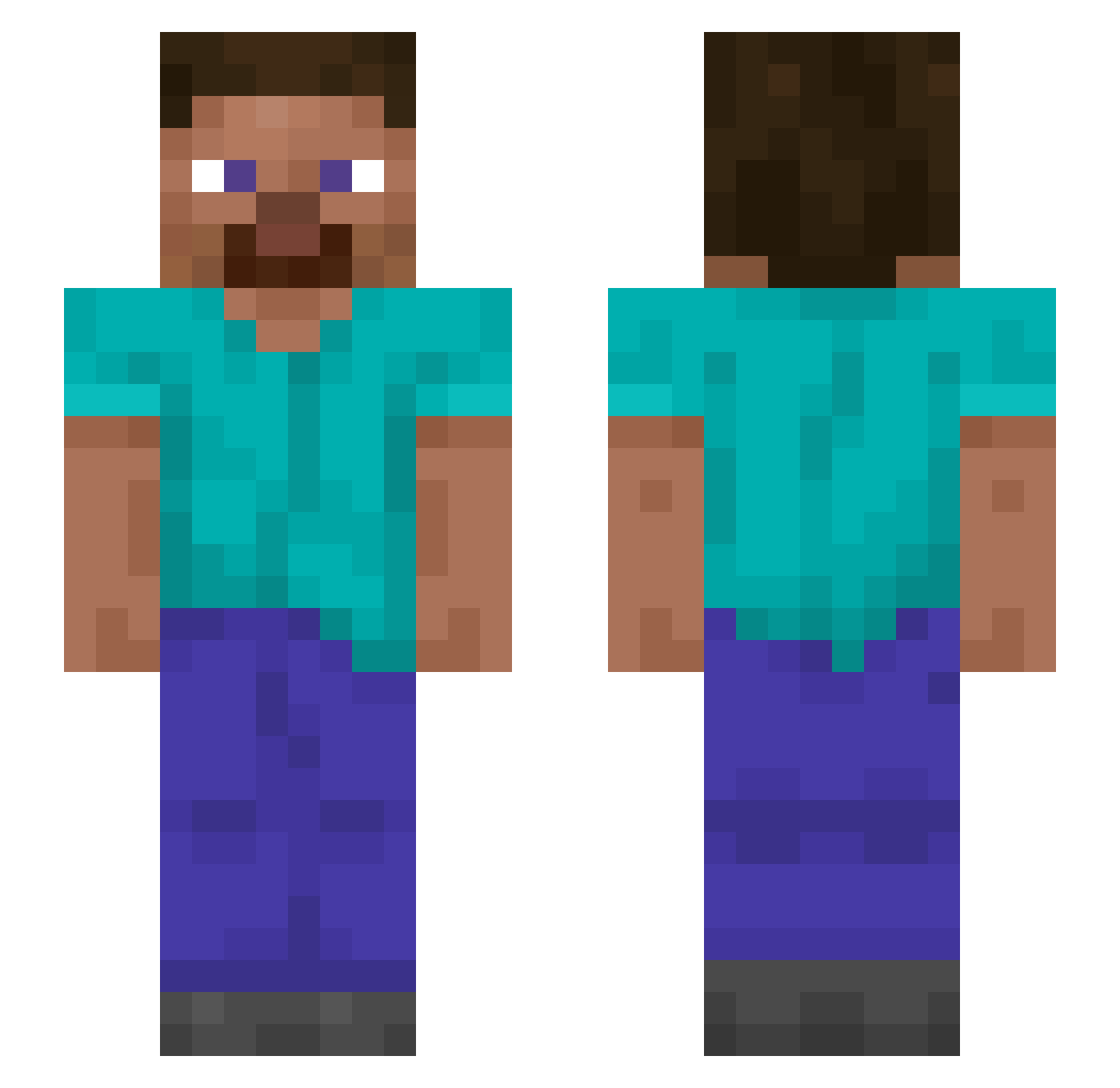
Current Minecraft skin of the player Zaander, loaded from the official Mojang API. Rotate the 3D model with your mouse or finger, then download the skin as a PNG file and use it in Minecraft: Bedrock Edition or Java Edition for free. When Zaander changes their skin, this page updates automatically and the old skin stays in the history below.
Other players with this skin (1605)
Zaander was the 1565th player we have seen with this skin, first spotted on 18.11.2026. The same skin was seen on these players. Open a nickname to see their current skin and skin history.
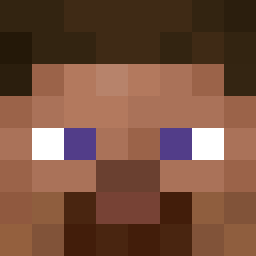 Rodemust Point_and_Click WillianRmf bams Thermodynamical Dressage BluEPyrO68 bloodsuckers Ferdi2000XD DoNEe cleech Cystoscopy zz_tbNOF_12_10 Spiers schlock Architrave Bence_13 toadsix BlackOshi Doxycycline PenguinSlippers1 Edddddddddd ItsRyannn Weevers addster_ wholeness sasuke2 zerotwotwenty Bleiziukas Polodelfueguo clought skullyau Wildlife Nemalion xAmubob MrBat NSCallum NALGAS ichth QuishTheFish AbsolutStage ponti080 Kin1o MaxNukel BangladeshiBoss Rotl FungusBungalus analyticity BtecMuslim HAJOME36 asunae its_Elysian Mammalia Sys3rr Brainchild FabricJason ZZang_Doll Billicent NipsuTheNiksas wdnmd233123
How to install the Zaander skin
- Press the Download button above to save the skin as a PNG file.
- Minecraft: Bedrock Edition (PE): open the Dressing Room from the main menu (or tap your character → Edit Character), go to Classic Skins → Owned, press the + (new skin) button, choose the downloaded PNG and pick the Slim (Alex) model. Works on PC and mobile; consoles cannot import custom skins.
- Minecraft: Java Edition: open the Minecraft Launcher, go to the Skins tab, click New Skin, load the PNG, pick the Slim (Alex) model and press Save & Use. You can also upload it at minecraft.net → Profile → Change Skin.
The skin does not show up after import - what should I do?
Restart Minecraft and open the Dressing Room again - imported skins sometimes appear only after a restart. Also make sure you selected the imported skin and picked the Slim (Alex) model.
Which model should I choose, Classic or Slim?
This skin is designed for the Slim (Alex) model. If you pick the wrong model, the arms of the skin will look stretched or squeezed.
Is the skin of Zaander free to download?
Yes. Press Download, save the PNG file and use it in Minecraft: Bedrock Edition or Java Edition - no payment or registration needed. The skin also works on multiplayer servers and Realms.
More skins
Looking for more? Go back to all Minecraft skins and check the top skins of the week, month and all time, or find any player's skin by nickname.