
ZaFuLiO - Minecraft Skins & Skin History
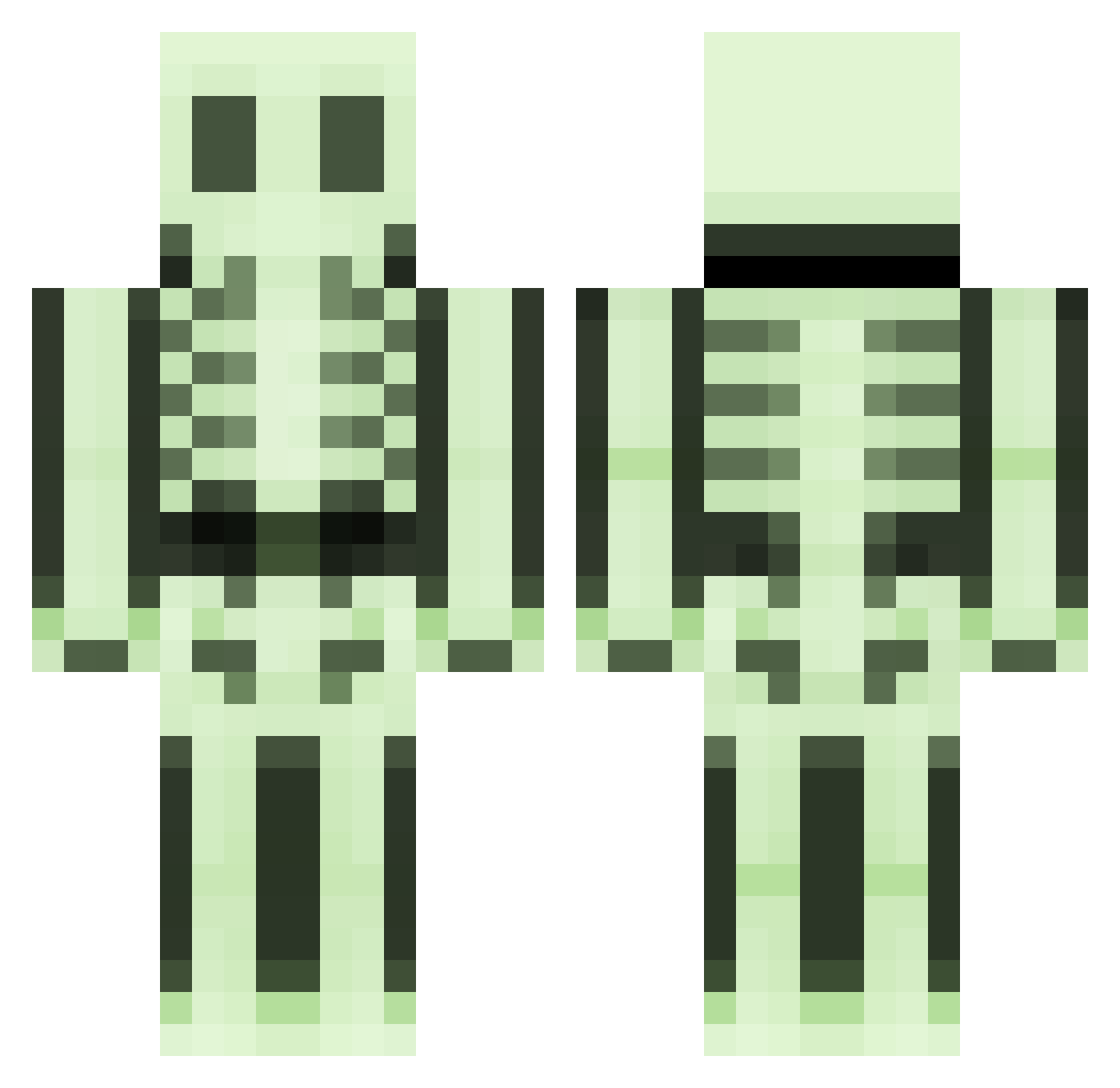
Current Minecraft skin of the player ZaFuLiO, loaded from the official Mojang API. Rotate the 3D model with your mouse or finger, then download the skin as a PNG file and use it in Minecraft: Bedrock Edition or Java Edition for free. When ZaFuLiO changes their skin, this page updates automatically and the old skin stays in the history below.
Other players with this skin (496)
ZaFuLiO was the 461st player we have seen with this skin, first spotted on 29.10.2026. The same skin was seen on these players. Open a nickname to see their current skin and skin history.
 umadfc210 iLapp skellytones rtlr Fallenangel7707 myles1988 timtimll billybob13579 Alkis908 minecarlz ElFamosoClmt FacelessFace41 bluesskys SkepticalTurtles Toomie88 Reign932 cadicius DARKEDEVIL74 702scout MC_PVP_OP Memomind ABATAP _teebon_ dootspagoot Worum LordCaldlow sven_lama Tommasino2002 H3REI4M Nauseousness tntcrew rort55 daVale marshmallow88 intrigorap creeper_face1220 Nopo622 GreypFruit Mugglewumpss Mikk Elix59 chirstopherscott sindre120397 nightmare1306 Mephistoxv beskarbunny evol_kobk roomonthebroom rodrigolorencin alfa1112 svgnnblnc xxxfrany69xxx tomos9 randeloj silentsiren7 SuperWhy SquagWagon Hugecookman manliketeeth joransin
More Skeleton Minecraft skins
How to install the ZaFuLiO skin
- Press the Download button above to save the skin as a PNG file.
- Minecraft: Bedrock Edition (PE): open the Dressing Room from the main menu (or tap your character → Edit Character), go to Classic Skins → Owned, press the + (new skin) button, choose the downloaded PNG and pick the Classic (Steve) model. Works on PC and mobile; consoles cannot import custom skins.
- Minecraft: Java Edition: open the Minecraft Launcher, go to the Skins tab, click New Skin, load the PNG, pick the Classic (Steve) model and press Save & Use. You can also upload it at minecraft.net → Profile → Change Skin.
The skin does not show up after import - what should I do?
Restart Minecraft and open the Dressing Room again - imported skins sometimes appear only after a restart. Also make sure you selected the imported skin and picked the Classic (Steve) model.
Which model should I choose, Classic or Slim?
This skin is designed for the Classic (Steve) model. If you pick the wrong model, the arms of the skin will look stretched or squeezed.
Is the skin of ZaFuLiO free to download?
Yes. Press Download, save the PNG file and use it in Minecraft: Bedrock Edition or Java Edition - no payment or registration needed. The skin also works on multiplayer servers and Realms.
More skins
Looking for more? Go back to all Minecraft skins and check the top skins of the week, month and all time, or find any player's skin by nickname.