
YutoNagi - Minecraft Skins & Skin History
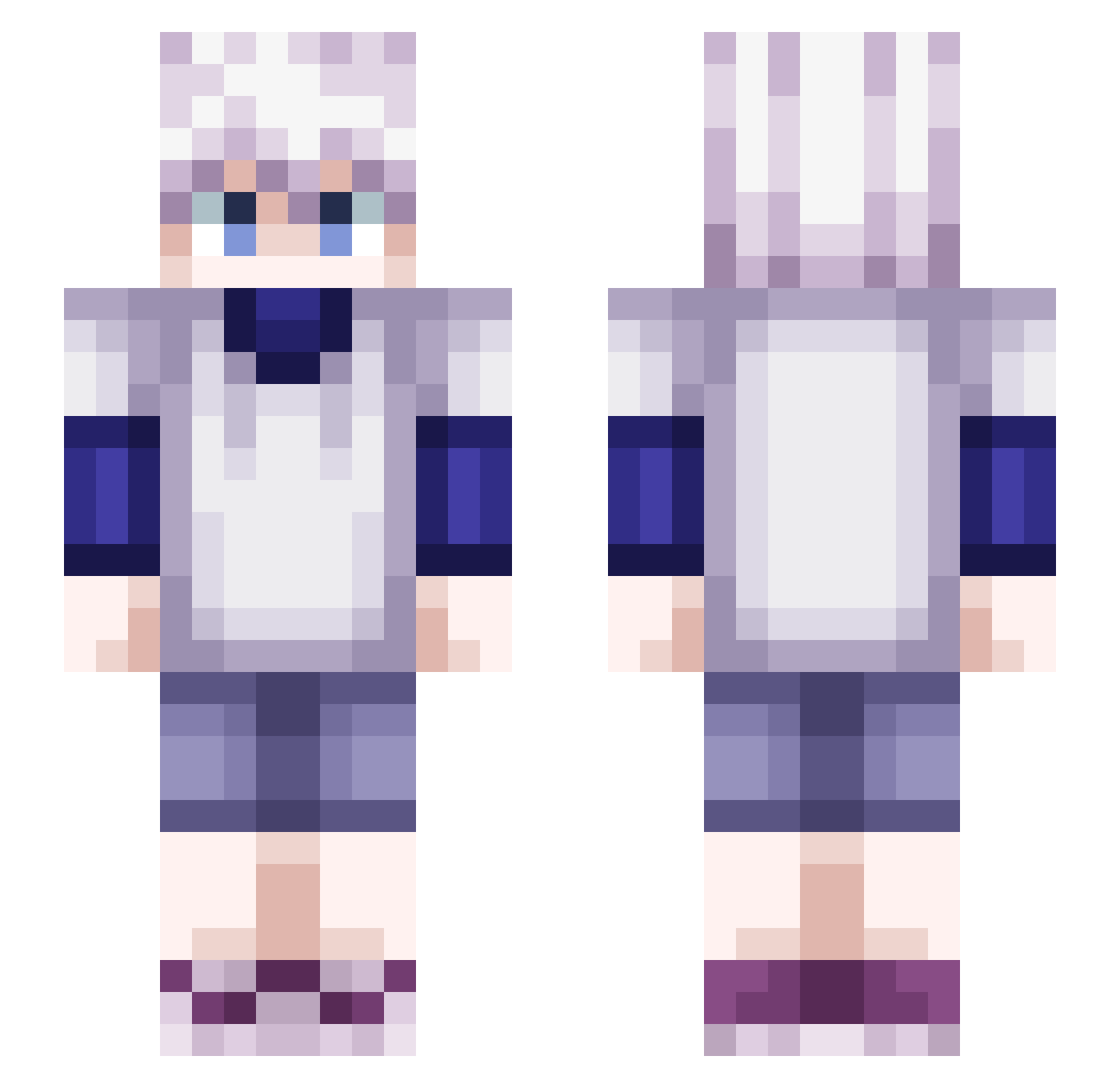
Current Minecraft skin of the player YutoNagi, loaded from the official Mojang API. Rotate the 3D model with your mouse or finger, then download the skin as a PNG file and use it in Minecraft: Bedrock Edition or Java Edition for free. When YutoNagi changes their skin, this page updates automatically and the old skin stays in the history below.
Other players with this skin (423)
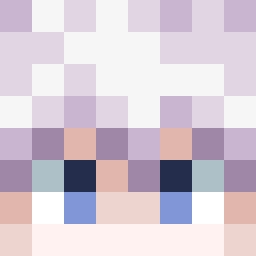
YutoNagi was the 258th player we have seen with this skin, first spotted on 22.09.2026. The same skin was seen on these players. Open a nickname to see their current skin and skin history.
 Leakinqq Fuka__ silent_dominator LucasKYG sourdoough Maks7900 yulri911 KilluaZoldyck111 silentmixtape Quarks03 MatYouZz _RanZoN Jamalhasa9 _Verse Zoldycks_ Rekrosak Oscarelguapo14 WoodyW ELena_72 Magickirua LigouDan A2ln KrullendSchaap Romx987 GatoMota Otitap gabugabupan slxnted888 Mihawk2419 bernardofvidal Magnus1210 Kimizinho Maditek FunnyHuman_ Belchicola WolfGold292952 Madashura rarzip JudahDudah _Appa nqramin vizsla500 nerder10 _iZiTwiX_ migueldolmen Squyshyy Killua_Zoldyck__ JonahLee123 dLoBoo Wayr0x jksond625 Athew kyo490 JuanitoM5 Pellsart fruittsalad Whitism Herobrine_hack33 HaraHara2 SkyTheKid625
More Killua Zoldyck Minecraft skins
See all 162 Killua Zoldyck skins
How to install the YutoNagi skin
- Press the Download button above to save the skin as a PNG file.
- Minecraft: Bedrock Edition (PE): open the Dressing Room from the main menu (or tap your character → Edit Character), go to Classic Skins → Owned, press the + (new skin) button, choose the downloaded PNG and pick the Slim (Alex) model. Works on PC and mobile; consoles cannot import custom skins.
- Minecraft: Java Edition: open the Minecraft Launcher, go to the Skins tab, click New Skin, load the PNG, pick the Slim (Alex) model and press Save & Use. You can also upload it at minecraft.net → Profile → Change Skin.
The skin does not show up after import - what should I do?
Restart Minecraft and open the Dressing Room again - imported skins sometimes appear only after a restart. Also make sure you selected the imported skin and picked the Slim (Alex) model.
Which model should I choose, Classic or Slim?
This skin is designed for the Slim (Alex) model. If you pick the wrong model, the arms of the skin will look stretched or squeezed.
Is the skin of YutoNagi free to download?
Yes. Press Download, save the PNG file and use it in Minecraft: Bedrock Edition or Java Edition - no payment or registration needed. The skin also works on multiplayer servers and Realms.
More skins
Looking for more? Go back to all Minecraft skins and check the top skins of the week, month and all time, or find any player's skin by nickname.