
Yousif123674 - Minecraft Skins & Skin History
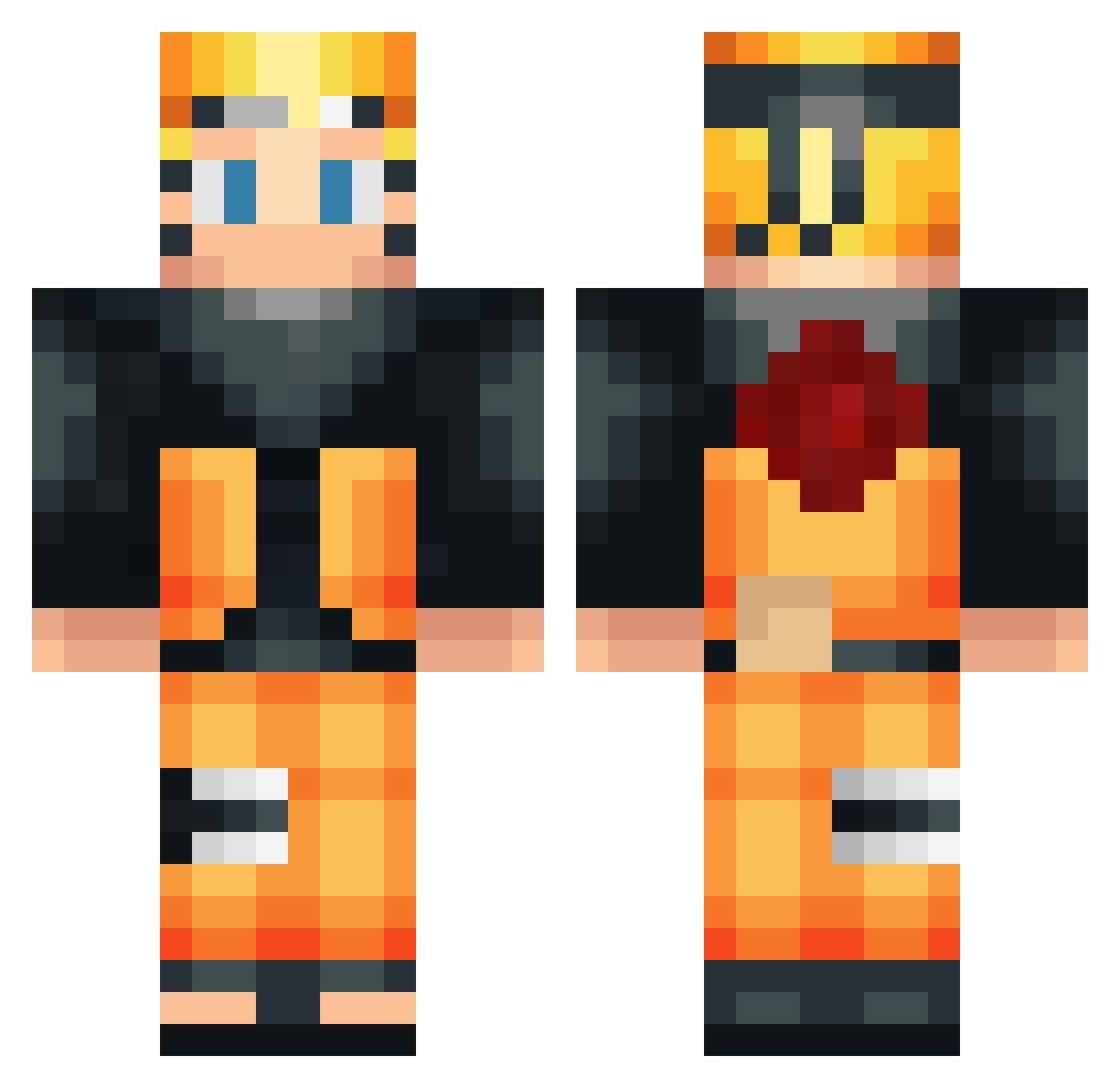
Current Minecraft skin of the player Yousif123674, loaded from the official Mojang API. Rotate the 3D model with your mouse or finger, then download the skin as a PNG file and use it in Minecraft: Bedrock Edition or Java Edition for free. When Yousif123674 changes their skin, this page updates automatically and the old skin stays in the history below.
Other players with this skin (640)
Yousif123674 was the 626th player we have seen with this skin, first spotted on 16.11.2026. The same skin was seen on these players. Open a nickname to see their current skin and skin history.
 kortizzen miolife antuann SuperHuguix MajorGirth Bo1Tov CoolestHades259 anrel12 glashog21 hebisann TIAGOTFB icypenguinx7 GeoProGEo B4K4NDFCV GLWilly CommandoMan TetraGG Dubbys19 FazeRoman_27 monkeyferrari Ser_AM remoto78 Scatkats Chinguun Aleksa4400 ReubenGorillaMan CopperQueen Flippies Juul_is_kuul06 BlueRayHero Mateus_9 Marzapane03 mlrsekidd Prootaa hamburger0123 Raglouff Tokkiiee Blanche2012 Ahmed7AK Antfoire Otoko_no_konran BudasPriest WaraStud Loboderio rote_310 DeltaSqWAd chelsea633 krisyy21 bubucao Elmerthug96 yamistar65 Qlean42 CariocaBR Kartoffel_Karl SConker NinjaP0tate76 GoRBoB B3nn3t55 Joshebou darkfox2156
More Naruto Uzumaki Minecraft skins
See all 552 Naruto Uzumaki skins
How to install the Yousif123674 skin
- Press the Download button above to save the skin as a PNG file.
- Minecraft: Bedrock Edition (PE): open the Dressing Room from the main menu (or tap your character → Edit Character), go to Classic Skins → Owned, press the + (new skin) button, choose the downloaded PNG and pick the Classic (Steve) model. Works on PC and mobile; consoles cannot import custom skins.
- Minecraft: Java Edition: open the Minecraft Launcher, go to the Skins tab, click New Skin, load the PNG, pick the Classic (Steve) model and press Save & Use. You can also upload it at minecraft.net → Profile → Change Skin.
The skin does not show up after import - what should I do?
Restart Minecraft and open the Dressing Room again - imported skins sometimes appear only after a restart. Also make sure you selected the imported skin and picked the Classic (Steve) model.
Which model should I choose, Classic or Slim?
This skin is designed for the Classic (Steve) model. If you pick the wrong model, the arms of the skin will look stretched or squeezed.
Is the skin of Yousif123674 free to download?
Yes. Press Download, save the PNG file and use it in Minecraft: Bedrock Edition or Java Edition - no payment or registration needed. The skin also works on multiplayer servers and Realms.
More skins
Looking for more? Go back to all Minecraft skins and check the top skins of the week, month and all time, or find any player's skin by nickname.