
Yoshimitsaaa - Minecraft Skins & Skin History
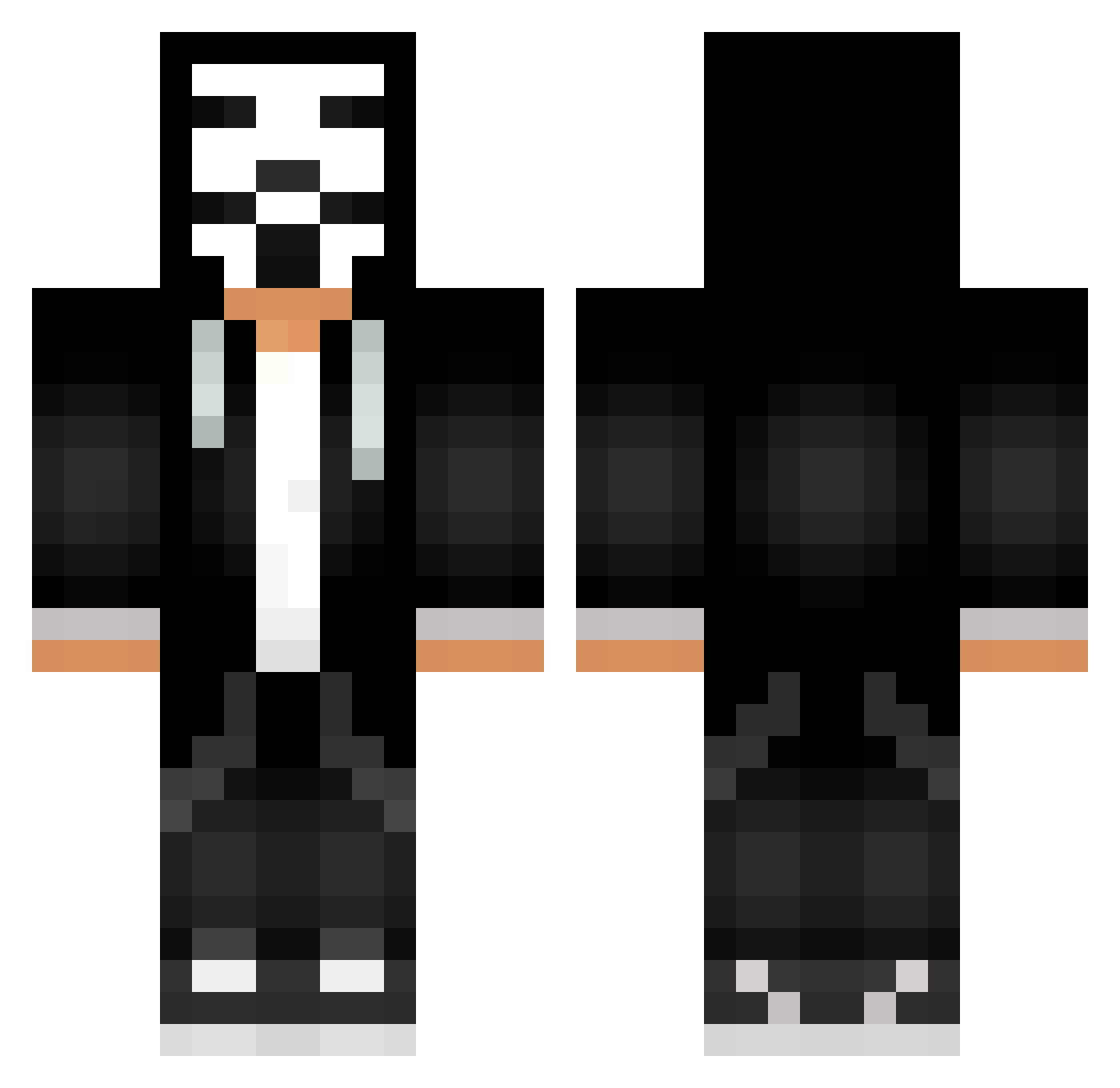
Current Minecraft skin of the player Yoshimitsaaa, loaded from the official Mojang API. Rotate the 3D model with your mouse or finger, then download the skin as a PNG file and use it in Minecraft: Bedrock Edition or Java Edition for free. When Yoshimitsaaa changes their skin, this page updates automatically and the old skin stays in the history below.
Other players with this skin (545)
Yoshimitsaaa was the 138th player we have seen with this skin, first spotted on 21.08.2026. The same skin was seen on these players. Open a nickname to see their current skin and skin history.
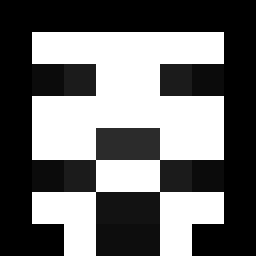 yGuiihG0D GenrayD C4rp3nterr abosaud_511
 Enderdollar jiancaiwangge AiexL Severoo_ Vladi_Buster Ciprig18 srhunterz Fight4 fotbalstoia1
 DaftPunk1998 Sotiris12 Kumsalci logan91152 BRass18 Bqnh0 Shaimer LUB684 themndd HardyLvv AshKation FrateleJardea JoschuaGHG redcore_ DemonSpy TotoYTB4 UnknownThor71 _Halibut_ MatthiasTheBest imgayA emiimi mafioznik__ eltonplima SilverAlt REMON_FORS xXRikaShadeXx HuynhHungzz Marzipan60 Lolucasanic Voices1nMyHead Froz3nPeanut N_4_K UkineSandsize DMT_3 cFR421 Himbeere_004 Pro_the_stuff Gabel12317 maxauss rsnayks CRACKERS6969 InfiniteDev Sassicaia1 JackFromStraya2 halcoxinha Uolber Checker4kTH
More Anonymous Minecraft skins
How to install the Yoshimitsaaa skin
- Press the Download button above to save the skin as a PNG file.
- Minecraft: Bedrock Edition (PE): open the Dressing Room from the main menu (or tap your character → Edit Character), go to Classic Skins → Owned, press the + (new skin) button, choose the downloaded PNG and pick the Classic (Steve) model. Works on PC and mobile; consoles cannot import custom skins.
- Minecraft: Java Edition: open the Minecraft Launcher, go to the Skins tab, click New Skin, load the PNG, pick the Classic (Steve) model and press Save & Use. You can also upload it at minecraft.net → Profile → Change Skin.
The skin does not show up after import - what should I do?
Restart Minecraft and open the Dressing Room again - imported skins sometimes appear only after a restart. Also make sure you selected the imported skin and picked the Classic (Steve) model.
Which model should I choose, Classic or Slim?
This skin is designed for the Classic (Steve) model. If you pick the wrong model, the arms of the skin will look stretched or squeezed.
Is the skin of Yoshimitsaaa free to download?
Yes. Press Download, save the PNG file and use it in Minecraft: Bedrock Edition or Java Edition - no payment or registration needed. The skin also works on multiplayer servers and Realms.
More skins
Looking for more? Go back to all Minecraft skins and check the top skins of the week, month and all time, or find any player's skin by nickname.