
Yogi9116 - Minecraft Skins & Skin History
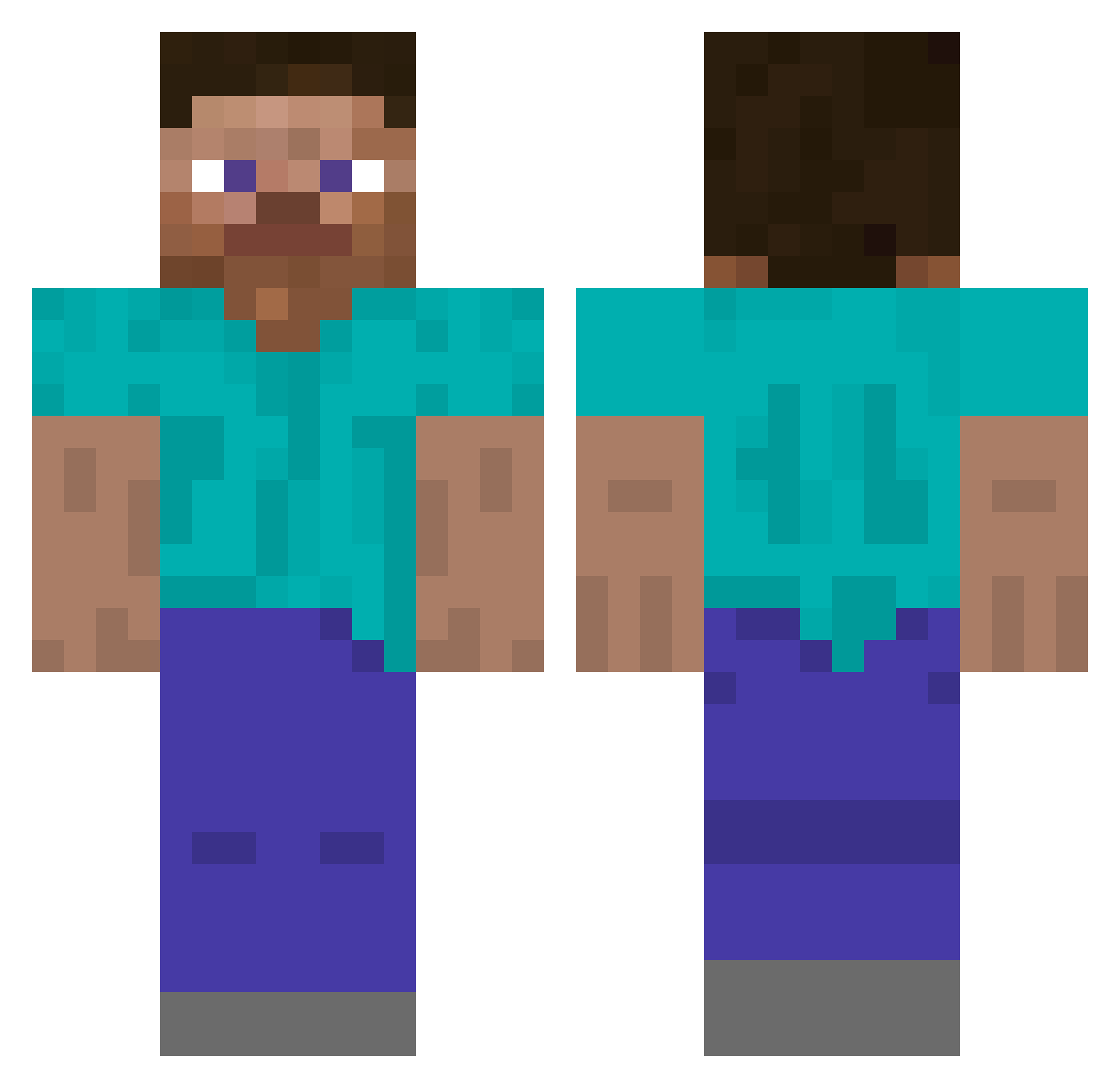
Current Minecraft skin of the player Yogi9116, loaded from the official Mojang API. Rotate the 3D model with your mouse or finger, then download the skin as a PNG file and use it in Minecraft: Bedrock Edition or Java Edition for free. When Yogi9116 changes their skin, this page updates automatically and the old skin stays in the history below.
Other players with this skin (5794)
Yogi9116 was the 5744th player we have seen with this skin, first spotted on 19.11.2026. The same skin was seen on these players. Open a nickname to see their current skin and skin history.
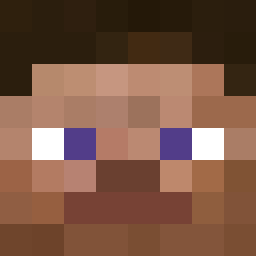 tboy3000 srthm Joblix MaxI3101 flappycupcake DripperLucy sfrfgsfsfsf Unwealthy 2nxtx monsterbca Skellysoup f3rreira_px UNCOMBED ladygaga69 Vk2_cIR_E6 Ad69_ Emane Akadema littlewf a_aronly Faunchy99 karlnufc yrcyrchaha Its_Flobi CraftBananaa jarroo rom4iko ChiiaPlant SmugMass62 letsplaygogo PINEFRESH thecoolalon Robotsama Belabor might_be_flufffy kaissy Pepela Bother PieMyGuy Jindex drunkensailor_ LinuxTheBest FOTOILOVEU Silverthief22 shortbread_0 forlamarche 0kvbsiek Glochids biy0310k Qhote Jester17 LunaaAckerman_ Yales Isaachiyrm RECKLE33 Laszzzzzlo YongMochi sieur __LegMan__ Jalies
How to install the Yogi9116 skin
- Press the Download button above to save the skin as a PNG file.
- Minecraft: Bedrock Edition (PE): open the Dressing Room from the main menu (or tap your character → Edit Character), go to Classic Skins → Owned, press the + (new skin) button, choose the downloaded PNG and pick the Classic (Steve) model. Works on PC and mobile; consoles cannot import custom skins.
- Minecraft: Java Edition: open the Minecraft Launcher, go to the Skins tab, click New Skin, load the PNG, pick the Classic (Steve) model and press Save & Use. You can also upload it at minecraft.net → Profile → Change Skin.
The skin does not show up after import - what should I do?
Restart Minecraft and open the Dressing Room again - imported skins sometimes appear only after a restart. Also make sure you selected the imported skin and picked the Classic (Steve) model.
Which model should I choose, Classic or Slim?
This skin is designed for the Classic (Steve) model. If you pick the wrong model, the arms of the skin will look stretched or squeezed.
Is the skin of Yogi9116 free to download?
Yes. Press Download, save the PNG file and use it in Minecraft: Bedrock Edition or Java Edition - no payment or registration needed. The skin also works on multiplayer servers and Realms.
More skins
Looking for more? Go back to all Minecraft skins and check the top skins of the week, month and all time, or find any player's skin by nickname.