
YoKira_ - Minecraft Skins & Skin History
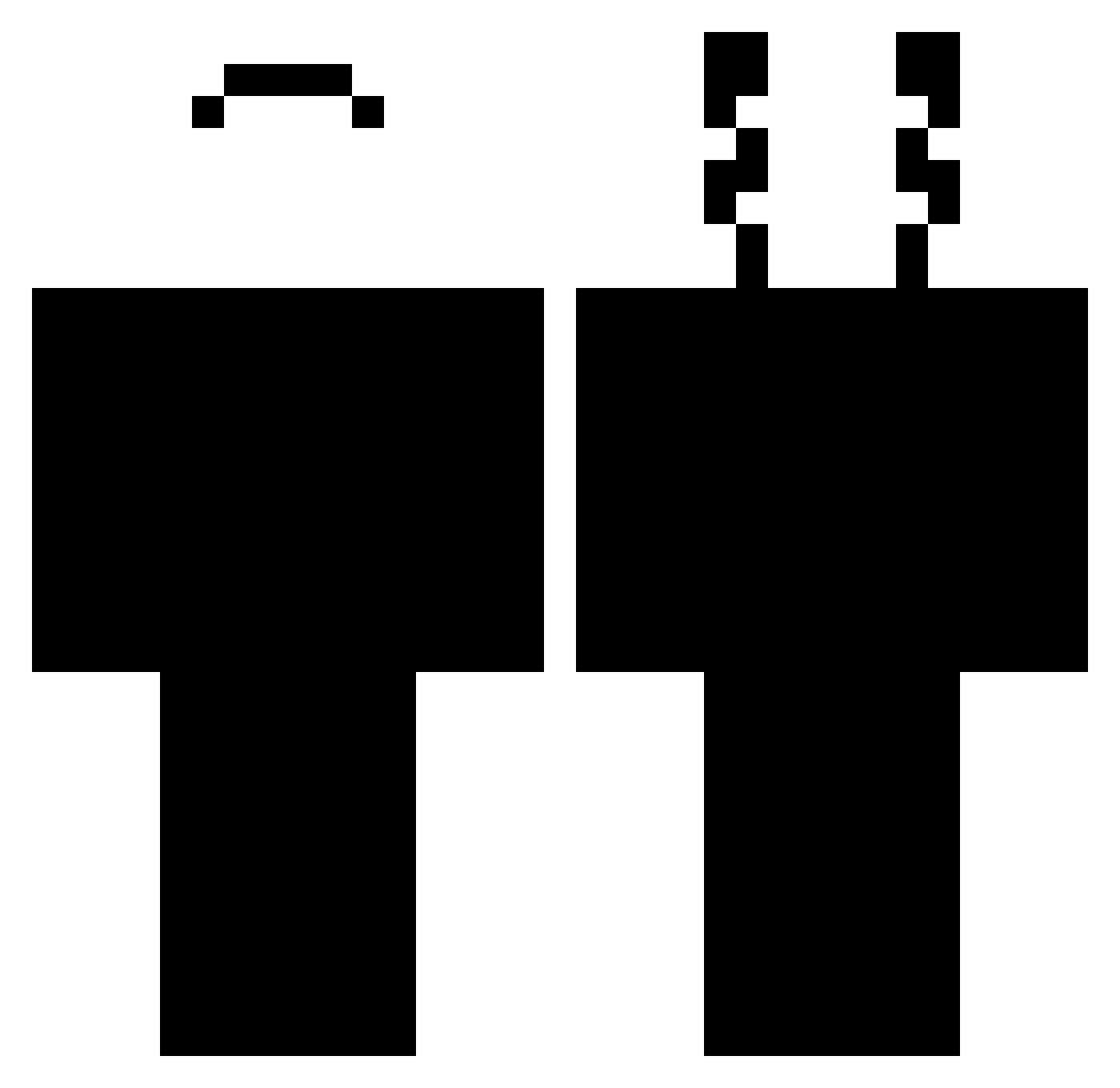
Current Minecraft skin of the player YoKira_, loaded from the official Mojang API. Rotate the 3D model with your mouse or finger, then download the skin as a PNG file and use it in Minecraft: Bedrock Edition or Java Edition for free. When YoKira_ changes their skin, this page updates automatically and the old skin stays in the history below.
Other players with this skin (444)
YoKira_ was the 188th player we have seen with this skin, first spotted on 10.09.2026. The same skin was seen on these players. Open a nickname to see their current skin and skin history.
 EstebanRoGa ProtonikTv SethoBeth LC5847 Cezlio saul2 The_nuuuuub _KindaNeedAName rhyaa 4118 Young20E juicebrecks JaxzyCJ arnau_catala14 DriitI FelipeWhyatt Eikey_ Pxlyy thomthom_23 NiMADDA BURGllR polino7567 Dulcie23 Time_For_Death Unlik3ly69 holyRechnung iN0V4 THEL6C6F6R NotRoko dzza Cheng0312 Anamizhu Justin1001 MRKMaks KilianR66 MikkiV4 6s0 xKaitenx Landusi123 InphaseArc GuiDelftFamous DarkZooJr spookybirb74 CanerOfficialYT skibidisigmah AAlhanaee Atterjes Zeyyyyyyy NEWCROSS 1WylderHund Crusade_rr JINUOOHOO Stxlidus Mestric Stonyyy7 beffl ShadowVolk Arkkj ThePeachCat _GANSO
How to install the YoKira_ skin
- Press the Download button above to save the skin as a PNG file.
- Minecraft: Bedrock Edition (PE): open the Dressing Room from the main menu (or tap your character → Edit Character), go to Classic Skins → Owned, press the + (new skin) button, choose the downloaded PNG and pick the Classic (Steve) model. Works on PC and mobile; consoles cannot import custom skins.
- Minecraft: Java Edition: open the Minecraft Launcher, go to the Skins tab, click New Skin, load the PNG, pick the Classic (Steve) model and press Save & Use. You can also upload it at minecraft.net → Profile → Change Skin.
The skin does not show up after import - what should I do?
Restart Minecraft and open the Dressing Room again - imported skins sometimes appear only after a restart. Also make sure you selected the imported skin and picked the Classic (Steve) model.
Which model should I choose, Classic or Slim?
This skin is designed for the Classic (Steve) model. If you pick the wrong model, the arms of the skin will look stretched or squeezed.
Is the skin of YoKira_ free to download?
Yes. Press Download, save the PNG file and use it in Minecraft: Bedrock Edition or Java Edition - no payment or registration needed. The skin also works on multiplayer servers and Realms.
More skins
Looking for more? Go back to all Minecraft skins and check the top skins of the week, month and all time, or find any player's skin by nickname.