
Yk21_ - Minecraft Skins & Skin History
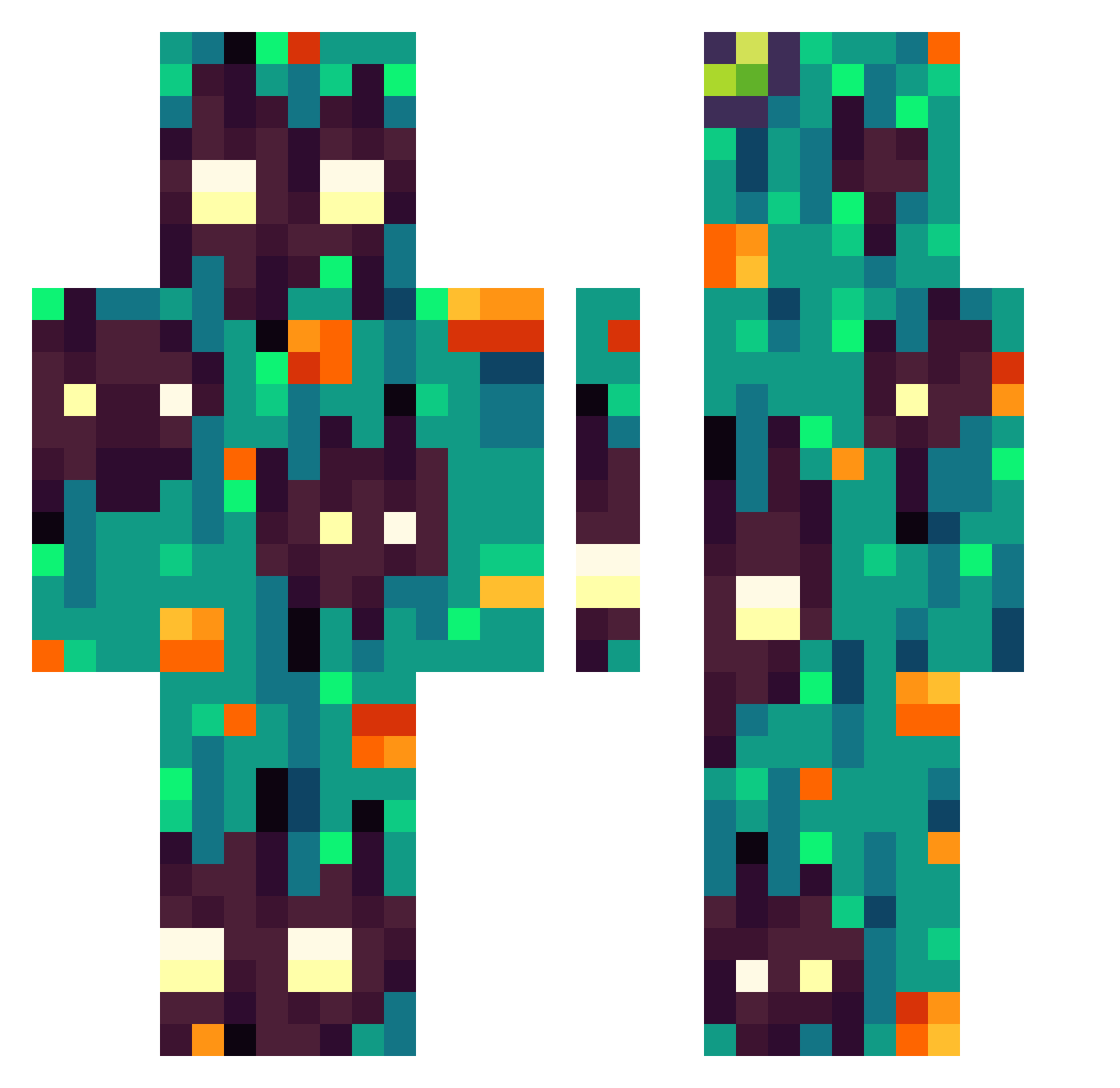
Current Minecraft skin of the player Yk21_, loaded from the official Mojang API. Rotate the 3D model with your mouse or finger, then download the skin as a PNG file and use it in Minecraft: Bedrock Edition or Java Edition for free. When Yk21_ changes their skin, this page updates automatically and the old skin stays in the history below.
Other players with this skin (303)
Yk21_ was the 226th player we have seen with this skin, first spotted on 12.10.2026. The same skin was seen on these players. Open a nickname to see their current skin and skin history.
 _Oobe_ vitor00300 _TheColdPlay_ PoteFly_YT DaZhi5599 Existering2 GhoulEffects xFinn9999x Envoybigman silly_weko bubblehbathtub Mooblah Snable_Rick Gadeym DeNIs0868 ChonkusCharlie Ellioth09 Dru2D DeusXXvi 7ENQIU DarckSunn Bronzgucu Dragon4a Karol0102 fdasfast kpolr wichura2115 javaaigo AndonyBay JesusChristmas Eledius DreaZzy57 ___Weekend___ Terrax123 Kuris27 Sor_hus314 AlakeiLeo SzymonS12345 smoltomato AtticusRoot TAJWII TrollBR Shouftu QueirozGK Santi_UwU7 BOT_CK Maximus194 DoomFather3 thevoiceoff Jengibrillo Gallitofast ProNick7209 Tearum QUINRY__ Yeet_me_away emirhan235717 MonsieurSynn Cinnamicaldehyde benjarchelo Neovocs
How to install the Yk21_ skin
- Press the Download button above to save the skin as a PNG file.
- Minecraft: Bedrock Edition (PE): open the Dressing Room from the main menu (or tap your character → Edit Character), go to Classic Skins → Owned, press the + (new skin) button, choose the downloaded PNG and pick the Classic (Steve) model. Works on PC and mobile; consoles cannot import custom skins.
- Minecraft: Java Edition: open the Minecraft Launcher, go to the Skins tab, click New Skin, load the PNG, pick the Classic (Steve) model and press Save & Use. You can also upload it at minecraft.net → Profile → Change Skin.
The skin does not show up after import - what should I do?
Restart Minecraft and open the Dressing Room again - imported skins sometimes appear only after a restart. Also make sure you selected the imported skin and picked the Classic (Steve) model.
Which model should I choose, Classic or Slim?
This skin is designed for the Classic (Steve) model. If you pick the wrong model, the arms of the skin will look stretched or squeezed.
Is the skin of Yk21_ free to download?
Yes. Press Download, save the PNG file and use it in Minecraft: Bedrock Edition or Java Edition - no payment or registration needed. The skin also works on multiplayer servers and Realms.
More skins
Looking for more? Go back to all Minecraft skins and check the top skins of the week, month and all time, or find any player's skin by nickname.