
Yellowtailor - Minecraft Skins & Skin History
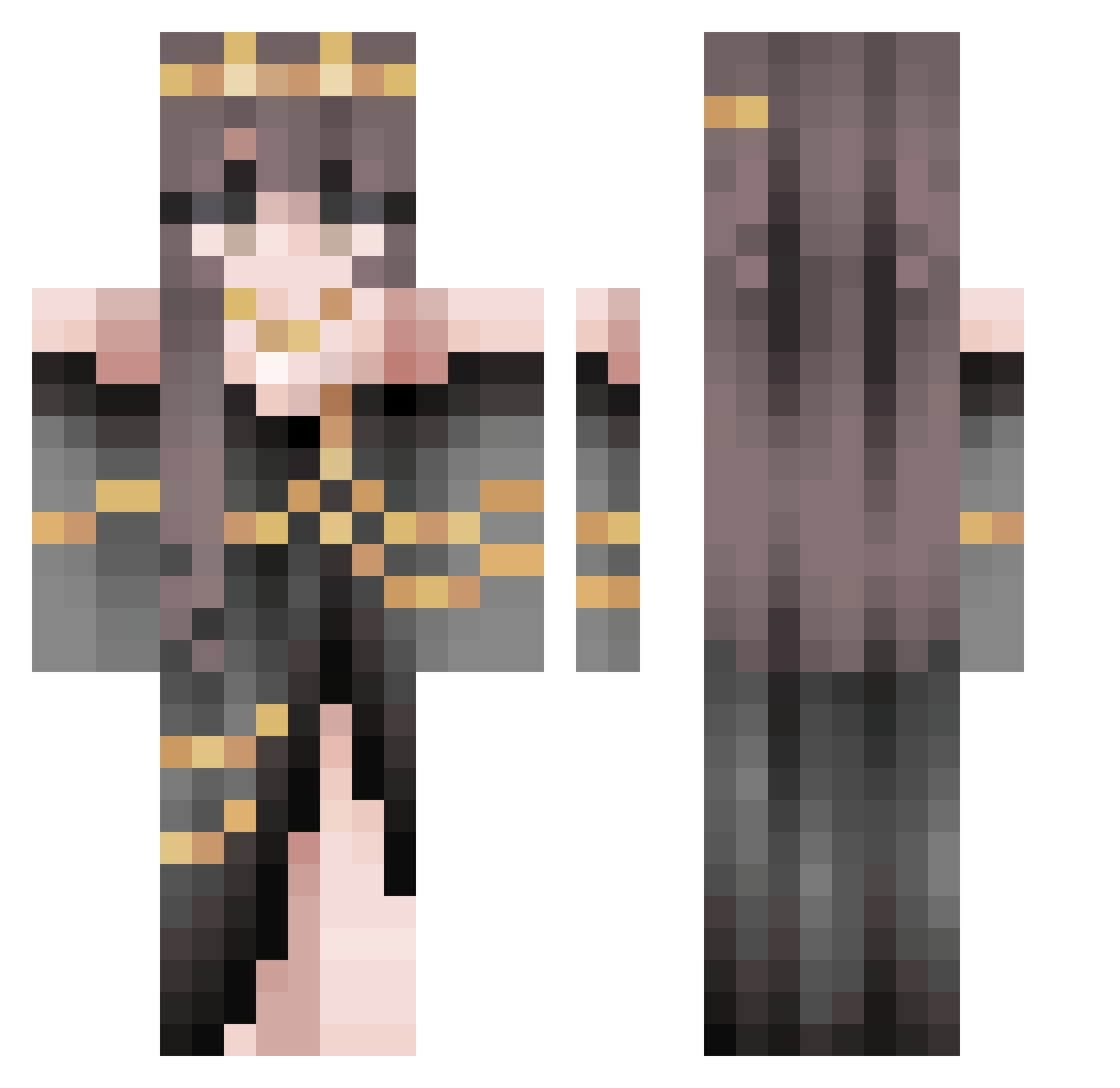
Current Minecraft skin of the player Yellowtailor, loaded from the official Mojang API. Rotate the 3D model with your mouse or finger, then download the skin as a PNG file and use it in Minecraft: Bedrock Edition or Java Edition for free. When Yellowtailor changes their skin, this page updates automatically and the old skin stays in the history below.
Other players with this skin (508)
Yellowtailor was the 375th player we have seen with this skin, first spotted on 03.10.2026. The same skin was seen on these players. Open a nickname to see their current skin and skin history.
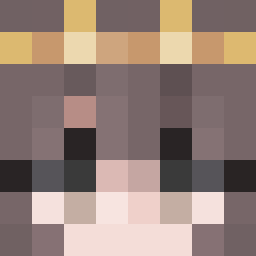 roseites MaGo_OuO Jythye Otsail TweenFoster JayTheSlayer087 Stellellaria KRISThanawat PonPonOwO0901 Mamao14 Archimedes_qie uhhhmepao LilMsSnowy JKLightss HaoDuoRenRen Eveto Cassy1610 HoDangDang blackhole5852 Madam_Conflicted IBernok LG300 xxiaobaibai Cat_Lover20 floriano1 EM689 Scenestix99 SpearMaceGod xXIceGirlXx KittyLuci13 Kati_slon NeferG CaroCJ Doot5005 myai_ PinkCowgirl26 Aundrielle Shyana Airesexe SkyYeung jyehin SAM9696 ZeeZee18 Youziwing AutumnMocha Bakedbeanie5 LuckyTea0665 uwuxxd Natacha0312 AvariciousDraig Averelia Machiavelli_q piragna dapego ItsukoxD Stardreamr Peachypeach7767 isi1003 _recklessotter fufucuddlypoop17
More Gold Jewelry Minecraft skins
How to install the Yellowtailor skin
- Press the Download button above to save the skin as a PNG file.
- Minecraft: Bedrock Edition (PE): open the Dressing Room from the main menu (or tap your character → Edit Character), go to Classic Skins → Owned, press the + (new skin) button, choose the downloaded PNG and pick the Classic (Steve) model. Works on PC and mobile; consoles cannot import custom skins.
- Minecraft: Java Edition: open the Minecraft Launcher, go to the Skins tab, click New Skin, load the PNG, pick the Classic (Steve) model and press Save & Use. You can also upload it at minecraft.net → Profile → Change Skin.
The skin does not show up after import - what should I do?
Restart Minecraft and open the Dressing Room again - imported skins sometimes appear only after a restart. Also make sure you selected the imported skin and picked the Classic (Steve) model.
Which model should I choose, Classic or Slim?
This skin is designed for the Classic (Steve) model. If you pick the wrong model, the arms of the skin will look stretched or squeezed.
Is the skin of Yellowtailor free to download?
Yes. Press Download, save the PNG file and use it in Minecraft: Bedrock Edition or Java Edition - no payment or registration needed. The skin also works on multiplayer servers and Realms.
More skins
Looking for more? Go back to all Minecraft skins and check the top skins of the week, month and all time, or find any player's skin by nickname.