
YOSHUA5555 - Minecraft Skins & Skin History
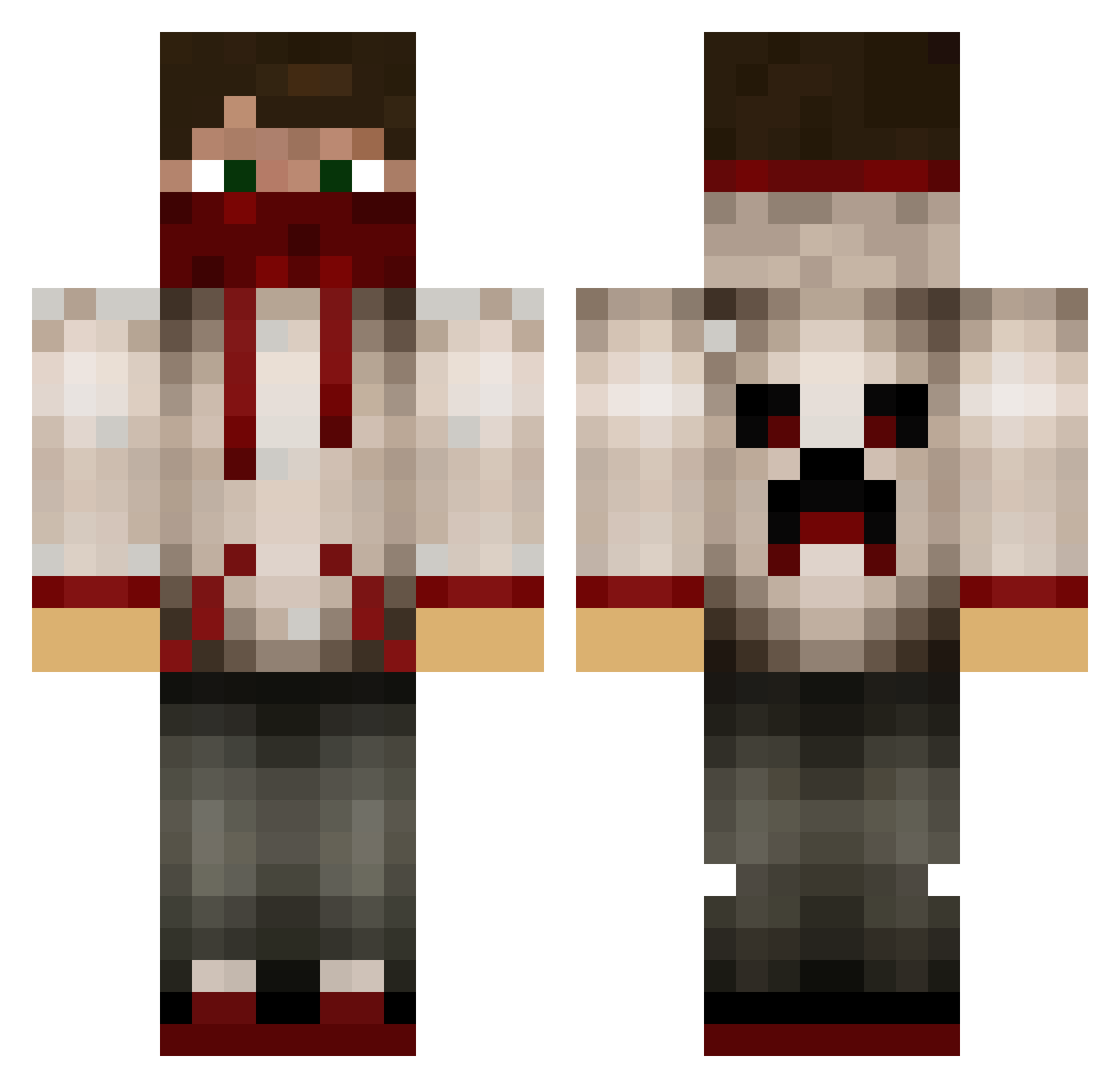
Current Minecraft skin of the player YOSHUA5555, loaded from the official Mojang API. Rotate the 3D model with your mouse or finger, then download the skin as a PNG file and use it in Minecraft: Bedrock Edition or Java Edition for free. When YOSHUA5555 changes their skin, this page updates automatically and the old skin stays in the history below.
Other players with this skin (629)
YOSHUA5555 was the 121st player we have seen with this skin, first spotted on 12.08.2026. The same skin was seen on these players. Open a nickname to see their current skin and skin history.
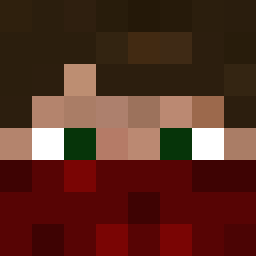 darkrogue99 demisec bindi8 Finlayxd shane0864 MrSmiley72 StEfAn186 straightsight XSlyDinosourX FrozedChicken hurriganes02 awesomeguyhere56 fitzy747 abp_1 Krille29 DerJonas5 supppp1 NostalgiaSupreme Systemx86 minercaden slowmikachu Darkjak176 BaconGaming13 ImPawelek18 Grilled_Vandex thieler1234 hoyt2025 thedoom13 ivanthekidrsmine sugarconroy1 maccam1501 NoPotZone gray467 Di4mondC0ll3ctor That_Dumb_Kid Minecraftland22 Gard89 tannerdood Spenser456 mk12321 Hamwood Hundurry CrazyPali Village1986 ReaperLMC CKL75 aluddy edo_ram WeetiVe draculaboy Decleater banditjak EP04 JLH05 Xm1gamerX andygs91 GA_Poldy Strays DMCCO13 osamaomar
More Bandana Minecraft skins
How to install the YOSHUA5555 skin
- Press the Download button above to save the skin as a PNG file.
- Minecraft: Bedrock Edition (PE): open the Dressing Room from the main menu (or tap your character → Edit Character), go to Classic Skins → Owned, press the + (new skin) button, choose the downloaded PNG and pick the Classic (Steve) model. Works on PC and mobile; consoles cannot import custom skins.
- Minecraft: Java Edition: open the Minecraft Launcher, go to the Skins tab, click New Skin, load the PNG, pick the Classic (Steve) model and press Save & Use. You can also upload it at minecraft.net → Profile → Change Skin.
The skin does not show up after import - what should I do?
Restart Minecraft and open the Dressing Room again - imported skins sometimes appear only after a restart. Also make sure you selected the imported skin and picked the Classic (Steve) model.
Which model should I choose, Classic or Slim?
This skin is designed for the Classic (Steve) model. If you pick the wrong model, the arms of the skin will look stretched or squeezed.
Is the skin of YOSHUA5555 free to download?
Yes. Press Download, save the PNG file and use it in Minecraft: Bedrock Edition or Java Edition - no payment or registration needed. The skin also works on multiplayer servers and Realms.
More skins
Looking for more? Go back to all Minecraft skins and check the top skins of the week, month and all time, or find any player's skin by nickname.