
XxEthan_ - Minecraft Skins & Skin History
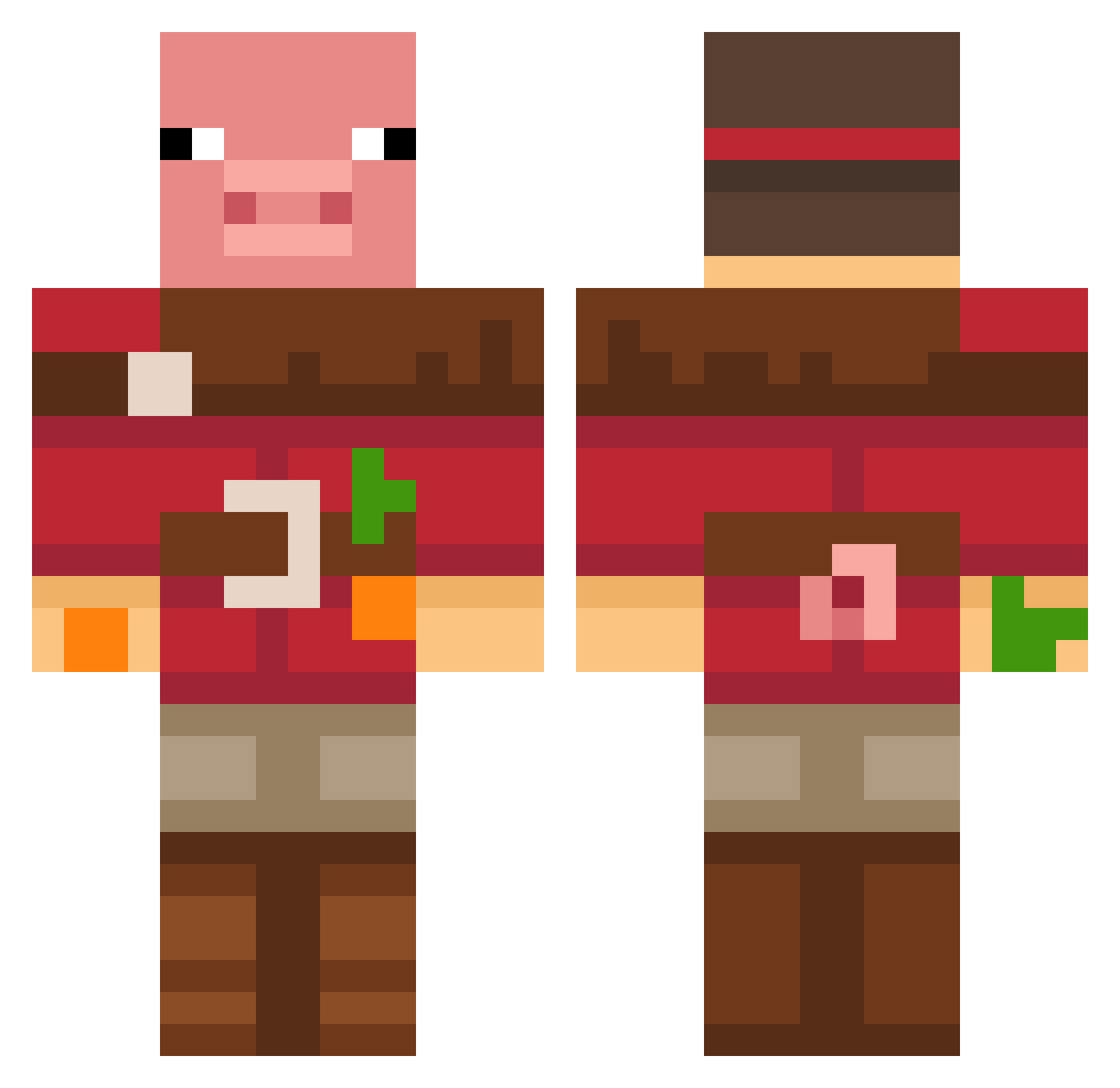
Current Minecraft skin of the player XxEthan_, loaded from the official Mojang API. Rotate the 3D model with your mouse or finger, then download the skin as a PNG file and use it in Minecraft: Bedrock Edition or Java Edition for free. When XxEthan_ changes their skin, this page updates automatically and the old skin stays in the history below.
Other players with this skin (677)
XxEthan_ was the 599th player we have seen with this skin, first spotted on 25.10.2026. The same skin was seen on these players. Open a nickname to see their current skin and skin history.
 Swoopnoop prequice METAMORPHOSIS322 Pillowx_ fondlime4463550 EstoyenlaParra BMXLeVrai Sandaaaaali EDM_RADEO pggamer10 Valafel RAVEWOLffff Z3RN AngleCrack badiglio PANCHIKES Built1 4TOH Elcapitan6 Laattitude LGH0409 seungacha BottleZip runstarrr theusin313 soydaboiiiii bori0917 RestrictedM DrunSeloMolo4noe Guillermo44 CoolGamers1234 THE_retrac_ Viiilu nixontiger8 FranPat PJBonoVox2 schwarzerkater7 RAuman23 slabclimber yunu5211 adran99 HelloItsAft1 Turbothesnail_12 Deadshade01 Jayd440 ActuallyAntho Planetar3 Anzak10 JonasLLLL Oliverdri WeissVM Illigee nightrazerfather _KingNic_ iamsumone1 Sigma_Prock69 donggeuni Exultz diamant8899 i__m_noob
More Pig Minecraft skins
How to install the XxEthan_ skin
- Press the Download button above to save the skin as a PNG file.
- Minecraft: Bedrock Edition (PE): open the Dressing Room from the main menu (or tap your character → Edit Character), go to Classic Skins → Owned, press the + (new skin) button, choose the downloaded PNG and pick the Classic (Steve) model. Works on PC and mobile; consoles cannot import custom skins.
- Minecraft: Java Edition: open the Minecraft Launcher, go to the Skins tab, click New Skin, load the PNG, pick the Classic (Steve) model and press Save & Use. You can also upload it at minecraft.net → Profile → Change Skin.
The skin does not show up after import - what should I do?
Restart Minecraft and open the Dressing Room again - imported skins sometimes appear only after a restart. Also make sure you selected the imported skin and picked the Classic (Steve) model.
Which model should I choose, Classic or Slim?
This skin is designed for the Classic (Steve) model. If you pick the wrong model, the arms of the skin will look stretched or squeezed.
Is the skin of XxEthan_ free to download?
Yes. Press Download, save the PNG file and use it in Minecraft: Bedrock Edition or Java Edition - no payment or registration needed. The skin also works on multiplayer servers and Realms.
More skins
Looking for more? Go back to all Minecraft skins and check the top skins of the week, month and all time, or find any player's skin by nickname.